
Framer
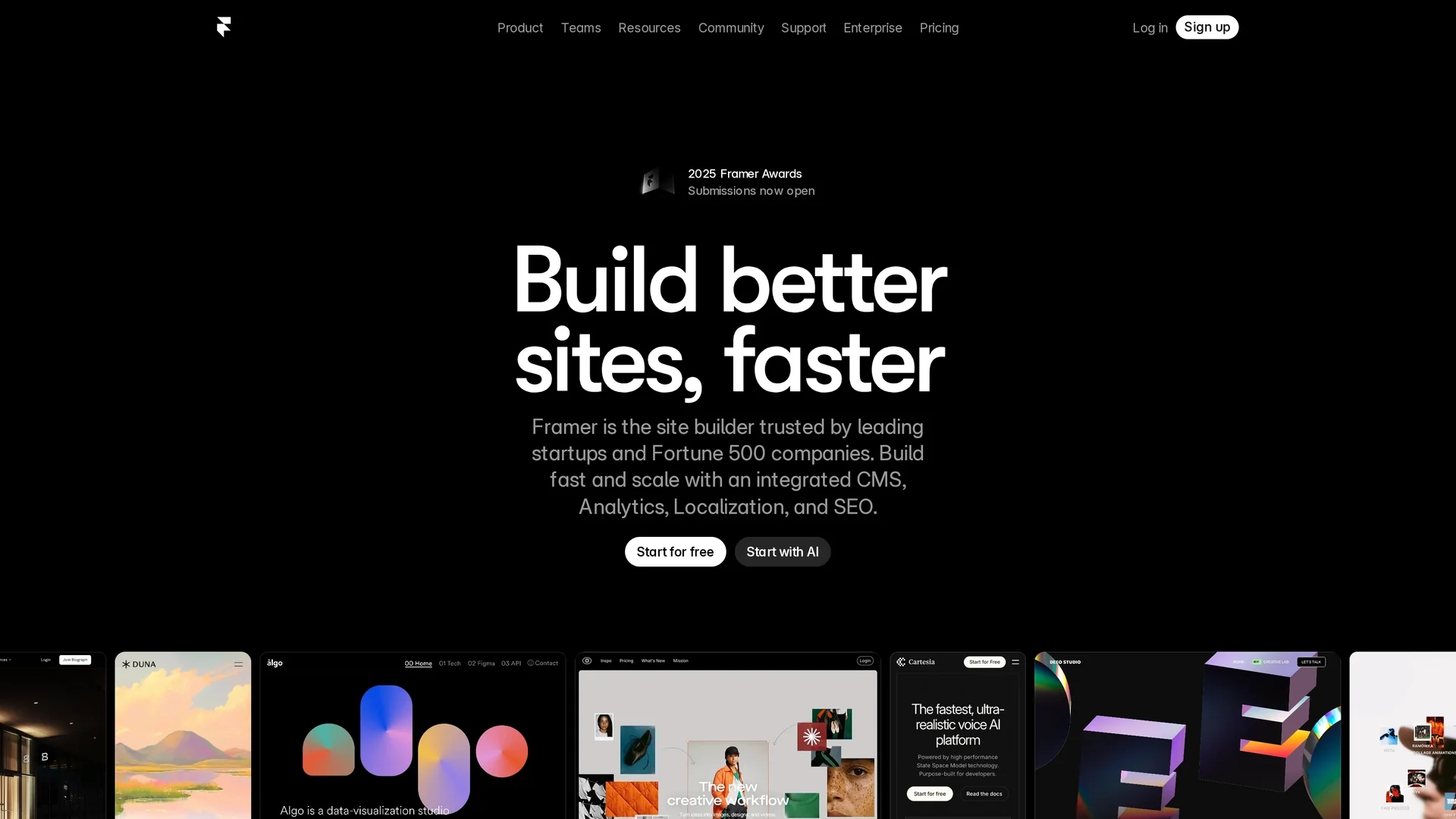
AI-powered no-code website builder that helps designers and teams create responsive, interactive sites quickly using visual editing, AI-generated layouts, built-in CMS, and global hosting.
Disclaimer: Visionary Hub is not affiliated with, endorsed by, or the operator of this tool. All trademarks, logos, and content are the property of their respective owners. Full disclaimer available here
Key Features
AI Wireframer
Generates responsive page layouts from text prompts, saving layout time.
Visual Editor
Drag-and-drop responsive canvas with grids, breakpoints, and live preview.
Workshop Components
Auto-generates interactive elements like sliders, tabs, and micro-interactions.
Built-in CMS
Manage dynamic collections, blogs, and relational content without external tools.
Animations & Interactions
Parallax, scroll effects, Lottie, and Rive support with no code.
Advanced Analytics
Heatmaps, A/B testing, funnels, and performance tracking on Pro+ plans.
SEO & Hosting
Global CDN, custom domains, SSL, and built-in SEO tools.
Get Started
Share & Save
Share on Social Media
Why Choose Framer
AI-First Speed:
Generate production-ready sites in minutes using AI layouts and components.Designer Control:
Figma import, precise animations, and visual editing keep design fidelity without code.Scalable Performance:
Global CDN, caching, and analytics handle high-traffic sites within plan limits.All-in-One Platform:
CMS, SEO tools, hosting, and collaboration reduce external dependencies.
Pricing
Framer offers Free, Basic ($10/month billed annually), Pro ($30/month annual or $40/month monthly), Scale ($100/month annual plus usage fees), and Enterprise with custom pricing. Plan limits vary by pages, CMS collections, bandwidth, and support — check the official pricing page for details.
About Framer
AI-powered no-code website builder that helps designers and teams create responsive, interactive sites quickly using visual editing, AI-generated layouts, built-in CMS, and global hosting.
What Framer Does
Framer is an AI-powered no-code website builder that enables designers and teams to design, publish, and manage responsive, interactive websites from a visual canvas. It reduces development time by generating layouts and components from prompts and offering live previews.
Key capabilities include Wireframer for AI-generated page structures, Workshop for interactive components, drag-and-drop editing, Figma import, a built-in CMS for dynamic content, advanced animations (Lottie, Rive), and global hosting with analytics and A/B testing.
Typical use cases include portfolios, landing pages, product sites, and agency projects where rapid prototyping and fast production launches are required, from startups to larger enterprises.
Pros & Cons
Designer-friendly
Intuitive for Figma users with real-time previews and precise controls.
Powerful AI
Wireframer and Workshop accelerate layout and component creation.
High performance
Fast hosting and CDN optimize load times and animations.
Free tier
Substantial free plan for testing and non-commercial projects.
Page & CMS limits
Plans restrict pages, CMS collections, and items, potentially forcing upgrades.
Usage-based pricing
Scale plan adds usage fees, increasing costs unpredictably for high traffic.
No free domain
Custom domains require paid plans; free tier uses a Framer subdomain.
Frequently Asked Questions
Framer's pricing includes Free, Basic ($10/mo billed annually), Pro ($30/mo annual or $40/mo monthly), Scale ($100/mo annual plus usage fees), and Enterprise custom pricing. Features and limits vary by pages, CMS collections, bandwidth, and support.
Yes. Framer's AI tools like Wireframer and the drag-and-drop visual editor make the platform accessible to non-designers, though familiarity with design concepts or Figma helps for advanced layouts and customization.
Framer has limited native eCommerce features and relies on third-party integrations for payments and storefronts. It does not provide a comprehensive native storefront or advanced product management features.
Yes. Framer supports seamless Figma import via a plugin, preserving wireframes, UI kits, and layers so teams can continue design work and refine responsive layouts within Framer's visual editor.
Similar Tools You Might Like
Discover more AI-powered tools that complement your workflow



List Your AI Tool & Reach Thousands of Users
Join 500+ AI innovators already thriving on our platform. Get visibility, feedback, and boost your conversions.
Expand Your Audience
Connect with over 50,000 AI enthusiasts actively looking for tools like yours.
Boost Your Authority
Get verified reviews and ratings to build credibility in the AI marketplace.
Drive Conversions
Our premium placements and targeted audience deliver quality leads and sign-ups.