
FormToExcel
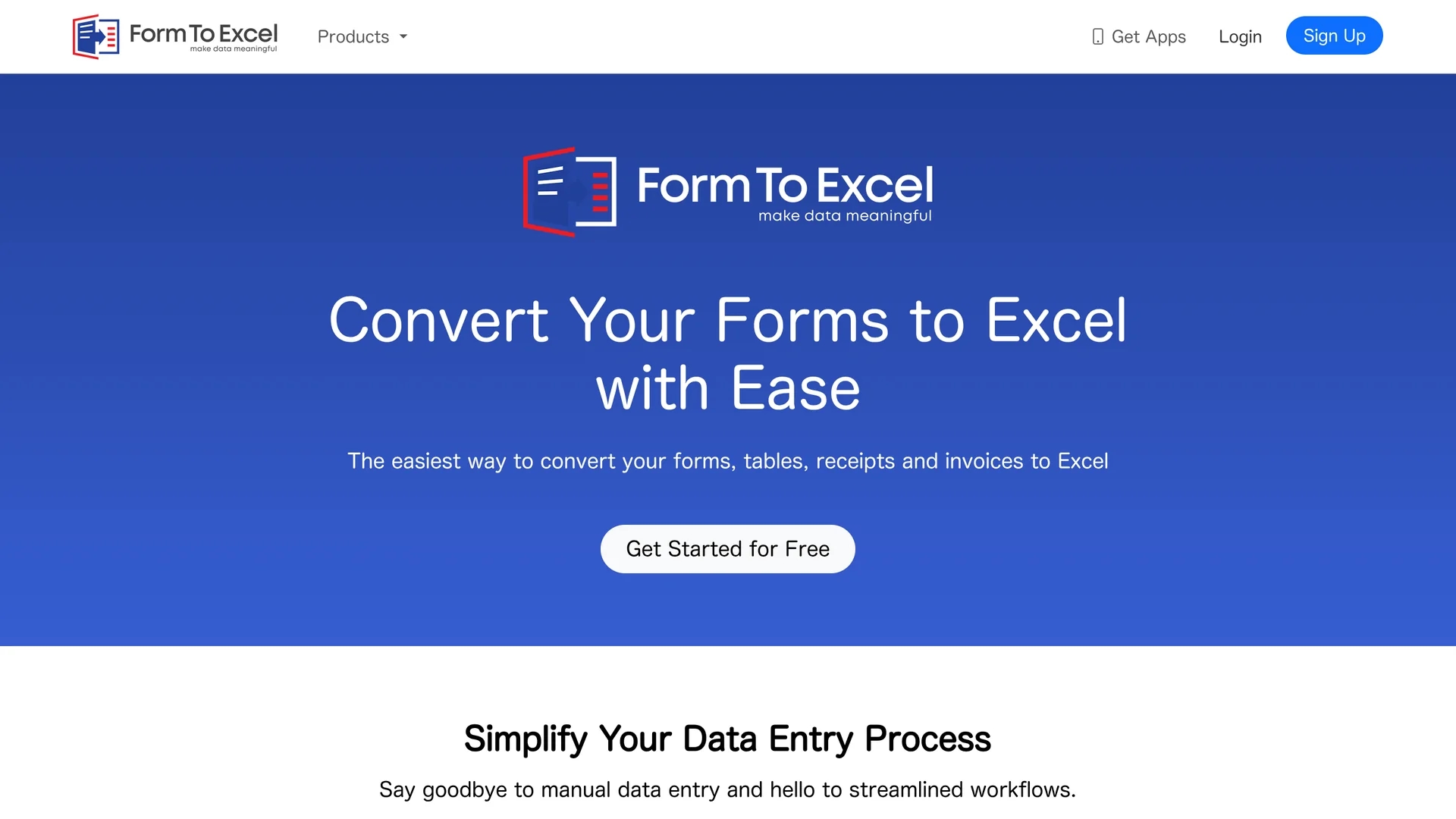
FormToExcel is an AI-powered tool that automates data extraction from PDFs and scanned images, recognizing text fields, checkboxes, and radio buttons for seamless Excel export and analysis.
Disclaimer: Visionary Hub is not affiliated with, endorsed by, or the operator of this tool. All trademarks, logos, and content are the property of their respective owners. Full disclaimer available here
Key Features
Automated Extraction
Extracts data from PDFs and scanned images without manual input.
Field Recognition
Identifies text fields, checkboxes, and radio buttons accurately.
Excel Export
Directly exports extracted data into Microsoft Excel spreadsheets.
Mobile Apps
Planned mobile applications for convenient on-the-go data extraction.
Get Started
Share & Save
Share on Social Media
Why Choose FormToExcel
High Accuracy:
AI engine precisely recognizes multiple field types for reliable data extraction.Excel Integration:
Exports data directly into Excel, simplifying analysis and reporting.Mobile Access:
Upcoming apps enable data extraction on the go at conferences or job sites.
Pricing
FormToExcel offers a free trial to start. For detailed pricing plans and subscription options, visit the official pricing page on their website.
About FormToExcel
FormToExcel is an AI-powered tool that automates data extraction from PDFs and scanned images, recognizing text fields, checkboxes, and radio buttons for seamless Excel export and analysis.
What FormToExcel Does
FormToExcel automates the extraction of data from PDFs and scanned images, converting various form types into structured Excel spreadsheets. This reduces manual data entry and errors, saving time for users.
Its AI engine recognizes different field types such as text fields, checkboxes, and radio buttons, ensuring accurate data capture. The tool integrates directly with Microsoft Excel, allowing users to export extracted data seamlessly for analysis.
Industries like market research, finance, and administration can benefit from FormToExcel by efficiently managing survey responses, invoices, and receipts with improved productivity.
Pros & Cons
Efficiency
Reduces manual data entry time and errors significantly.
User-Friendly
Seamless integration with Excel simplifies workflow for users.
Mobile Apps Pending
Mobile applications are not yet available, limiting on-the-go use.
Pricing Details
Specific pricing plans are not publicly detailed on the homepage.
Frequently Asked Questions
It processes PDFs and scanned images including forms, tables, receipts, and invoices.
Yes, it integrates seamlessly to export extracted data directly into Excel spreadsheets.
Mobile apps are planned but not yet released; they will enable data extraction on the go.
Yes, users can start with a free trial to test the tool’s capabilities.
FormToExcel is developed by AI Asset Management LLC.
Similar Tools You Might Like
Discover more AI-powered tools that complement your workflow



List Your AI Tool & Reach Thousands of Users
Join 500+ AI innovators already thriving on our platform. Get visibility, feedback, and boost your conversions.
Expand Your Audience
Connect with over 50,000 AI enthusiasts actively looking for tools like yours.
Boost Your Authority
Get verified reviews and ratings to build credibility in the AI marketplace.
Drive Conversions
Our premium placements and targeted audience deliver quality leads and sign-ups.