Flying Dog
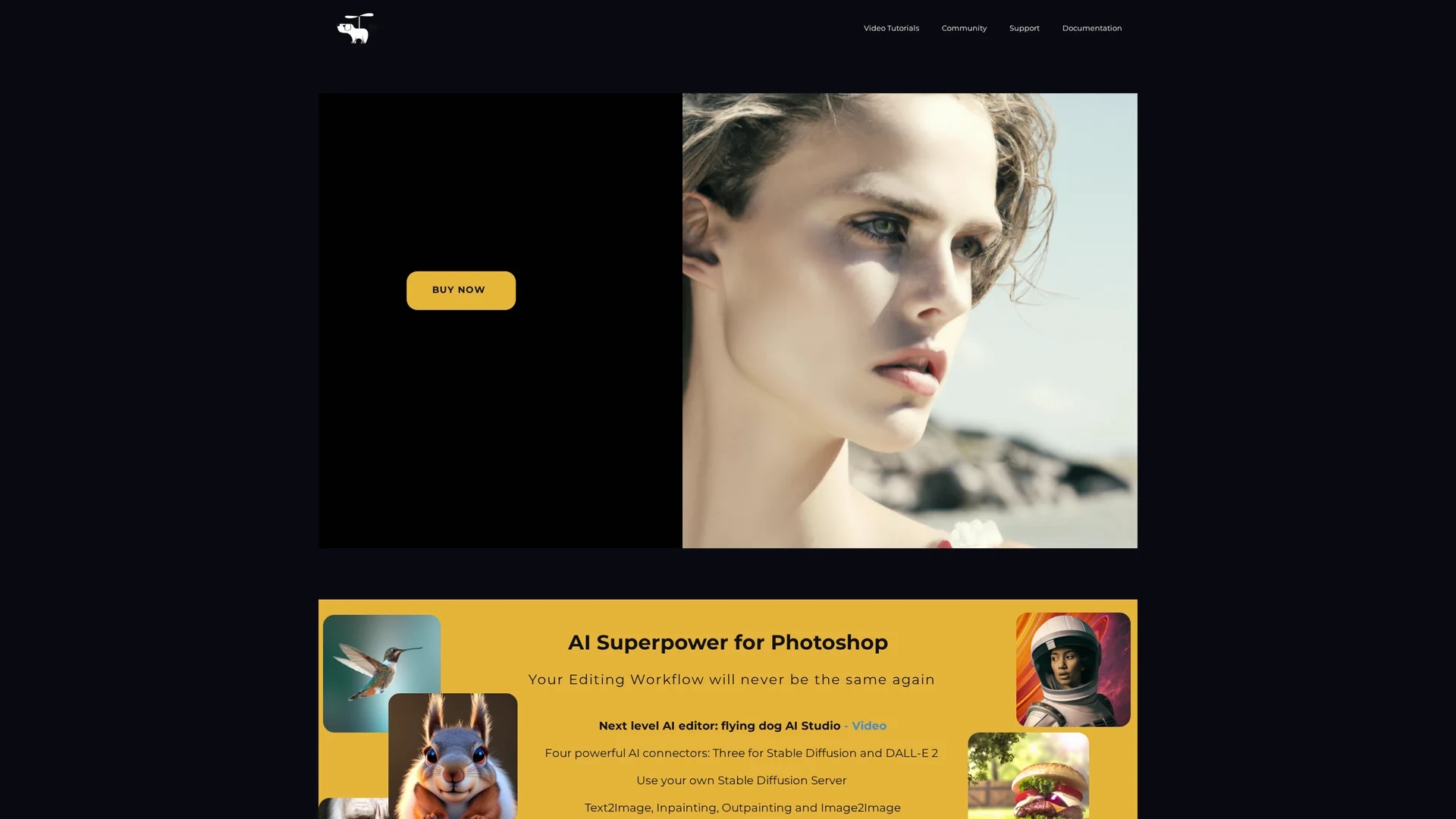
Flying Dog is an AI-powered Photoshop editor offering inpainting, outpainting, text-to-image, and image library modification features to enhance image editing workflows.
Disclaimer: Visionary Hub is not affiliated with, endorsed by, or the operator of this tool. All trademarks, logos, and content are the property of their respective owners. Full disclaimer available here
Key Features
Inpainting
Edit and repair images by filling selected areas intelligently.
Outpainting
Expand images beyond original borders with AI-generated content.
Text-to-Image
Create custom images from textual descriptions within Photoshop.
Image Library Modification
Fine-tune and manage image collections using AI-powered tools.
Get Started
Share & Save
Share on Social Media
Why Choose Flying Dog
AI Integration:
Seamlessly integrates AI features directly into Photoshop workflows.Multiple Connectors:
Supports four AI connectors for flexible image generation options.Local & Cloud:
Offers local GPU processing and cloud fallback for stability.
Pricing
Flying Dog is sold through Adobe's marketplace. Pricing details are available on Adobe Exchange. Contact Adobe Support for purchase-related inquiries and refunds.
About Flying Dog
Flying Dog is an AI-powered Photoshop editor offering inpainting, outpainting, text-to-image, and image library modification features to enhance image editing workflows.
What Flying Dog Does
Flying Dog extends Photoshop with AI capabilities that accelerate and simplify image editing tasks. It enables users to perform inpainting and outpainting, create images from text prompts, and modify image libraries with finetuning options.
The tool supports four AI connectors, including Stable Diffusion variants and DALL-E 2, allowing both local and cloud-based processing. It leverages advanced models like Dreambooth and Runway Inpainting to deliver high-quality results within Photoshop's native environment.
Flying Dog is suitable for industries such as graphic design, digital art, marketing, and photography, where efficient image creation and editing are essential.
Pros & Cons
Workflow Efficiency
Speeds up editing tasks with AI-powered automation.
High-Quality Output
Delivers superior image generation using advanced AI models.
Hardware Requirement
Requires a decent Nvidia GPU for local AI processing.
Installation Needed
Local installation is necessary, which may be complex for some users.
Frequently Asked Questions
Requires Photoshop v23.5+, Windows or Linux PC with Nvidia GPU for local AI features.
Yes, via DALL-E 2 or StabilityAI cloud connectors without local installation.
A test version is currently in development and not yet available.
Use the Discord community or email [email protected] for assistance.
Refunds are handled through Adobe Support as the product is sold via Adobe marketplace.
Similar Tools You Might Like
Discover more AI-powered tools that complement your workflow
List Your AI Tool & Reach Thousands of Users
Join 500+ AI innovators already thriving on our platform. Get visibility, feedback, and boost your conversions.
Expand Your Audience
Connect with over 50,000 AI enthusiasts actively looking for tools like yours.
Boost Your Authority
Get verified reviews and ratings to build credibility in the AI marketplace.
Drive Conversions
Our premium placements and targeted audience deliver quality leads and sign-ups.