Flowtext.io
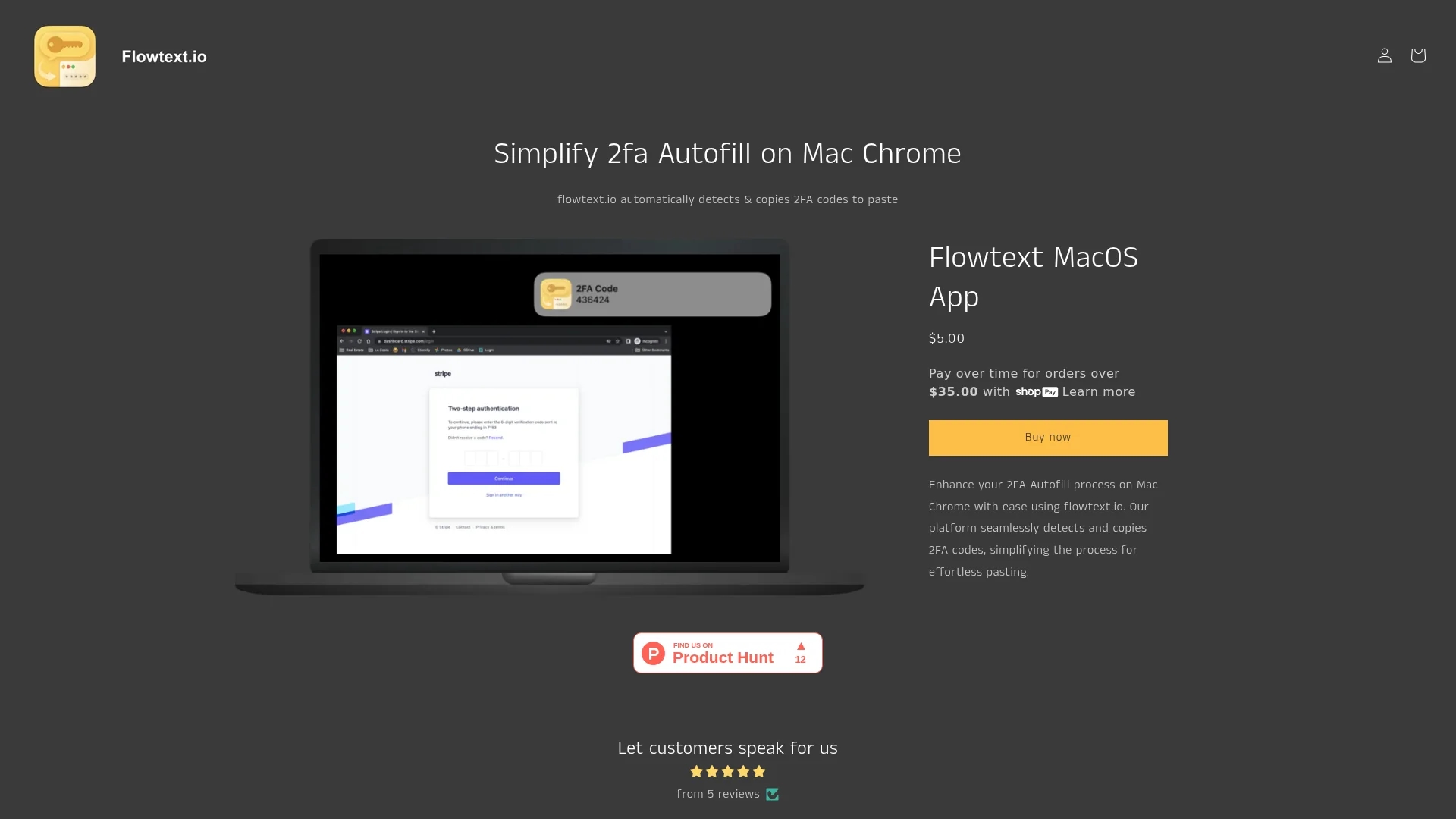
MacOS app that simplifies 2FA autofill by automatically detecting and copying SMS codes for easy pasting in Chrome.
Disclaimer: Visionary Hub is not affiliated with, endorsed by, or the operator of this tool. All trademarks, logos, and content are the property of their respective owners. Full disclaimer available here
Key Features
2FA Code Detection
Automatically scans incoming SMS for authentication codes.
Clipboard Copy
Copies detected codes instantly to clipboard.
Service Compatibility
Supports multiple popular services requiring 2FA.
User Notifications
Alerts users when a new 2FA code is detected.
Get Started
Share & Save
Share on Social Media
Why Choose Flowtext.io
Automatic Detection:
Detects 2FA codes from SMS messages without manual input.Clipboard Integration:
Copies codes directly to clipboard for easy pasting.Wide Service Support:
Compatible with banks, Instagram, GitHub, GMail, and more.
Pricing
Flowtext MacOS App is available for a one-time purchase of $5.00. For detailed pricing, visit the official product page.
About Flowtext.io
MacOS app that simplifies 2FA autofill by automatically detecting and copying SMS codes for easy pasting in Chrome.
What Flowtext.io Does
Flowtext.io automatically detects incoming SMS messages containing two-factor authentication codes and copies them to the clipboard, allowing users to quickly paste codes into login fields. This reduces manual effort and accelerates the authentication process.
The app supports various services including banks, Instagram, GitHub, and GMail. It integrates with MacOS and Chrome, notifying users upon code detection and enabling seamless autofill. Flowtext.io uses MacOS native technologies to securely scan SMS messages without sending data externally.
This tool is ideal for users who rely on 2FA for enhanced security across multiple platforms, including individuals and professionals managing sensitive accounts.
Pros & Cons
Time Saving
Eliminates manual copying and pasting of 2FA codes.
Privacy Focused
Does not transmit user data outside the device.
Platform Limitation
Currently supports only MacOS with iMessage SMS.
Browser Restriction
Designed specifically for Chrome on Mac.
Frequently Asked Questions
It detects incoming SMS 2FA codes and copies them to your clipboard for easy pasting.
Yes, it keeps data local and does not send any information outside your computer.
It currently supports MacOS computers using iMessage SMS messages.
Supports banks, Instagram, GitHub, GMail, and other services using 2FA codes.
Download and install the app from the website or app store, then follow setup instructions.
Similar Tools You Might Like
Discover more AI-powered tools that complement your workflow


List Your AI Tool & Reach Thousands of Users
Join 500+ AI innovators already thriving on our platform. Get visibility, feedback, and boost your conversions.
Expand Your Audience
Connect with over 50,000 AI enthusiasts actively looking for tools like yours.
Boost Your Authority
Get verified reviews and ratings to build credibility in the AI marketplace.
Drive Conversions
Our premium placements and targeted audience deliver quality leads and sign-ups.