
Flowshot
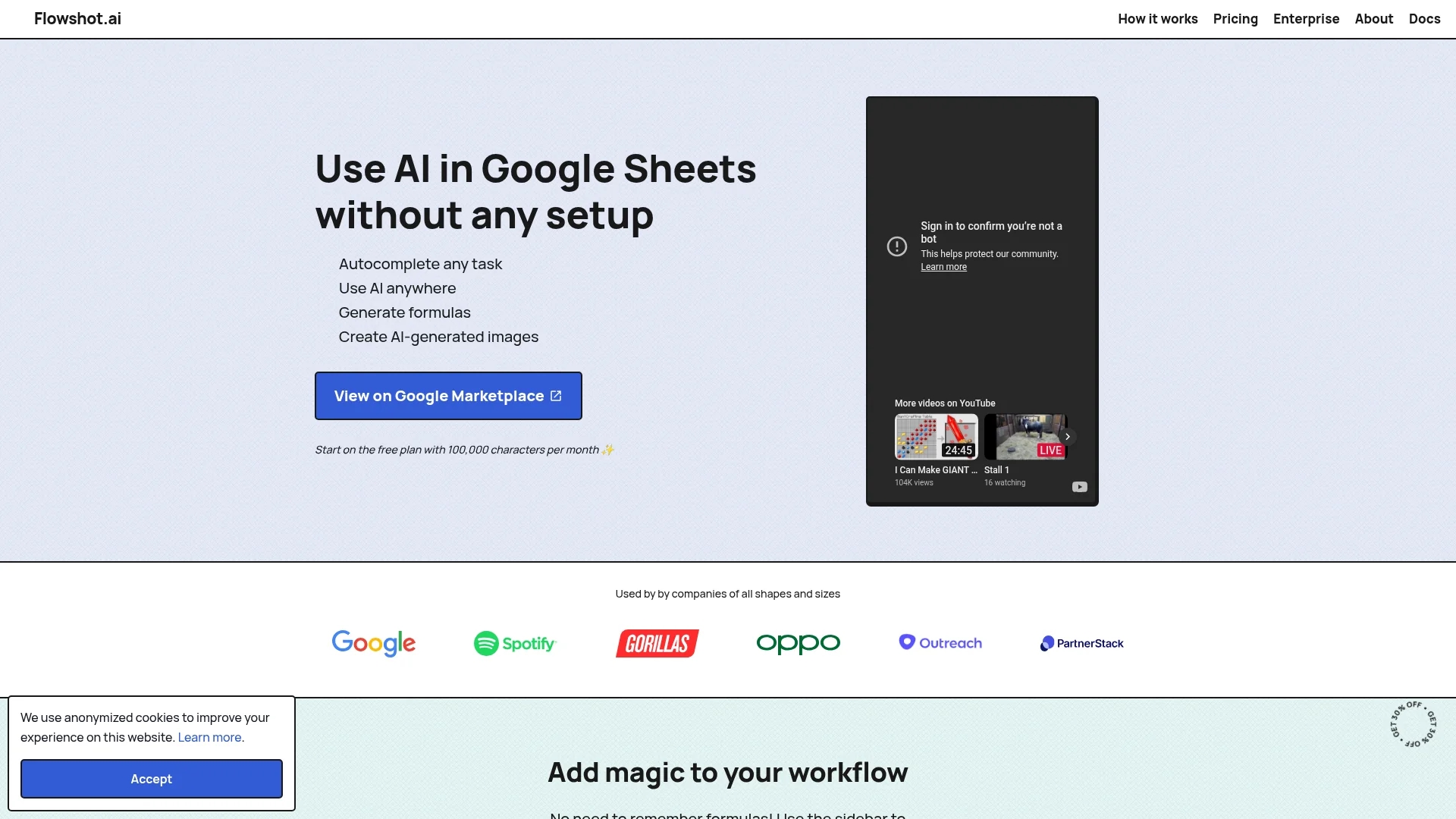
Flowshot is an AI toolkit integrating with Google Sheets to automate tasks, generate formulas, and train custom AI models without technical skills.
Disclaimer: Visionary Hub is not affiliated with, endorsed by, or the operator of this tool. All trademarks, logos, and content are the property of their respective owners. Full disclaimer available here
Key Features
AI Prompts
Generate text and automate tasks using natural language prompts.
Autocomplete
Complete data ranges by providing example inputs.
Formula Generation
Create complex Google Sheets formulas from simple instructions.
Image Generation
Produce AI-generated images directly within spreadsheets.
Get Started
Share & Save
Share on Social Media
Why Choose Flowshot
Google Sheets Integration:
Seamlessly integrates AI directly into Google Sheets workflows.Custom Model Training:
Train AI models tailored to specific tasks with example data.No Technical Setup:
Use powerful AI features without coding or API keys.
Pricing
Flowshot offers a free plan with 100,000 characters per month and unlimited formula use. Paid plans start at $9/month for 3M characters, scaling up to enterprise plans with custom pricing. Annual billing includes 2 months free.
About Flowshot
Flowshot is an AI toolkit integrating with Google Sheets to automate tasks, generate formulas, and train custom AI models without technical skills.
What Flowshot Does
Flowshot enables users to harness AI capabilities directly within Google Sheets, automating text-based tasks such as copywriting, data extraction, translation, and sales pitch generation. It benefits users by reducing manual workload and enhancing productivity.
Key features include AI prompts for generating content, autocomplete to fill data ranges based on examples, custom AI model training for specialized tasks, and AI-generated formulas and images. The tool uses a combination of proprietary and OpenAI models, automatically selecting the best AI for each task.
Industries such as marketing, sales, data analysis, and content creation can leverage Flowshot to automate workflows, improve data handling, and generate creative assets efficiently.
Pros & Cons
User-Friendly
No coding skills required to use AI within spreadsheets.
Flexible Pricing
Free and scalable paid plans with generous character limits.
Google Sheets Only
Functionality limited to Google Sheets environment.
Character Limits
Monthly character quotas may restrict heavy usage.
Frequently Asked Questions
Install Flowshot from the Google Workspace Marketplace and access it via the Extensions menu in Google Sheets.
Flowshot uses a blend of in-house AI models and providers like OpenAI, automatically selecting the best model per task.
It automates text tasks like copywriting, data extraction, translation, and sales pitch generation within Google Sheets.
Custom model training and usage are billed at cost price, with plans including character limits and no minimum contracts.
Yes, Flowshot offers a free plan with 100,000 characters per month and unlimited formula use.
Similar Tools You Might Like
Discover more AI-powered tools that complement your workflow
List Your AI Tool & Reach Thousands of Users
Join 500+ AI innovators already thriving on our platform. Get visibility, feedback, and boost your conversions.
Expand Your Audience
Connect with over 50,000 AI enthusiasts actively looking for tools like yours.
Boost Your Authority
Get verified reviews and ratings to build credibility in the AI marketplace.
Drive Conversions
Our premium placements and targeted audience deliver quality leads and sign-ups.