
FireCut AI
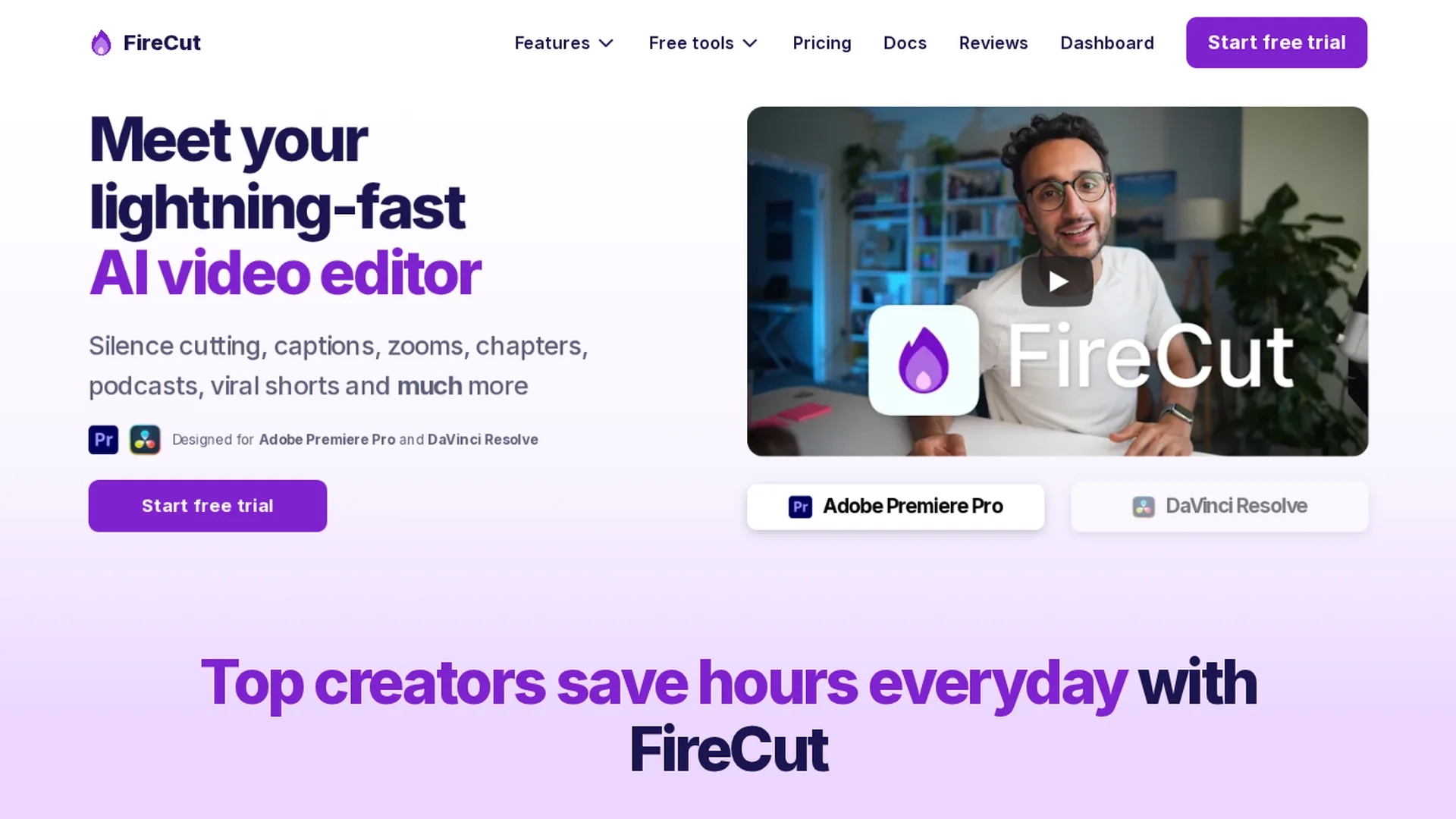
AI video editing plugin for Adobe Premiere Pro and DaVinci Resolve that automates silence removal, captions in 50+ languages, multi-cam switching, B-roll insertion, zoom cuts and chapters to speed editing workflows.
Disclaimer: Visionary Hub is not affiliated with, endorsed by, or the operator of this tool. All trademarks, logos, and content are the property of their respective owners. Full disclaimer available here
Key Features
Silence Cutting
One-click removal of silences, filler words and repetitions to tighten footage.
Automated Captions
Generates captions in 50+ languages with auto emojis for social clips.
Multi-Cam Switching
Detects speakers and switches camera angles automatically for podcasts.
B-Roll & Music
Offers Storyblocks footage and copyright-free background music for inserts.
Zoom Cuts
Applies automated zooms at key moments to enhance engagement.
Chapter Detection
Detects chapters and creates intro slides for improved YouTube SEO.
Clip Highlights
Extracts viral clips and reframes them for shorts and social platforms.
AI Speech Generation
Generates voiceovers with a character allowance; paid add-on available.
Get Started
Share & Save
Share on Social Media
Why Choose FireCut AI
Integrated Workflow:
Installs as a plugin for Premiere Pro and DaVinci Resolve so no new software is needed.Proven Productivity Boost:
User testimonials report 50%+ workload reductions and faster delivery times.Comprehensive AI Features:
Combines captions, B-roll, multicam switching, chapters and highlights in one tool.Multi-Language Support:
Captions available in 50+ languages to reach global audiences.
Pricing
As of March 2026, FireCut offers a Pro individual plan at $24/mo billed yearly (higher monthly rate available); a DaVinci Resolve variant listed at $34/mo monthly or $24/mo yearly. Team plans are offered. 7-day free trial. Plugin audio limited to 25 hours/month; AI Speech add-on $10/mo. Prices exclude tax.
About FireCut AI
AI video editing plugin for Adobe Premiere Pro and DaVinci Resolve that automates silence removal, captions in 50+ languages, multi-cam switching, B-roll insertion, zoom cuts and chapters to speed editing workflows.
What FireCut AI Does
FireCut AI automates core video editing workflows inside Adobe Premiere Pro and DaVinci Resolve so editors save time. It removes silences and filler, generates captions in 50+ languages, detects chapters, and creates highlight clips to accelerate post-production and improve SEO.
The plugin performs multi-cam switching by detecting active speakers, inserts context-appropriate B-roll and copyright-free music from Storyblocks, applies automated zoom cuts, and can generate AI voiceovers (speech add-on). Outputs include captioned reels, SEO-optimized titles/descriptions, and intro slides.
Typical use cases include podcast editing, long-form to short-form repurposing, agency batch editing, and YouTube optimization for creators and teams.
Pros & Cons
Time Savings
Users report halving editing time and faster episode turnaround.
Seamless Integration
Runs inside Premiere Pro and DaVinci Resolve without disrupting workflows.
High Accuracy
Accurate captions, chapters and multicam switching praised in reviews.
User-Friendly
Simple one-click tools streamline repetitive editing tasks.
Audio Limits
Plugin features limited to 25 hours of audio processing per month on individual plans.
Pricing Variance
Secondary sources report conflicting plan prices—verify on the official site.
Software Requirements
Requires Adobe Premiere Pro 2022+ or DaVinci Resolve on Windows or macOS.
Frequently Asked Questions
FireCut supports Adobe Premiere Pro 2022+ and DaVinci Resolve on Windows and macOS; the product family also lists a web offering. Install the plugin into your NLE to use automated silence removal, captions and multicam switching.
FireCut generates captions in 50+ languages with auto emojis; English support is fully mature while many additional languages are listed as experimental or improving over time.
Yes. Individual plans start with a 7-day free trial with no commitment, allowing you to test plugin features, silence cutting and caption generation before subscribing.
Plugin features on individual plans are limited to 25 hours of audio processing per month; teams and higher-tier plans may have different limits—check official pricing pages for plan details.
Similar Tools You Might Like
Discover more AI-powered tools that complement your workflow



List Your AI Tool & Reach Thousands of Users
Join 500+ AI innovators already thriving on our platform. Get visibility, feedback, and boost your conversions.
Expand Your Audience
Connect with over 50,000 AI enthusiasts actively looking for tools like yours.
Boost Your Authority
Get verified reviews and ratings to build credibility in the AI marketplace.
Drive Conversions
Our premium placements and targeted audience deliver quality leads and sign-ups.