Fineshare FineCam
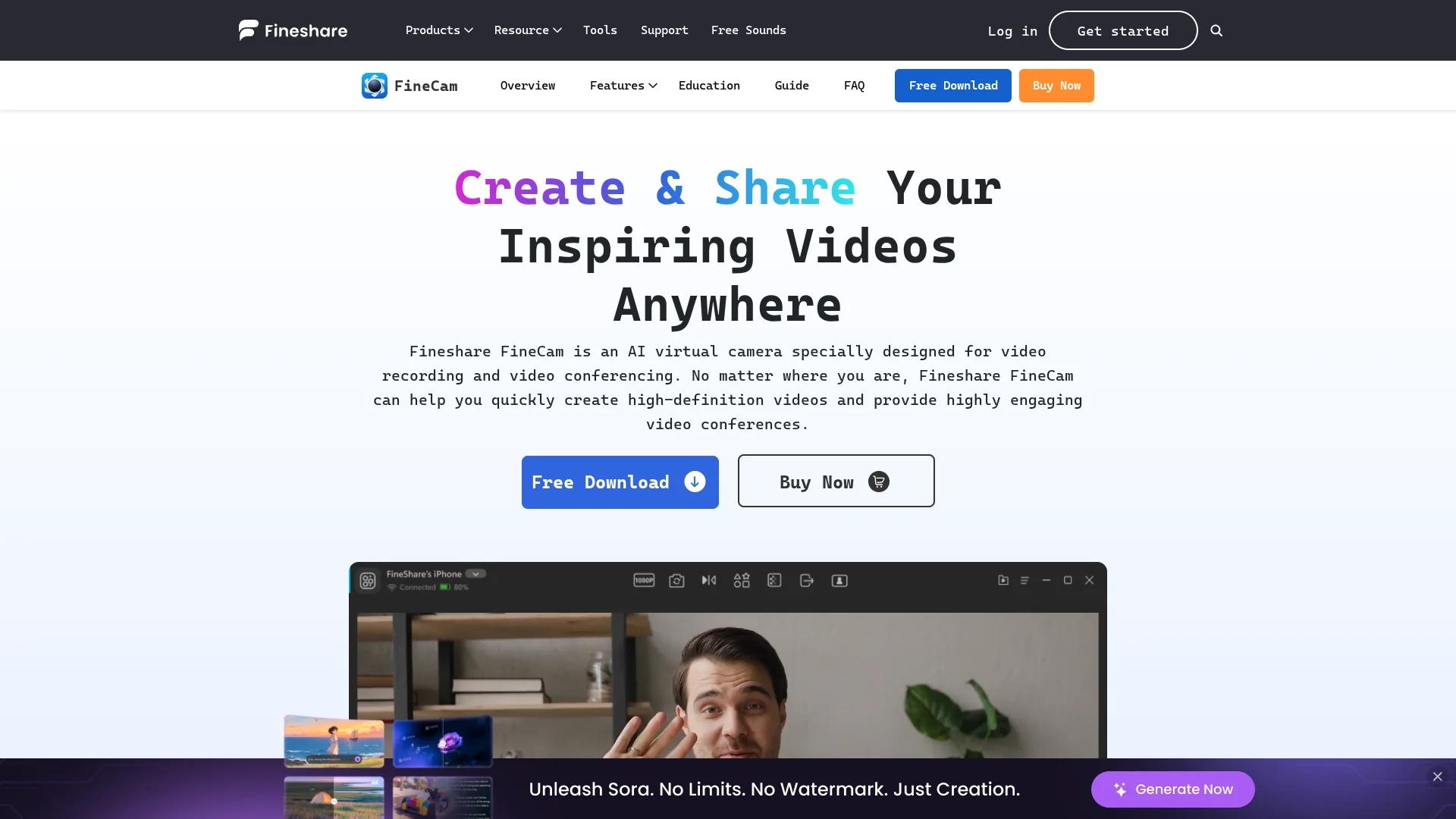
FineShare FineCam is an AI virtual camera for video recording and conferencing, featuring real-time AI background removal, audio enhancement, video enhancement, and smart portrait mode.
Disclaimer: Visionary Hub is not affiliated with, endorsed by, or the operator of this tool. All trademarks, logos, and content are the property of their respective owners. Full disclaimer available here
Key Features
AI Background Removal
Removes and replaces backgrounds instantly during video calls.
AI Audio Enhancer
Improves audio clarity for professional sound quality.
Video Enhancement
Adjusts brightness and color vividness for better visuals.
Smart Portrait Mode
Applies bokeh effect to highlight the subject in videos.
Get Started
Share & Save
Share on Social Media
Why Choose Fineshare FineCam
Multi-Camera Support:
Connect and switch between multiple cameras including phones and DSLRs.Real-Time AI:
Background removal and video enhancement powered by AI algorithms.Wide Compatibility:
Works with Zoom, Teams, OBS, Twitch, Adobe Premiere Pro, and more.
Pricing
Pricing details are available on the official FineShare FineCam website. Users can download a free version and access purchase options for full features.
About Fineshare FineCam
FineShare FineCam is an AI virtual camera for video recording and conferencing, featuring real-time AI background removal, audio enhancement, video enhancement, and smart portrait mode.
What Fineshare FineCam Does
FineShare FineCam functions as an AI-powered virtual camera that improves video quality for recording and conferencing. It enables users to create high-definition videos with enhanced audio and visual effects, making video communication more professional and engaging.
The tool features real-time AI background removal, an AI audio enhancer, video enhancement filters, and a smart portrait mode that adds bokeh effects. It supports connecting multiple cameras, including smartphones, DSLRs, and webcams, and allows sharing of screens, application windows, and multimedia content seamlessly.
FineCam is ideal for online teaching, remote meetings, product demos, telemedicine, content creation, and live streaming, helping users deliver dynamic and interactive video presentations across various industries.
Pros & Cons
High Flexibility
Supports multiple camera types and simultaneous multi-source capture.
User-Friendly
Intuitive interface with quick setup and easy sharing options.
Limited Pricing Info
Pricing details are not clearly presented on the homepage.
Platform Restriction
Currently available only for Windows and Mac platforms.
Frequently Asked Questions
FineCam supports Windows and Mac operating systems for video recording and conferencing.
Yes, FineCam allows you to use your smartphone as a high-definition webcam wirelessly.
Yes, it features AI-powered real-time background removal for professional video calls.
Users can download a free version; full feature pricing is available on the official website.
FineCam integrates with Zoom, Microsoft Teams, Twitch, OBS, Adobe Premiere Pro, and YouTube.
Similar Tools You Might Like
Discover more AI-powered tools that complement your workflow


List Your AI Tool & Reach Thousands of Users
Join 500+ AI innovators already thriving on our platform. Get visibility, feedback, and boost your conversions.
Expand Your Audience
Connect with over 50,000 AI enthusiasts actively looking for tools like yours.
Boost Your Authority
Get verified reviews and ratings to build credibility in the AI marketplace.
Drive Conversions
Our premium placements and targeted audience deliver quality leads and sign-ups.