
Fill A Form AI
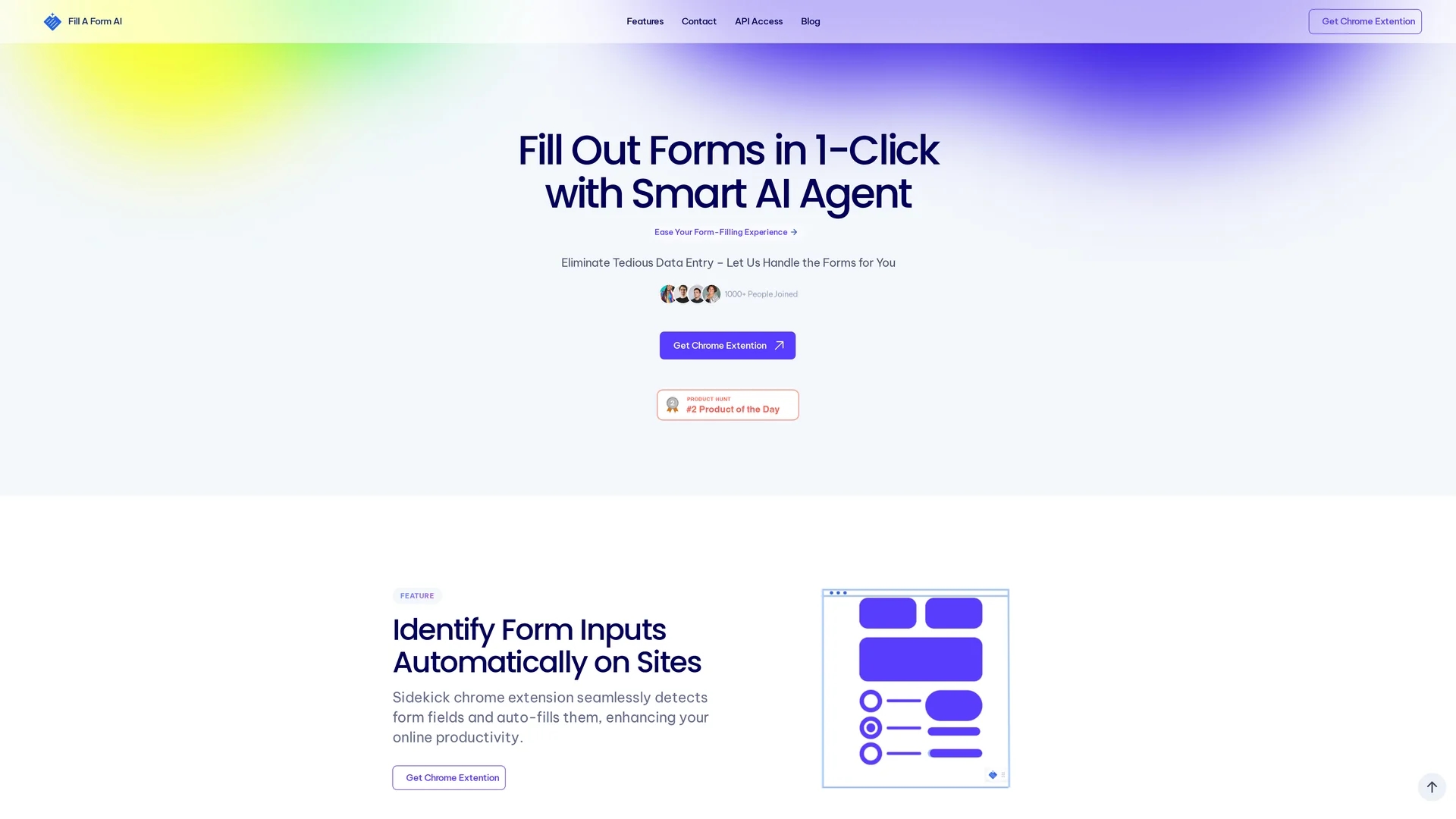
Fill Form AI automates online form completion with a Chrome extension that auto-fills fields from past data, enabling efficient form management and real-time collaboration with Google Sheets integration.
Disclaimer: Visionary Hub is not affiliated with, endorsed by, or the operator of this tool. All trademarks, logos, and content are the property of their respective owners. Full disclaimer available here
Key Features
Automatic Input Detection
Identifies form fields on websites for seamless auto-filling.
Chrome Extension
Enables one-click form completion across web platforms.
Library Management
Organizes multiple form templates by department or project.
Real-Time Collaboration
Allows shared access and updates to form libraries among teams.
Get Started
Share & Save
Share on Social Media
Why Choose Fill A Form AI
Time Savings:
Auto-fills forms quickly using historical data, reducing manual entry time.Collaboration:
Supports shared libraries with real-time updates for team efficiency.Data Integration:
Syncs form data directly with Google Sheets for easy analysis.
Pricing
Pricing details are not explicitly provided. For current prices and plans, visit the official website or Chrome Web Store page.
About Fill A Form AI
Fill Form AI automates online form completion with a Chrome extension that auto-fills fields from past data, enabling efficient form management and real-time collaboration with Google Sheets integration.
What Fill A Form AI Does
Fill Form AI automates the process of completing online forms by detecting input fields and auto-filling them based on historical user data. This reduces manual data entry time and minimizes errors during form submissions.
Key features include a Chrome extension that identifies form inputs automatically, learning from previously filled forms to improve accuracy, and managing multiple form template libraries. The tool also facilitates collaboration with real-time updates and integrates with Google Sheets for direct data syncing.
It is suitable for use in various contexts such as job applications, onboarding, survey data collection, and business form management, benefiting professionals across industries who handle frequent form submissions.
Pros & Cons
Efficiency
Significantly reduces time spent on repetitive form filling.
Accuracy
Minimizes errors by leveraging past submission data.
Platform Limitation
Primarily functions via Chrome extension, limiting browser compatibility.
Pricing Transparency
No clear pricing details publicly available on the homepage.
Frequently Asked Questions
It uses a Chrome extension to detect form fields and fills them using data from previously submitted forms.
Pricing information is not specified; users should check the official website or Chrome Web Store for details.
Yes, it supports collaboration with shared libraries and real-time updates.
It integrates directly with Google Sheets for syncing and managing form data.
Fill Form AI is available as a Chrome extension, so it supports Google Chrome.
Similar Tools You Might Like
Discover more AI-powered tools that complement your workflow
List Your AI Tool & Reach Thousands of Users
Join 500+ AI innovators already thriving on our platform. Get visibility, feedback, and boost your conversions.
Expand Your Audience
Connect with over 50,000 AI enthusiasts actively looking for tools like yours.
Boost Your Authority
Get verified reviews and ratings to build credibility in the AI marketplace.
Drive Conversions
Our premium placements and targeted audience deliver quality leads and sign-ups.