
Filepower AI
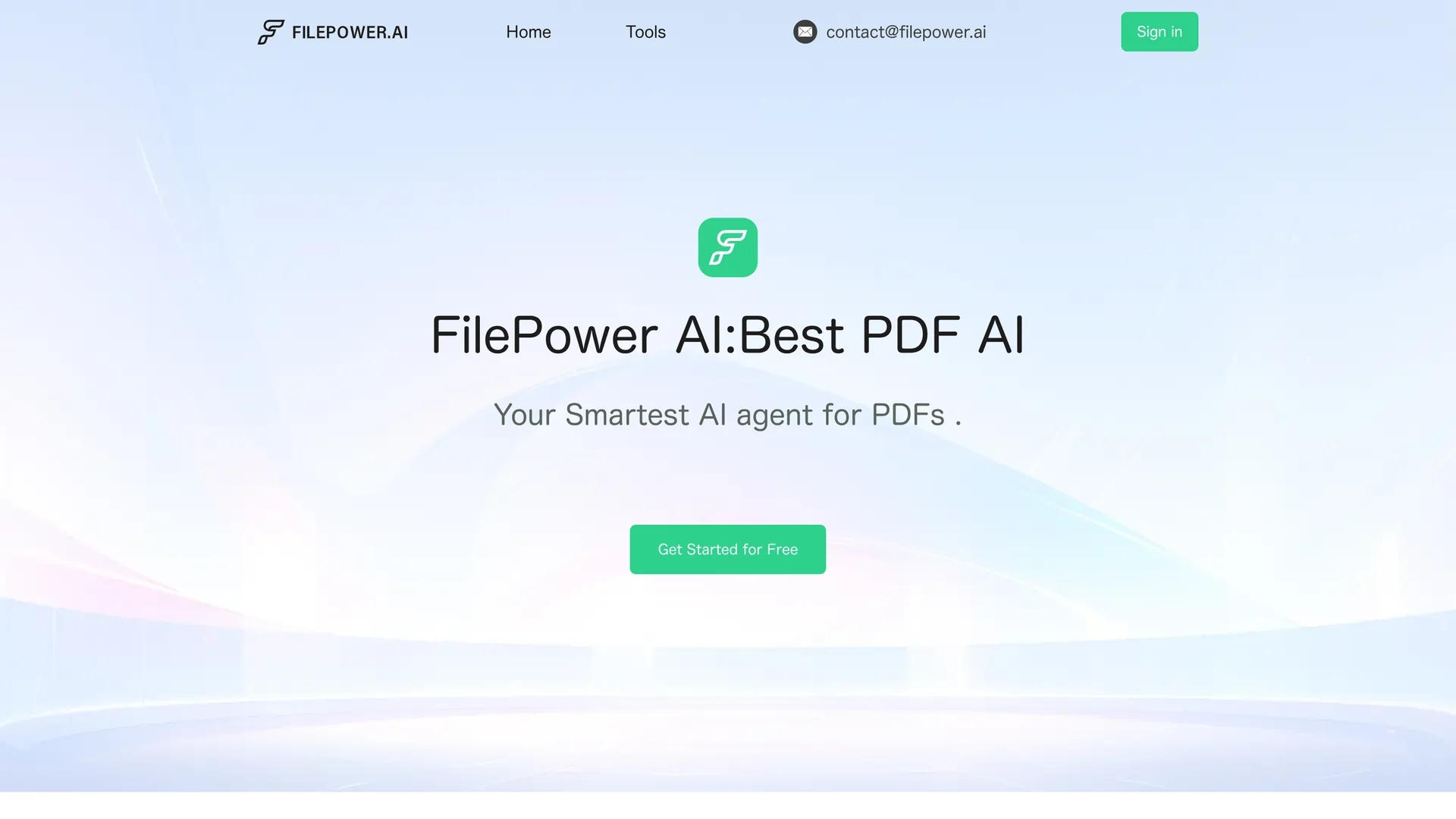
Filepower AI streamlines PDF and document management with interactive chat, summarization, and one-click multilingual translation, supporting multiple file formats and secure data handling.
Disclaimer: Visionary Hub is not affiliated with, endorsed by, or the operator of this tool. All trademarks, logos, and content are the property of their respective owners. Full disclaimer available here
Key Features
Document Summarization
Condenses lengthy documents into easy-to-understand summaries.
One-Click Translation
Translates documents into multiple languages instantly.
Interactive Chat
Allows users to ask questions and get answers from their files.
File Organization
Manages documents like a well-structured digital library.
Get Started
Share & Save
Share on Social Media
Why Choose Filepower AI
Multi-format Support:
Handles PDFs, PowerPoints, Excel, and Word for versatile document management.Interactive Chat:
Enables direct Q&A with documents for quick information retrieval.Advanced Security:
Uses encryption to protect sensitive files and data privacy.
Pricing
Filepower AI offers a free trial allowing users to experience its features without pre-payment. For detailed pricing plans, visit the official website.
About Filepower AI
Filepower AI streamlines PDF and document management with interactive chat, summarization, and one-click multilingual translation, supporting multiple file formats and secure data handling.
What Filepower AI Does
Filepower AI facilitates efficient document management by enabling users to interactively chat with their PDFs and other files to extract key information quickly. It benefits users by saving time and improving productivity in research, analysis, and communication.
The tool features advanced summarization capabilities that condense lengthy documents into concise insights and supports one-click translation into multiple languages. It leverages a powerful large language model with extended memory for better context understanding and supports diverse file formats including PDFs, PowerPoints, Excel, and Word.
Filepower AI is useful across industries such as education, finance, marketing, and global business, helping users create reports, translate documents, and streamline workflows securely.
Pros & Cons
Comprehensive Format Support
Supports multiple file types beyond PDFs, increasing flexibility.
Free Trial
Offers a risk-free trial to evaluate features before purchase.
Limited Pricing Details
Specific pricing plans are not clearly detailed on the homepage.
Developer Info
No clear developer or company information is provided publicly.
Frequently Asked Questions
It supports PDFs, PowerPoints, Excel, and Word files for diverse document needs.
Yes, Filepower AI offers a free trial with full feature access without pre-payment.
It uses advanced encryption to ensure privacy and data security.
Yes, it quickly summarizes lengthy files into concise, understandable insights.
You can sign up and get started for free via their website's 'Get Started' link.
Similar Tools You Might Like
Discover more AI-powered tools that complement your workflow

List Your AI Tool & Reach Thousands of Users
Join 500+ AI innovators already thriving on our platform. Get visibility, feedback, and boost your conversions.
Expand Your Audience
Connect with over 50,000 AI enthusiasts actively looking for tools like yours.
Boost Your Authority
Get verified reviews and ratings to build credibility in the AI marketplace.
Drive Conversions
Our premium placements and targeted audience deliver quality leads and sign-ups.