
Fig
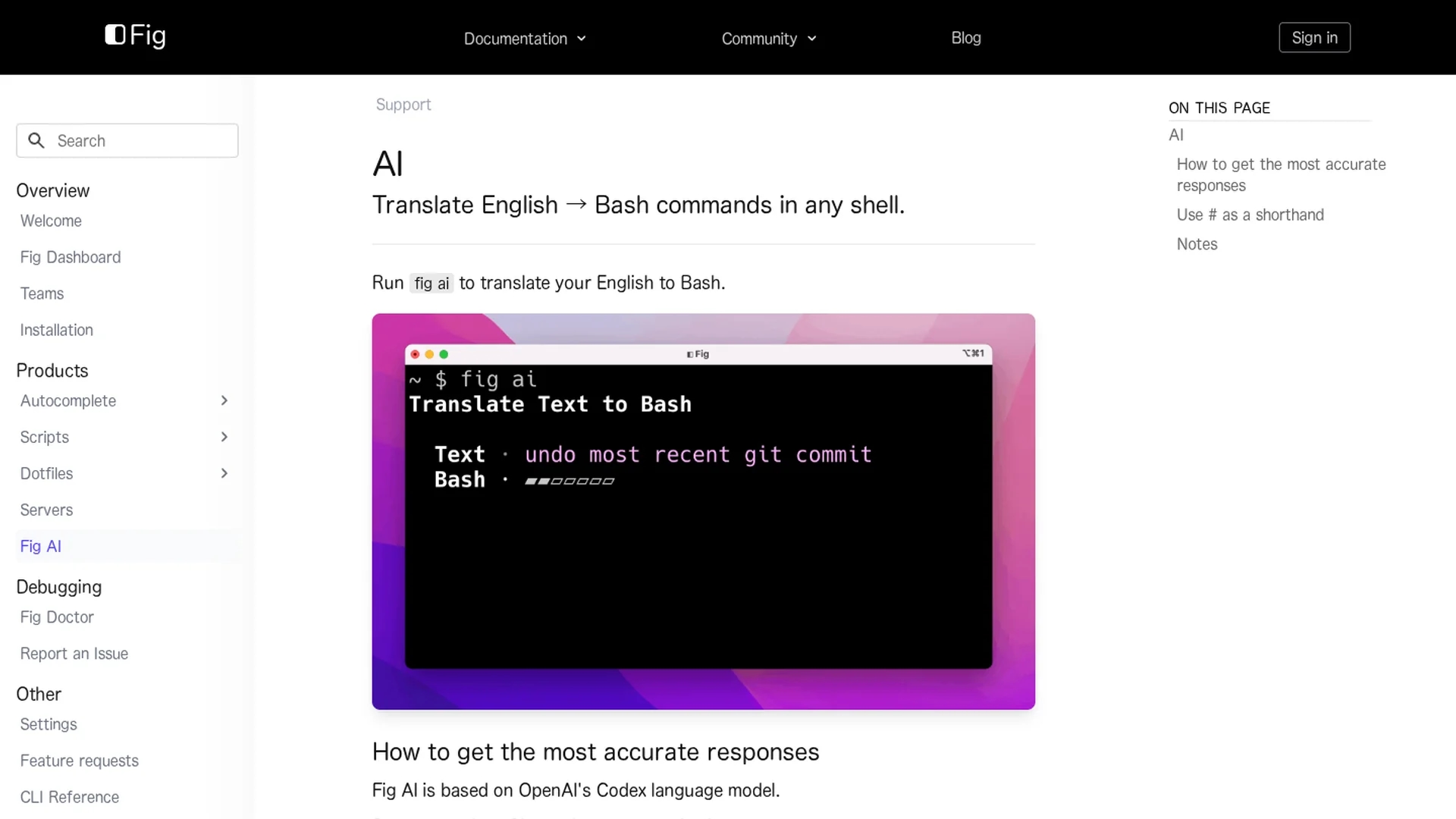
Fig was a command-line tool enhancing terminals and IDEs, now sunset. Users should migrate to Amazon Q for command line functionality.
Disclaimer: Visionary Hub is not affiliated with, endorsed by, or the operator of this tool. All trademarks, logos, and content are the property of their respective owners. Full disclaimer available here
Key Features
Terminal Integration
Integrates with existing terminals and shells to enhance command line usage.
IDE Support
Works within popular IDEs to improve developer workflow.
Command Completion
Provides advanced command line completion specifications for faster input.
Open Source Community
Backed by a large open source community contributing to its development.
Get Started
Share & Save
Share on Social Media
Why Choose Fig
Seamless Integration:
Works directly with popular terminals, shells, and IDEs for smooth user experience.Open Source:
Supported by a large community with 400+ contributors and 22k GitHub stars.Migration Path:
Users can easily migrate to Amazon Q for command line from the Fig dashboard.
Pricing
Fig was free to use. For current pricing and plans, users should refer to Amazon Q for command line.
About Fig
Fig was a command-line tool enhancing terminals and IDEs, now sunset. Users should migrate to Amazon Q for command line functionality.
What Fig Does
Fig enhanced the command line experience by integrating with existing terminals, shells, and IDEs, providing users with improved command completion and workflow efficiency.
It offered command line completion specifications and seamless integration with popular development environments, leveraging open source contributions and community support.
Fig was widely used by software developers, system administrators, and DevOps engineers to streamline terminal interactions and improve productivity in software development and operations.
Pros & Cons
Enhanced Productivity
Improves command line efficiency with completion and integration.
Community Support
Strong open source backing with active contributors and users.
Discontinued
Fig has been sunset and is no longer supported after September 1, 2024.
Migration Required
Users must transition to Amazon Q for continued command line enhancements.
Frequently Asked Questions
Fig was sunset and access ended on September 1, 2024.
Users are encouraged to migrate to Amazon Q for command line, free on the Individual tier.
Users can upgrade to Amazon Q directly from the Fig dashboard.
Support for uninstalling Fig is available via the official documentation.
Yes, Fig was free. Pricing for Amazon Q should be checked on its official page.
Similar Tools You Might Like
Discover more AI-powered tools that complement your workflow
List Your AI Tool & Reach Thousands of Users
Join 500+ AI innovators already thriving on our platform. Get visibility, feedback, and boost your conversions.
Expand Your Audience
Connect with over 50,000 AI enthusiasts actively looking for tools like yours.
Boost Your Authority
Get verified reviews and ratings to build credibility in the AI marketplace.
Drive Conversions
Our premium placements and targeted audience deliver quality leads and sign-ups.