
Expression Editor
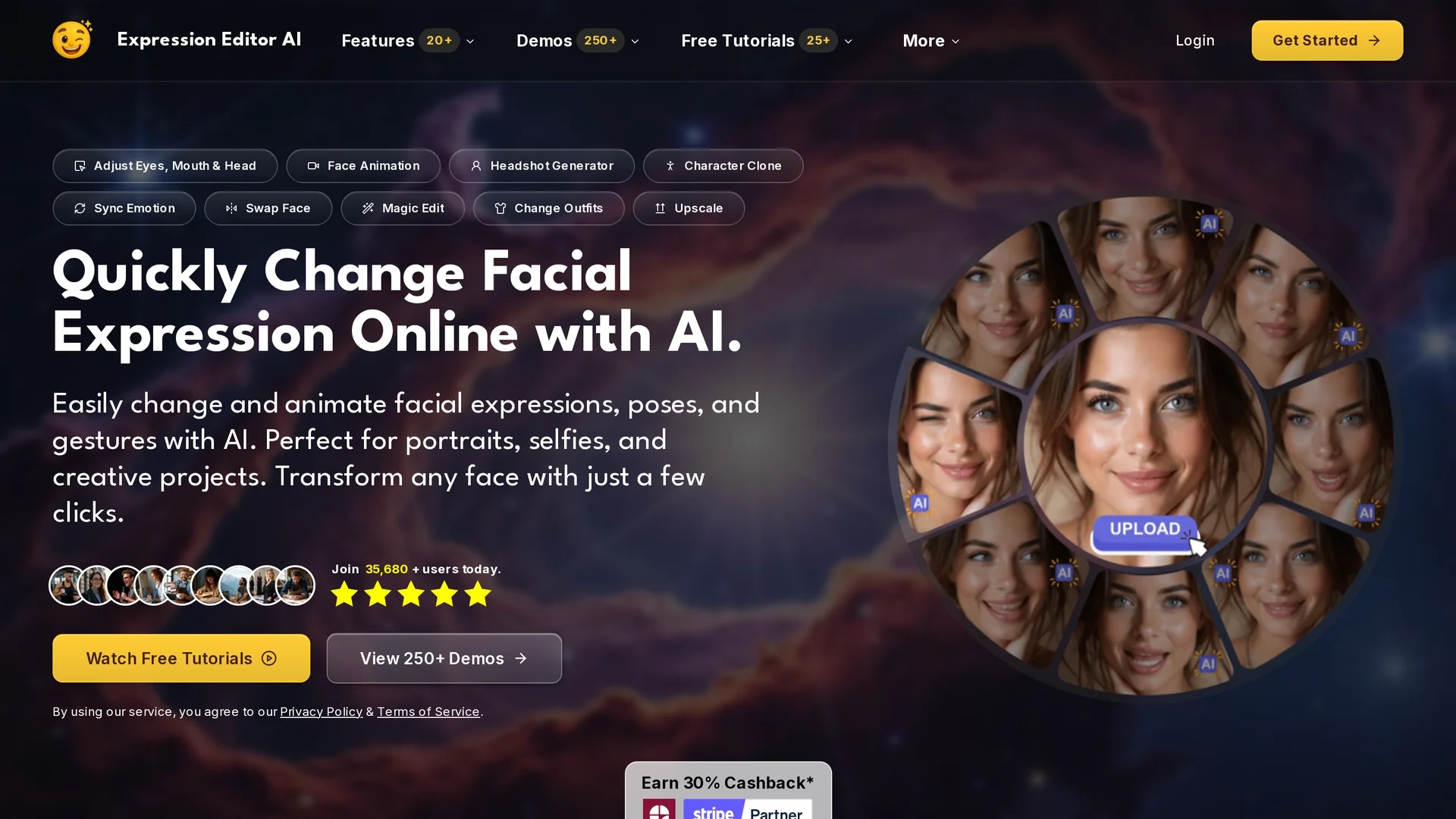
Expression Editor uses AI to edit facial expressions in photos and videos, adjusting head position, eye details, and mouth shapes for natural, enhanced professional and social media images.
Disclaimer: Visionary Hub is not affiliated with, endorsed by, or the operator of this tool. All trademarks, logos, and content are the property of their respective owners. Full disclaimer available here
Key Features
Facial Editing
Modify expressions including eyes, mouth, and head position.
Image Animation
Animate static photos to create dynamic facial expressions.
Headshot Generator
Enhance professional portraits for social media and resumes.
Magic Edit
Apply seamless edits like outfit and background changes.
Get Started
Share & Save
Share on Social Media
Why Choose Expression Editor
AI Precision:
Enables accurate facial expression edits for natural results.Animation:
Transforms static images into subtle video expressions.User Friendly:
Simple interface for quick and effective expression adjustments.
Pricing
Expression Editor offers a Free trial. Paid plans include Creator at $9.99/month and Pro at $49.99/month. Pricing is subject to change; visit the official pricing page for current details.
About Expression Editor
Expression Editor uses AI to edit facial expressions in photos and videos, adjusting head position, eye details, and mouth shapes for natural, enhanced professional and social media images.
What Expression Editor Does
Expression Editor allows users to edit facial expressions in photos and videos, enhancing headshots and social media images by adjusting smiles, eye details, and head positions. It helps users create more engaging and natural-looking visuals.
The tool features AI-based facial expression editing, including head position adjustments, eye detail modifications, mouth shape alterations, and the ability to animate static images into subtle video expressions. These capabilities enable precise, realistic changes with minimal effort.
Ideal for industries such as digital art, marketing, content creation, and photography, Expression Editor supports use cases like smile enhancement, expression correction, and dynamic profile picture creation.
Pros & Cons
Versatile Editing
Supports multiple facial features and expression types.
Free Trial
Allows users to test features before purchasing.
Pricing Tiers
Advanced features require higher-priced plans.
Limited Info
Some features lack detailed public documentation.
Frequently Asked Questions
It adjusts head position, eye details, mouth shapes, and animates expressions.
Yes, Expression Editor offers a free trial before paid plans.
Yes, it creates subtle video expressions from static photos.
It is developed by Aivio Studio, LLC.
Both selfies and professional headshots yield optimal results.
Similar Tools You Might Like
Discover more AI-powered tools that complement your workflow
List Your AI Tool & Reach Thousands of Users
Join 500+ AI innovators already thriving on our platform. Get visibility, feedback, and boost your conversions.
Expand Your Audience
Connect with over 50,000 AI enthusiasts actively looking for tools like yours.
Boost Your Authority
Get verified reviews and ratings to build credibility in the AI marketplace.
Drive Conversions
Our premium placements and targeted audience deliver quality leads and sign-ups.