
Explain An Error
Explain An Error uses a language model trained on StackExchange to analyze code errors, predict causes, and suggest example fixes for debugging efficiency.
Disclaimer: Visionary Hub is not affiliated with, endorsed by, or the operator of this tool. All trademarks, logos, and content are the property of their respective owners. Full disclaimer available here
Key Features
Error Explanation
Explains the cause of code errors using AI analysis.
Fix Suggestions
Suggests practical fixes to resolve errors.
Cause Prediction
Predicts the underlying cause of error messages.
Example Fixes
Provides example code snippets to demonstrate fixes.
Get Started
Share & Save
Share on Social Media
Why Choose Explain An Error
Error Explanation:
Provides clear, AI-generated explanations for code errors.Fix Suggestions:
Offers example fixes to resolve coding issues effectively.StackExchange Training:
Leverages extensive StackExchange data for accurate predictions.
Pricing
For current prices, visit the official page.
About Explain An Error
Explain An Error uses a language model trained on StackExchange to analyze code errors, predict causes, and suggest example fixes for debugging efficiency.
What Explain An Error Does
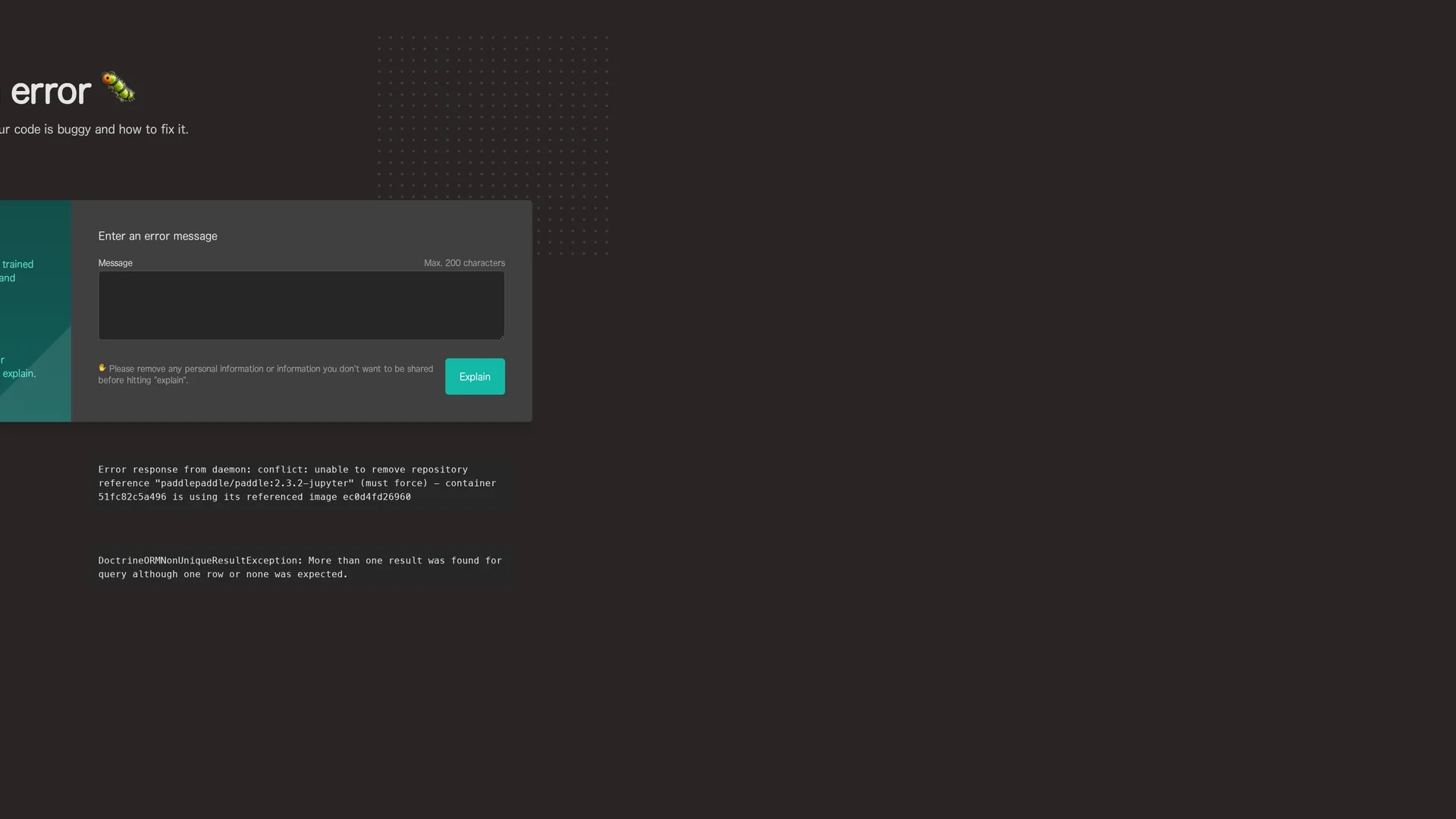
Explain An Error interprets code error messages up to 200 characters, predicting the cause and providing explanations to help users understand bugs quickly.
It uses a large language model trained on StackExchange data to suggest how to fix errors and offers example code fixes for practical guidance.
This tool is useful for software developers, technical analysts, and learners aiming to improve debugging efficiency and code quality across various programming tasks.
Pros & Cons
Focused Debugging
Helps reduce time spent identifying and fixing errors.
Data-Driven
Uses a language model trained on real developer data.
Input Limit
Error messages must be under 200 characters.
No Signup
No direct user registration or account features available.
Frequently Asked Questions
It analyzes code error messages up to 200 characters from various programming languages.
Pricing details are not specified; visit the official page for current information.
No signup or account creation is required to use Explain An Error.
Users are advised to remove personal information before submitting error messages.
Yes, it offers example code snippets to demonstrate how to fix errors.
Similar Tools You Might Like
Discover more AI-powered tools that complement your workflow
List Your AI Tool & Reach Thousands of Users
Join 500+ AI innovators already thriving on our platform. Get visibility, feedback, and boost your conversions.
Expand Your Audience
Connect with over 50,000 AI enthusiasts actively looking for tools like yours.
Boost Your Authority
Get verified reviews and ratings to build credibility in the AI marketplace.
Drive Conversions
Our premium placements and targeted audience deliver quality leads and sign-ups.