
Excelmatic
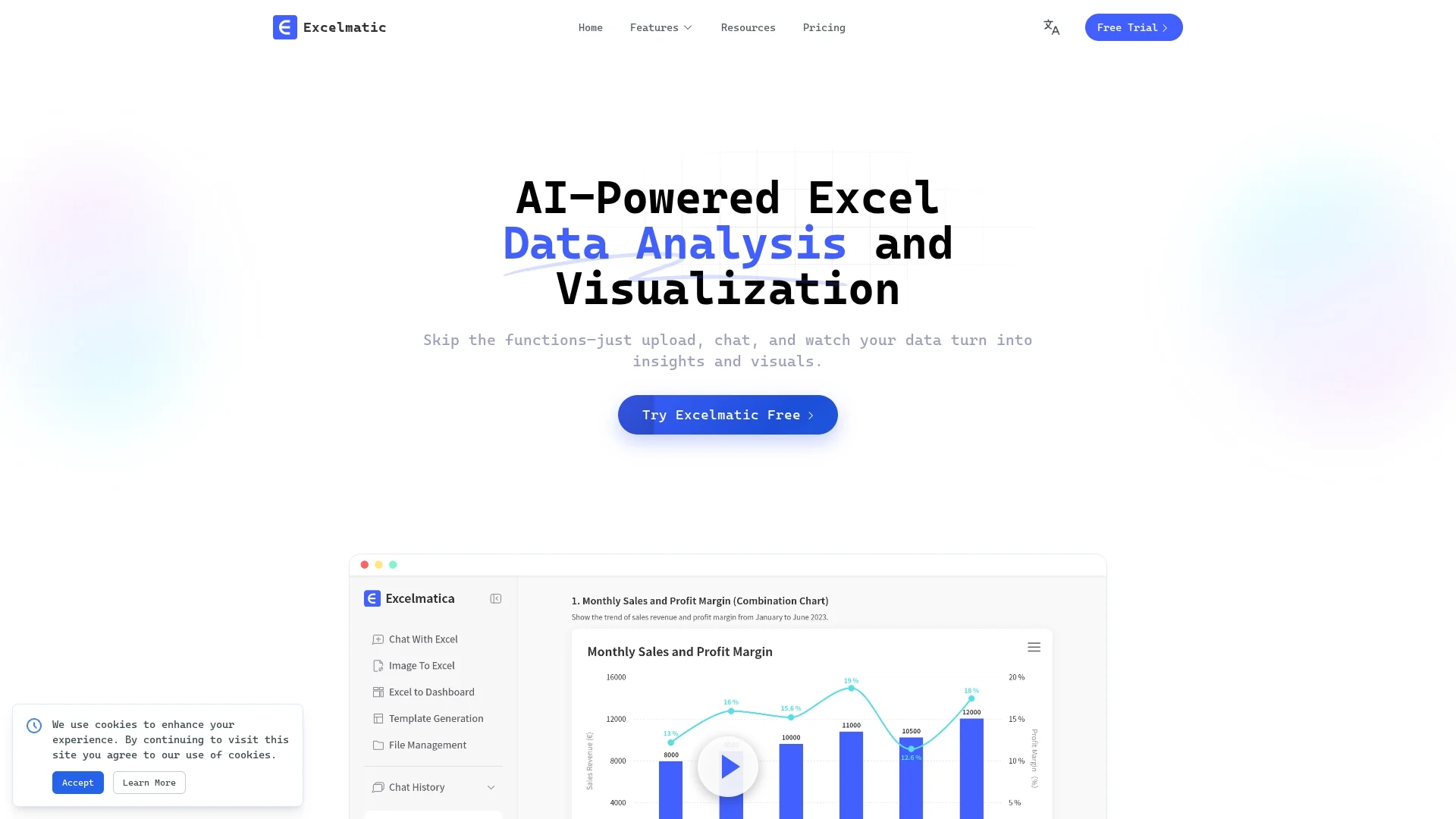
Excelmatic leverages AI to analyze and visualize Excel and CSV data via natural-language queries, offering automated charting, KPI extraction, anomaly detection, and PDF/image-to-Excel conversion.
Disclaimer: Visionary Hub is not affiliated with, endorsed by, or the operator of this tool. All trademarks, logos, and content are the property of their respective owners. Full disclaimer available here
Key Features
AI Spreadsheet Assistant
Perform smart Excel operations via natural language input.
Data Cleaning
Batch process and normalize data with customizable cleaning rules.
Formula Generation
Create complex formulas from plain English and correct errors automatically.
Image/PDF Conversion
Convert table images and PDFs into editable Excel spreadsheets.
Get Started
Share & Save
Share on Social Media
Why Choose Excelmatic
Natural Language:
Interact with spreadsheets using plain English queries for ease of use.Comprehensive Analytics:
Extract KPIs, detect anomalies, and perform multi-dimensional analysis automatically.Automated Visualization:
Generate and customize charts instantly with dynamic updates.
Pricing
Excelmatic offers three monthly plans: Essential at $9.9/mo, Professional at $29.9/mo, and Premium at $59.9/mo. Annual billing saves 17%. A free trial is available at the signup page.
About Excelmatic
Excelmatic leverages AI to analyze and visualize Excel and CSV data via natural-language queries, offering automated charting, KPI extraction, anomaly detection, and PDF/image-to-Excel conversion.
What Excelmatic Does
Excelmatic automates Excel and CSV data analysis and visualization through AI-powered natural-language queries, enabling users to generate insights, charts, and reports without manual formula creation or complex operations.
Key features include one-click chart generation with style customization, KPI extraction, anomaly detection, batch data cleaning with customizable rules, and conversion of images and PDFs into editable Excel files. The tool also offers intelligent formula generation and error correction to simplify spreadsheet management.
Excelmatic is useful across industries for financial reporting, marketing analytics, product management, and business intelligence, helping users quickly identify trends, detect anomalies, and create shareable dashboards.
Pros & Cons
User-Friendly
Simplifies Excel tasks with natural-language queries and automation.
Versatile
Supports multiple file formats and complex data analysis features.
Account Restrictions
No multi-user account sharing; individual accounts required.
Pricing
Advanced features require paid plans starting at $9.9 per month.
Frequently Asked Questions
Excelmatic supports .xlsx and .csv files for upload and analysis.
Yes, a free trial is available via the signup page before upgrading.
It uses bank-level encryption and industry-leading cloud infrastructure for data security.
No, each account is for individual use only to ensure security.
Yes, digital receipts are sent automatically; business invoices available on request.
Similar Tools You Might Like
Discover more AI-powered tools that complement your workflow

List Your AI Tool & Reach Thousands of Users
Join 500+ AI innovators already thriving on our platform. Get visibility, feedback, and boost your conversions.
Expand Your Audience
Connect with over 50,000 AI enthusiasts actively looking for tools like yours.
Boost Your Authority
Get verified reviews and ratings to build credibility in the AI marketplace.
Drive Conversions
Our premium placements and targeted audience deliver quality leads and sign-ups.