
EnhancePhoto AI
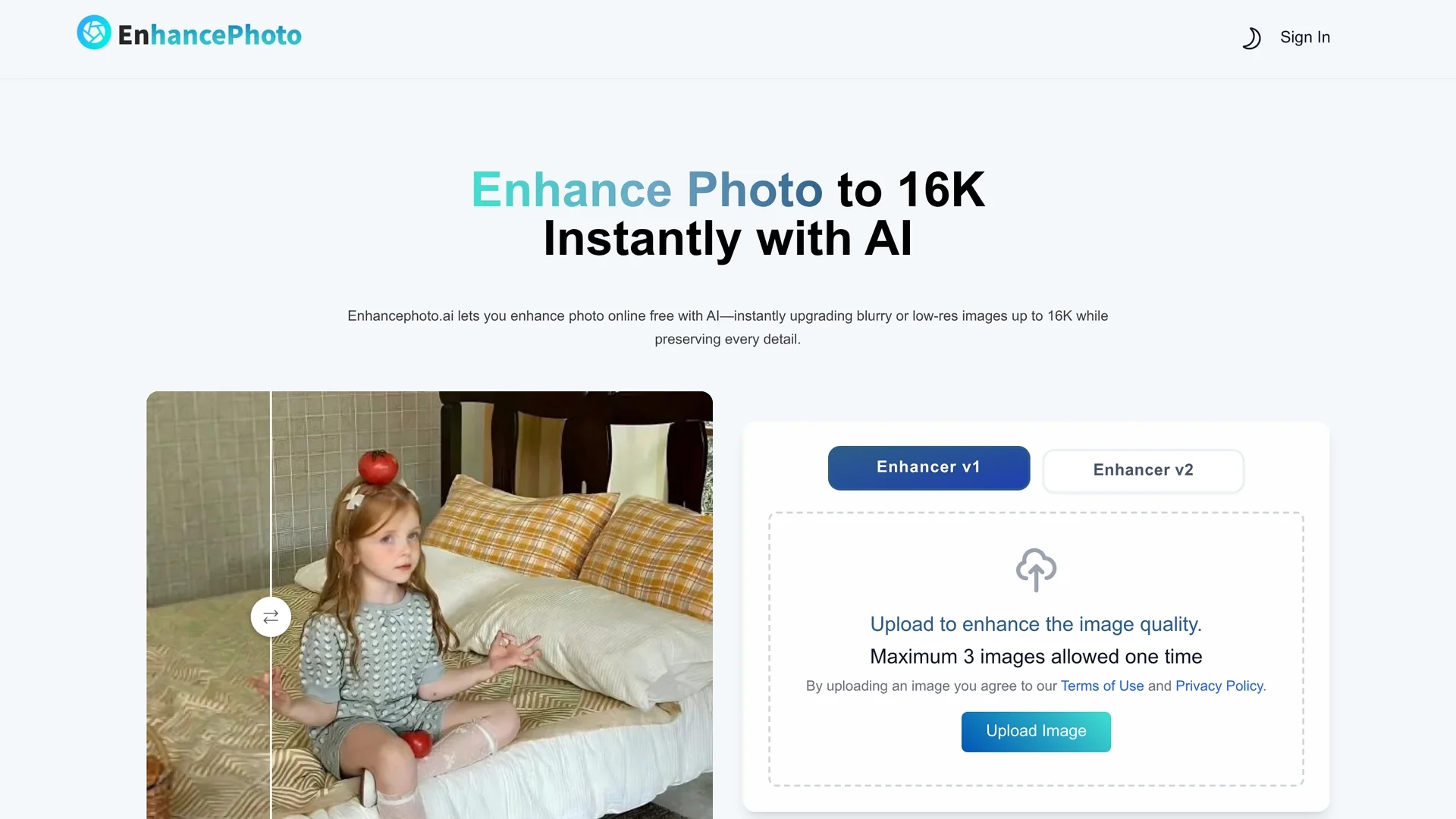
Enhancephoto.ai is a free web-based AI tool that upgrades low-resolution images to high-quality versions up to 16k resolution without registration or software installation.
Disclaimer: Visionary Hub is not affiliated with, endorsed by, or the operator of this tool. All trademarks, logos, and content are the property of their respective owners. Full disclaimer available here
Key Features
Web-Based
Accessible on any device via browser without installation.
Batch Processing
Enhance up to three images simultaneously.
AI Reconstruction
Repairs missing details intelligently without blurring.
Multi-Resolution
Supports 2K, 4K, 8K, and 16K resolution upgrades.
Get Started
Share & Save
Share on Social Media
Why Choose EnhancePhoto AI
High Resolution:
Enhances images up to 16k resolution for ultra-clear results.Natural Detail:
Preserves textures and colors without artificial sharpening.Free & Accessible:
No sign-up or software installation required for use.
Pricing
Enhancephoto.ai is free to use with no registration or subscription required. For additional paid plans and credits, visit the pricing page linked on the official site.
About EnhancePhoto AI
Enhancephoto.ai is a free web-based AI tool that upgrades low-resolution images to high-quality versions up to 16k resolution without registration or software installation.
What EnhancePhoto AI Does
Enhancephoto.ai enhances low-resolution images by increasing their resolution up to 16k, improving clarity and detail while avoiding blurring or unnatural sharpness. Users upload photos, select the desired resolution, and download enhanced images instantly.
The tool uses adaptive AI algorithms to repair and reconstruct missing details, preserving textures like hair, fabric, and skin realistically. It supports batch processing of up to three images simultaneously and works directly in web browsers on any device.
This solution is ideal for photographers, e-commerce sellers, content creators, and designers who need fast, high-quality image enhancement without technical skills or software installation.
Pros & Cons
Ease of Use
Simple upload, select resolution, and download workflow.
No Cost
Free to use with no registration or hidden fees.
Limited Batch Size
Can enhance only up to three images at a time.
No Offline Option
Requires internet access; no desktop software available.
Frequently Asked Questions
Yes, it is completely free with no sign-up required.
You can enhance images up to 2K, 4K, 8K, or 16K resolution.
No, the tool preserves original colors and textures naturally.
Most images are enhanced in under 10 seconds.
Yes, it works on smartphones, tablets, and desktops via browser.
Similar Tools You Might Like
Discover more AI-powered tools that complement your workflow

List Your AI Tool & Reach Thousands of Users
Join 500+ AI innovators already thriving on our platform. Get visibility, feedback, and boost your conversions.
Expand Your Audience
Connect with over 50,000 AI enthusiasts actively looking for tools like yours.
Boost Your Authority
Get verified reviews and ratings to build credibility in the AI marketplace.
Drive Conversions
Our premium placements and targeted audience deliver quality leads and sign-ups.