
elsAi iBEAM
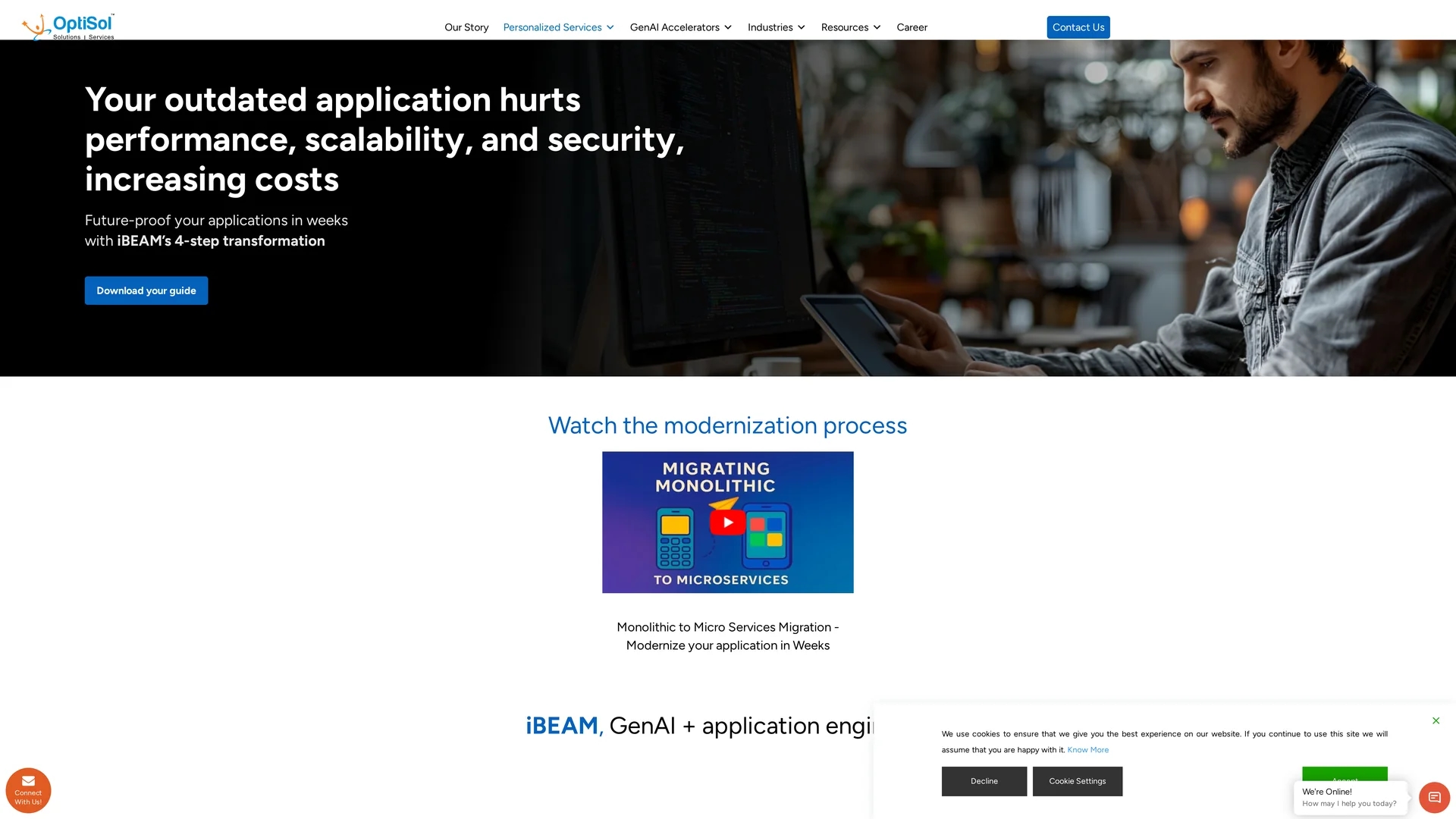
iBEAM accelerates legacy application modernization in 8 weeks using Generative AI, automating code refactoring and transitioning systems to scalable microservices architecture.
Disclaimer: Visionary Hub is not affiliated with, endorsed by, or the operator of this tool. All trademarks, logos, and content are the property of their respective owners. Full disclaimer available here
Key Features
GenAI Blueprinting
Automates architecture assessment and modernization planning.
Code Refactoring
Optimizes legacy code for improved maintainability and performance.
Microservices Migration
Transforms monolithic apps into modular microservices architectures.
Automated Testing
Validates functionality and reliability through AI-driven tests.
Get Started
Share & Save
Share on Social Media
Why Choose elsAi iBEAM
Rapid Modernization:
Completes legacy app upgrades in approximately 8 weeks using AI automation.Comprehensive Services:
Covers architecture, code refactoring, testing, and deployment phases.Scalable Architecture:
Facilitates migration to microservices and cloud-native platforms.
Pricing
Pricing details are not publicly listed. For current plans and quotes, please visit the official iBEAM contact page.
About elsAi iBEAM
iBEAM accelerates legacy application modernization in 8 weeks using Generative AI, automating code refactoring and transitioning systems to scalable microservices architecture.
What elsAi iBEAM Does
iBEAM automates the modernization of legacy applications by accelerating architecture assessment, code refactoring, and migration to microservices. It enhances operational efficiency and application scalability.
The tool uses Generative AI combined with experienced developers to streamline modernization tasks such as UI/UX redesign, cloud engineering, automated testing, and API documentation. It supports various technology stacks including Java, .NET, and JavaScript, and integrates cloud platforms like AWS, Azure, and GCP.
Industries such as healthcare, finance, and manufacturing benefit from iBEAM by transforming outdated systems into agile, cloud-ready applications that improve performance and compliance.
Pros & Cons
Time Efficiency
Accelerates modernization projects by reducing manual effort.
Technology Integration
Supports multiple tech stacks and cloud platforms seamlessly.
Pricing Transparency
No publicly available pricing details; requires direct inquiry.
Targeted Users
Primarily designed for enterprises and IT professionals, less suited for small businesses.
Frequently Asked Questions
Modernization is recommended when apps limit performance, scalability, or integration with new technologies.
iBEAM combines GenAI automation with expert guidance to accelerate assessment, refactoring, and deployment.
Most projects complete in approximately 8 to 10 weeks depending on complexity.
iBEAM supports cloud, on-premises, and hybrid environments based on business needs.
Delays increase technical debt, maintenance costs, and limit integration with new technologies.
Similar Tools You Might Like
Discover more AI-powered tools that complement your workflow


List Your AI Tool & Reach Thousands of Users
Join 500+ AI innovators already thriving on our platform. Get visibility, feedback, and boost your conversions.
Expand Your Audience
Connect with over 50,000 AI enthusiasts actively looking for tools like yours.
Boost Your Authority
Get verified reviews and ratings to build credibility in the AI marketplace.
Drive Conversions
Our premium placements and targeted audience deliver quality leads and sign-ups.