
Edraw Software
Edraw Software is a versatile diagramming tool offering drag-and-drop functionality, collaboration features, and extensive templates for creating flowcharts, mind maps, and organizational charts efficiently.
Disclaimer: Visionary Hub is not affiliated with, endorsed by, or the operator of this tool. All trademarks, logos, and content are the property of their respective owners. Full disclaimer available here
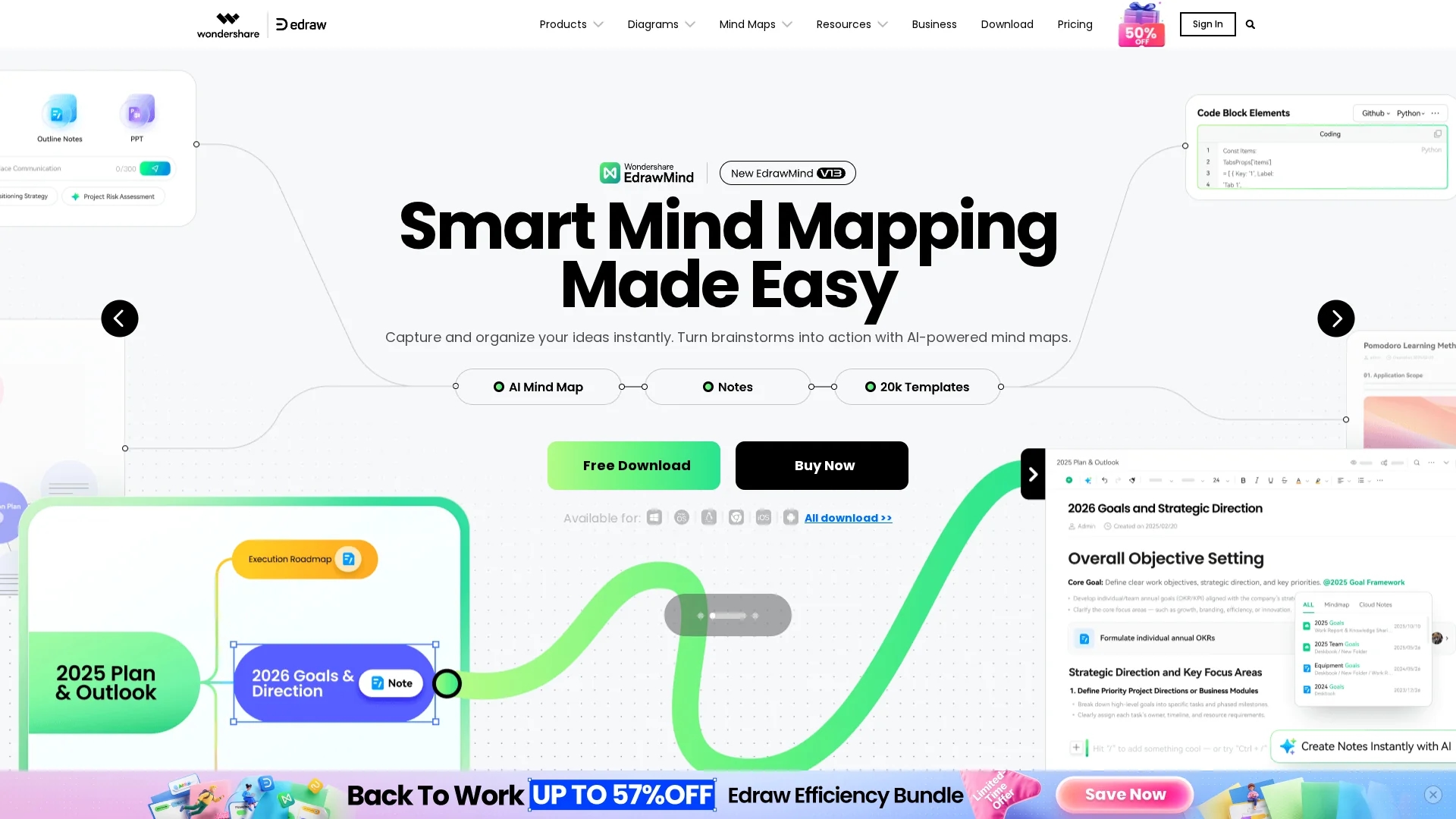
Key Features
Drag-and-Drop
Intuitive interface for easy diagram creation and editing.
Multiple Diagram Types
Supports 210+ diagram types including flowcharts and UML.
Collaboration Tools
Enables team collaboration with real-time editing and sharing.
File Format Support
Exports diagrams in various formats for seamless integration.
Get Started
Share & Save
Share on Social Media
Why Choose Edraw Software
Extensive Templates:
Access over 50,000 professional templates for diverse diagram types.Real-Time Collaboration:
Collaborate efficiently with team members in real time.AI Integration:
Leverage AI tools to generate diagrams from text quickly.
Pricing
Edraw Software offers multiple pricing plans including annual and perpetual licenses. Plans range from $35 to $245 depending on the product and license type. Bundled packages with discounts are available. For detailed pricing, visit the official pricing page.
About Edraw Software
Edraw Software is a versatile diagramming tool offering drag-and-drop functionality, collaboration features, and extensive templates for creating flowcharts, mind maps, and organizational charts efficiently.
What Edraw Software Does
Edraw Software allows users to create detailed diagrams such as flowcharts, organizational charts, mind maps, and technical schematics with ease. It benefits users by simplifying the visualization of complex data and improving communication.
Key features include drag-and-drop functionality, a vast library of templates and shapes, real-time collaboration tools, and support for multiple file formats. The software also integrates AI tools to convert text into professional diagrams quickly.
Industries such as project management, education, engineering, and marketing use Edraw Software to streamline workflows, facilitate brainstorming sessions, and enhance presentations.
Pros & Cons
Versatility
Supports a wide range of diagram types for multiple industries.
User-Friendly
Easy-to-use drag-and-drop interface reduces learning curve.
Pricing Complexity
Multiple plans and licenses may confuse new users.
No Fully Free Version
Limited free access; most features require paid plans.
Frequently Asked Questions
It supports over 210 diagram types including flowcharts, mind maps, UML, and organizational charts.
Yes, Edraw Software offers real-time collaboration tools for team projects.
Pricing includes annual and perpetual licenses ranging from $35 to $245, with bundled discounts.
Yes, free downloads and trial versions are available on the official website.
Yes, it supports multiple file formats and integrates with Office, Notion, and Chrome.
Similar Tools You Might Like
Discover more AI-powered tools that complement your workflow
List Your AI Tool & Reach Thousands of Users
Join 500+ AI innovators already thriving on our platform. Get visibility, feedback, and boost your conversions.
Expand Your Audience
Connect with over 50,000 AI enthusiasts actively looking for tools like yours.
Boost Your Authority
Get verified reviews and ratings to build credibility in the AI marketplace.
Drive Conversions
Our premium placements and targeted audience deliver quality leads and sign-ups.