Edpuzzle
Edpuzzle is a web-based tool enabling teachers to create interactive video lessons by cropping videos, adding voiceovers, and embedding questions to engage students effectively.
Disclaimer: Visionary Hub is not affiliated with, endorsed by, or the operator of this tool. All trademarks, logos, and content are the property of their respective owners. Full disclaimer available here
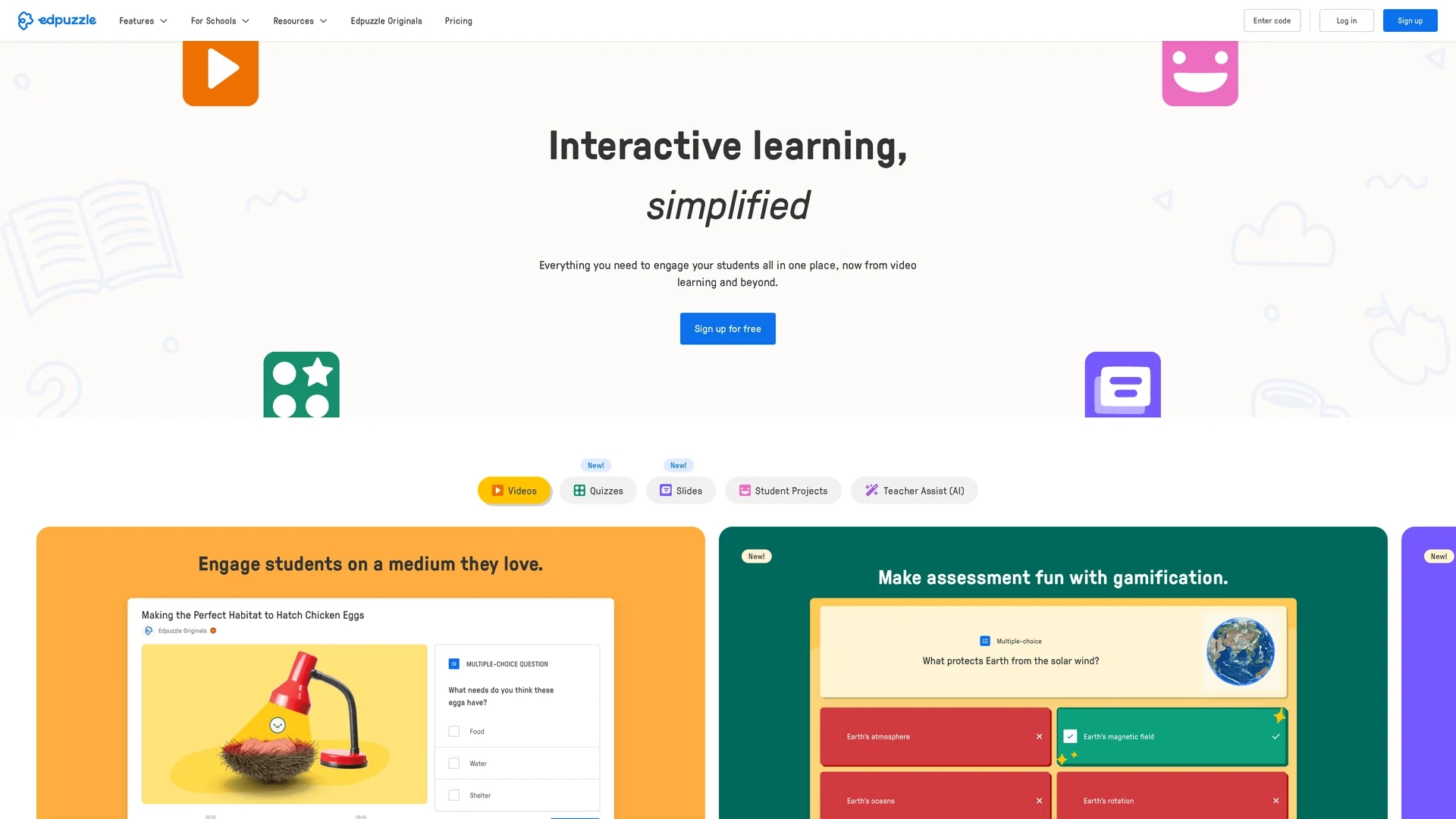
Key Features
Video Cropping
Enables teachers to trim videos to relevant segments.
Voiceover Addition
Allows adding narration to clarify or emphasize content.
Embedded Questions
Supports multiple question types to assess student understanding.
Student Analytics
Tracks engagement and responses for informed teaching.
Get Started
Share & Save
Share on Social Media
Why Choose Edpuzzle
Interactive Videos:
Transforms passive videos into engaging, interactive lessons.Progress Tracking:
Monitors student responses and learning progress effectively.Customizable Content:
Allows cropping and voiceover to tailor videos to lesson goals.
Pricing
Edpuzzle offers a free basic plan with limited features. Premium plans with additional functionalities are available; visit the official pricing page for details.
About Edpuzzle
Edpuzzle is a web-based tool enabling teachers to create interactive video lessons by cropping videos, adding voiceovers, and embedding questions to engage students effectively.
What Edpuzzle Does
Edpuzzle allows teachers to turn any video into an interactive lesson that engages students actively, improving retention and participation.
Key features include video cropping, voiceover additions, embedding multiple question types, and tracking student progress and responses in real time.
It is widely used in K-12 education and remote learning environments to create personalized, interactive video content that supports diverse learning needs.
Pros & Cons
Engaging Content
Makes videos interactive and increases student engagement.
Comprehensive Tracking
Provides detailed insights into student progress and responses.
Limited Question Types
Supports only a restricted variety of question formats.
No Real-Time Communication
Lacks live teacher-student interaction during lessons.
Frequently Asked Questions
Edpuzzle supports multiple question types, including multiple choice, open-ended, and true/false.
Yes, Edpuzzle offers a free basic plan with limited features and access to some content.
Yes, it tracks student responses and progress to help teachers monitor learning.
No, Edpuzzle does not provide real-time communication features.
Edpuzzle works on all major devices and platforms, including desktops, tablets, and smartphones.
Similar Tools You Might Like
Discover more AI-powered tools that complement your workflow
List Your AI Tool & Reach Thousands of Users
Join 500+ AI innovators already thriving on our platform. Get visibility, feedback, and boost your conversions.
Expand Your Audience
Connect with over 50,000 AI enthusiasts actively looking for tools like yours.
Boost Your Authority
Get verified reviews and ratings to build credibility in the AI marketplace.
Drive Conversions
Our premium placements and targeted audience deliver quality leads and sign-ups.