
EditPad
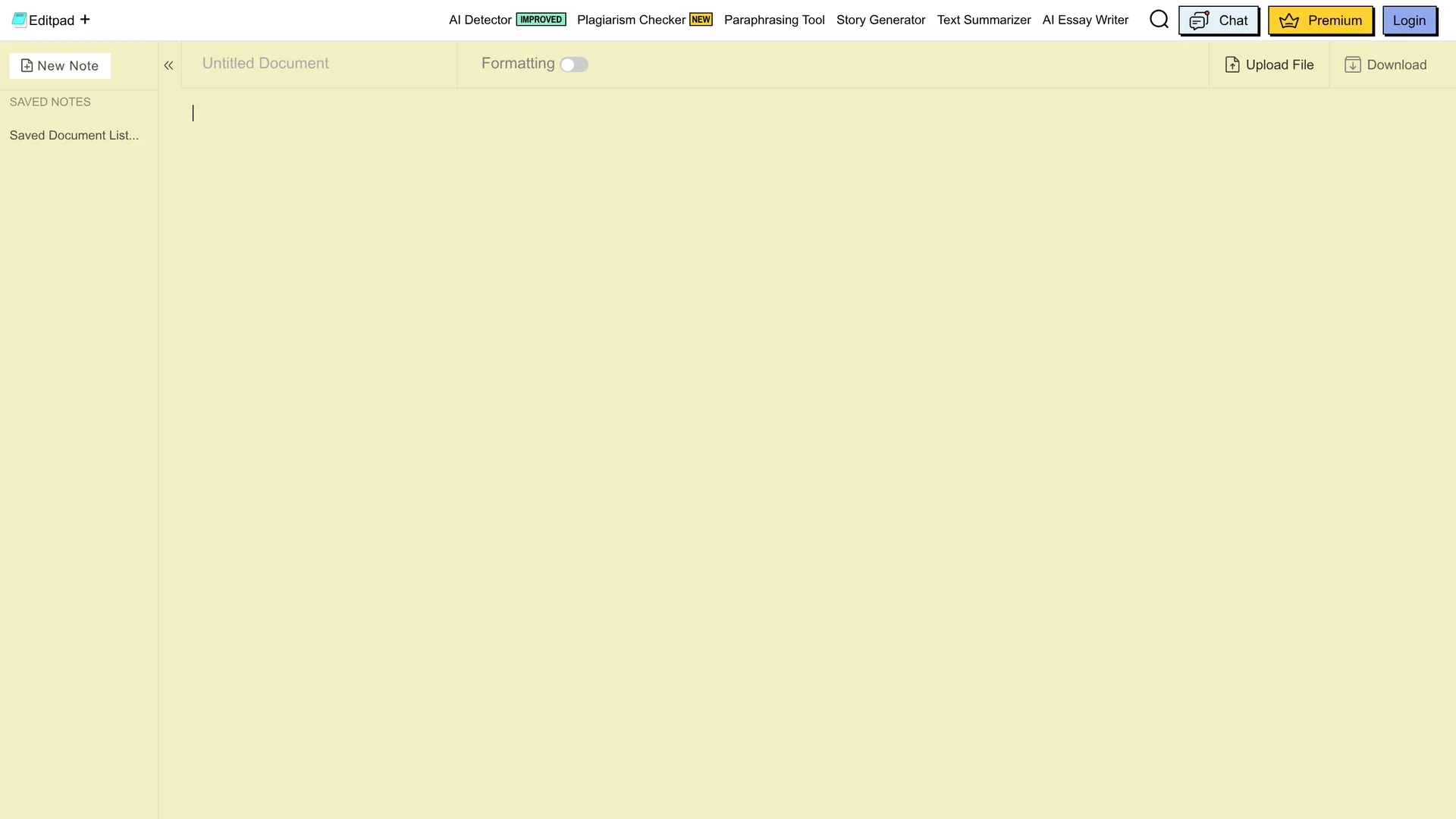
EditPad is an online plain text editor enabling users to write, edit, and save notes directly in their web browser with features like password protection and file uploading.
Disclaimer: Visionary Hub is not affiliated with, endorsed by, or the operator of this tool. All trademarks, logos, and content are the property of their respective owners. Full disclaimer available here
Key Features
Plain Text Editing
Simple interface for writing and editing plain text notes online.
File Upload
Supports uploading DOC, DOCX, TXT, and PDF files for editing.
AI Writing Tools
Offers plagiarism checker, paraphrasing, summarizer, and essay writer.
Cross-Platform
Available on web, Android, and iOS platforms for versatile use.
Get Started
Share & Save
Share on Social Media
Why Choose EditPad
Browser-Based:
No installation required; accessible from any device with a web browser.AI Integration:
Includes AI tools for plagiarism checking, paraphrasing, and essay writing.Security:
Password protection secures shared notes from unauthorized access.
Pricing
EditPad offers three subscription plans: AI Writing Assistant Plan at $3.99 weekly, $7.99 monthly, or $79 annually; Plagiarism Checker Plan at the same rates; and All in One Plan at $5.99 weekly, $12.99 monthly, or $125 annually.
About EditPad
EditPad is an online plain text editor enabling users to write, edit, and save notes directly in their web browser with features like password protection and file uploading.
What EditPad Does
EditPad provides a web-based platform for creating and managing plain text documents efficiently. Users can write, edit, and save notes instantly without installing software, streamlining their writing process.
The tool supports file uploads from local devices and cloud storage, password protection for shared notes, and various AI-powered utilities such as plagiarism checking, paraphrasing, summarizing, and essay generation. It also offers word and character count features and text conversion tools.
Ideal for students, bloggers, writers, and developers, EditPad facilitates note-taking, content creation, and collaborative editing across multiple devices and platforms.
Pros & Cons
User-Friendly
Intuitive interface simplifies text editing and note management.
Multi-Tool Suite
Combines traditional editing with AI-powered writing assistance.
Offline Limitations
Limited or no functionality without internet connection.
Basic File Management
File organization and management features are minimal.
Frequently Asked Questions
You can upload DOC, DOCX, TXT, and PDF files for editing within EditPad.
Yes, EditPad offers weekly, monthly, and annual plans including AI Writing and Plagiarism Checker options.
EditPad primarily functions online; offline features are limited or unavailable.
Yes, EditPad is available on both Android and iOS platforms via mobile apps.
No, notes are saved locally on your device using cookies; EditPad does not save private data.
Similar Tools You Might Like
Discover more AI-powered tools that complement your workflow

List Your AI Tool & Reach Thousands of Users
Join 500+ AI innovators already thriving on our platform. Get visibility, feedback, and boost your conversions.
Expand Your Audience
Connect with over 50,000 AI enthusiasts actively looking for tools like yours.
Boost Your Authority
Get verified reviews and ratings to build credibility in the AI marketplace.
Drive Conversions
Our premium placements and targeted audience deliver quality leads and sign-ups.