Edit in PPT
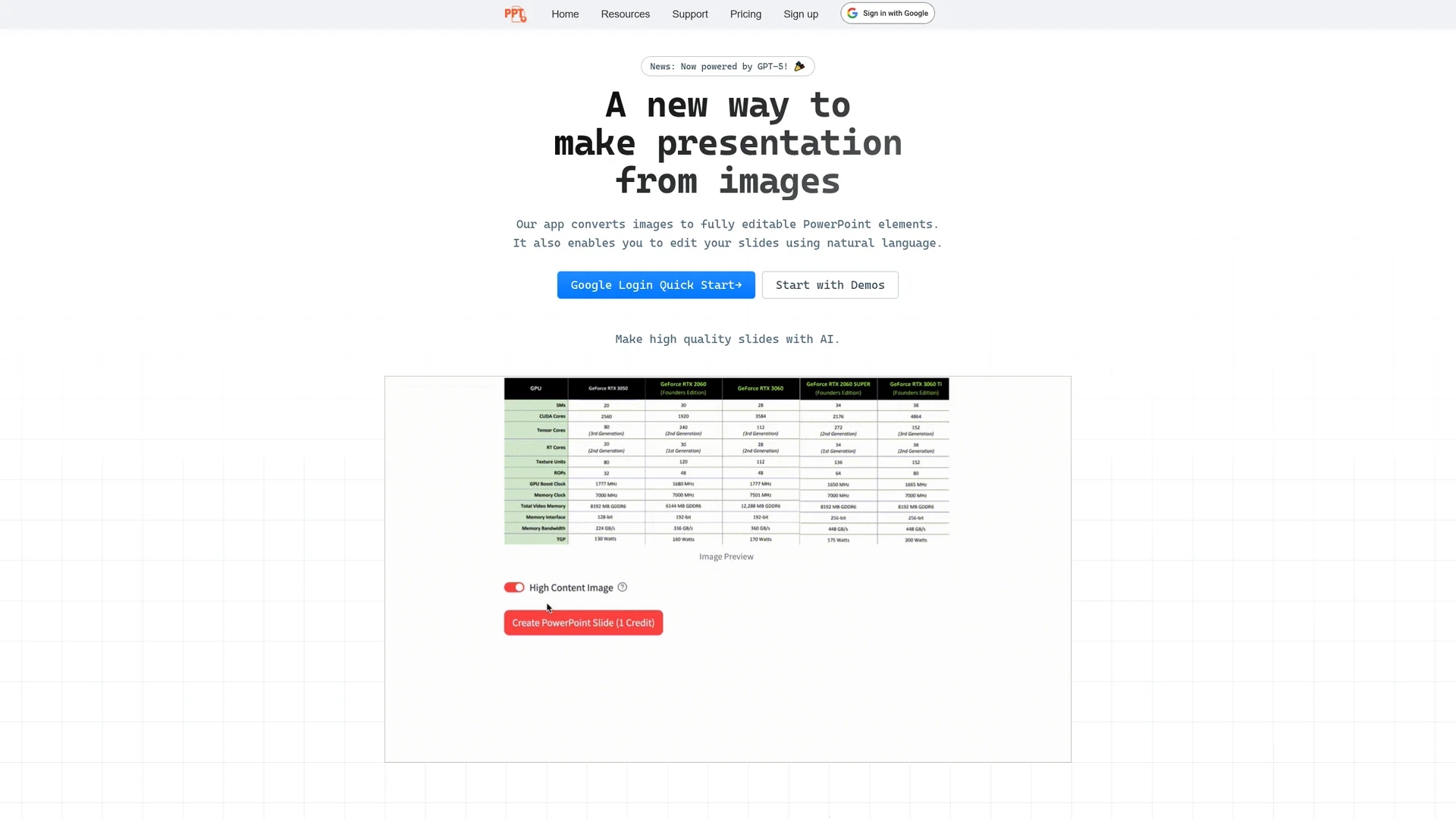
Edit PPT is an AI-powered tool that converts images into editable PowerPoint slides and enables slide editing through natural language commands, enhancing presentation efficiency and quality.
Disclaimer: Visionary Hub is not affiliated with, endorsed by, or the operator of this tool. All trademarks, logos, and content are the property of their respective owners. Full disclaimer available here
Key Features
Image Conversion
Transforms images into editable PowerPoint slide elements.
Natural Editing
Allows slide modifications via natural language commands.
User Interface
Offers an intuitive and easy-to-use design for quick workflows.
Monthly Credits
Provides 5 free conversions each month after registration.
Get Started
Share & Save
Share on Social Media
Why Choose Edit in PPT
Natural Language:
Edit slides easily using conversational commands without manual edits.Free Credits:
Receive 5 free conversions monthly with simple registration.High Quality:
Maintains clarity and detail by processing high-resolution images.
Pricing
Edit PPT offers 5 free conversions each month upon registration. Additional credits can be earned via referrals or purchased, with pricing based on AI model complexity and image quality. For detailed pricing, visit the official site.
About Edit in PPT
Edit PPT is an AI-powered tool that converts images into editable PowerPoint slides and enables slide editing through natural language commands, enhancing presentation efficiency and quality.
What Edit in PPT Does
Edit PPT converts high-resolution images into fully editable PowerPoint slides, allowing users to quickly transform visual content into presentation-ready formats. This reduces manual effort and accelerates slide preparation.
It features natural language editing, enabling users to modify slides through conversational commands. The tool processes images with AI models like GPT-5 to maintain clarity and detail in slides.
Use cases include converting infographics, photo presentations, and training materials into professional PowerPoint decks, benefiting designers, managers, and educators seeking efficient content creation.
Pros & Cons
Efficiency
Reduces manual slide creation time significantly.
Accessibility
Enables easy slide editing through natural language commands.
Limited Free Use
Only 5 free conversions per month before requiring credits.
Small Team
App may have occasional bugs due to ongoing development.
Frequently Asked Questions
Edit PPT uses GPT-5 and vision-capable models to convert images into editable slides.
Users receive 5 free conversions each month after registering an account.
Registration helps manage usage fairly and prevents abuse due to AI processing costs.
Yes, you can earn extra credits by inviting friends or purchase additional credits.
The app is developed by a small team and is continuously improved; user feedback helps fix issues.
Similar Tools You Might Like
Discover more AI-powered tools that complement your workflow
List Your AI Tool & Reach Thousands of Users
Join 500+ AI innovators already thriving on our platform. Get visibility, feedback, and boost your conversions.
Expand Your Audience
Connect with over 50,000 AI enthusiasts actively looking for tools like yours.
Boost Your Authority
Get verified reviews and ratings to build credibility in the AI marketplace.
Drive Conversions
Our premium placements and targeted audience deliver quality leads and sign-ups.