
Easy Folders
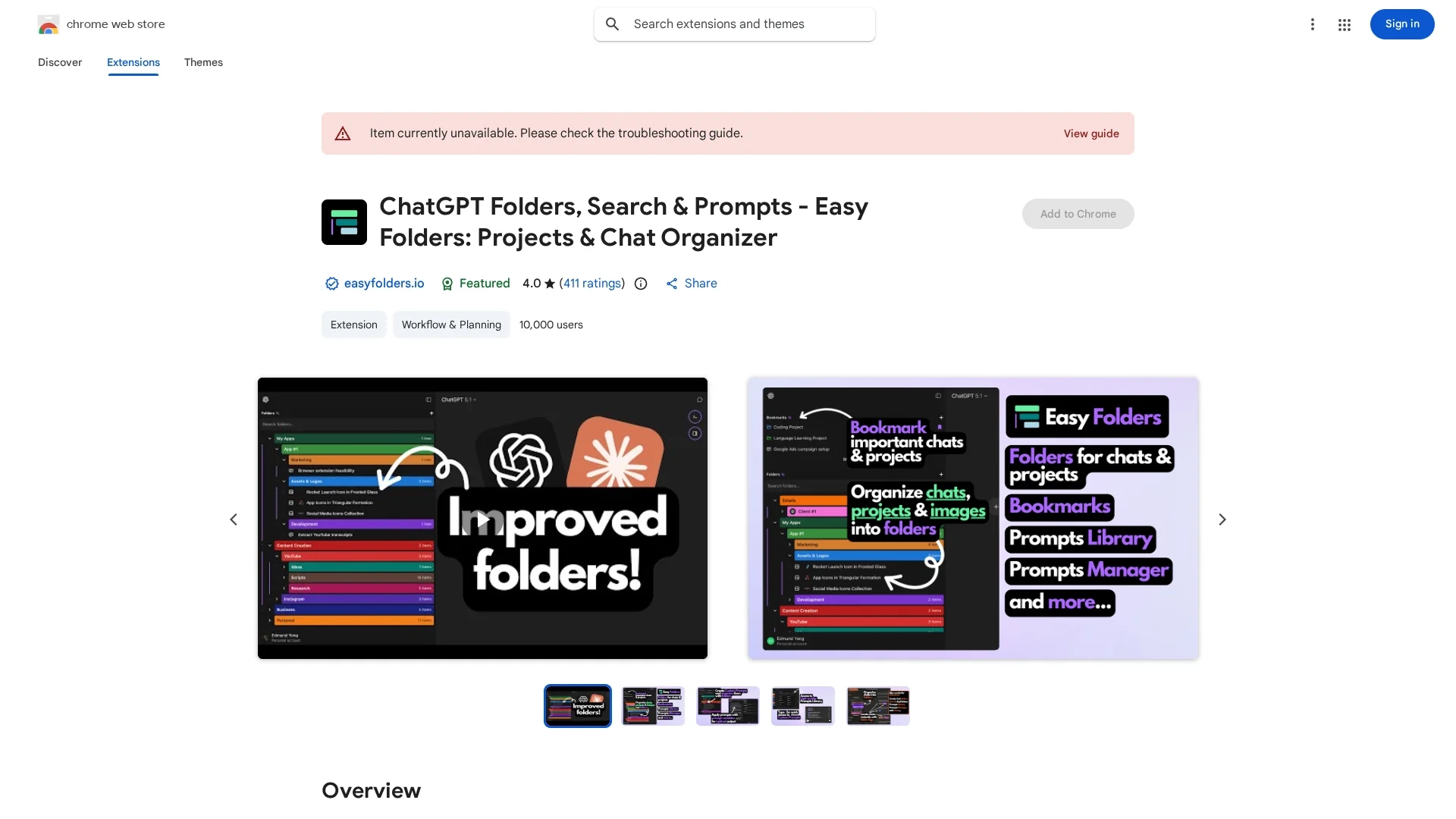
Easy Folders is a Chrome extension that organizes ChatGPT and Claude AI chats into folders with search, bookmarks, and prompt management for efficient chat retrieval.
Disclaimer: Visionary Hub is not affiliated with, endorsed by, or the operator of this tool. All trademarks, logos, and content are the property of their respective owners. Full disclaimer available here
Key Features
Organized Folders
Create and manage folders to categorize chats by topic.
Search Functions
Quickly locate chats using built-in search capabilities.
Bookmarks
Bookmark important chats for easy future access.
Prompt Management
Manage and organize prompts for ChatGPT and Claude AI.
Get Started
Share & Save
Share on Social Media
Why Choose Easy Folders
Privacy Focused:
Stores all data locally to protect user privacy.Multi-Device Sync:
Syncs folders and chats across multiple devices seamlessly.Comprehensive Features:
Includes folders, search, bookmarks, and prompt management.
Pricing
Pricing details are not explicitly provided. For current prices and plans, visit the official Chrome Web Store page.
About Easy Folders
Easy Folders is a Chrome extension that organizes ChatGPT and Claude AI chats into folders with search, bookmarks, and prompt management for efficient chat retrieval.
What Easy Folders Does
Easy Folders helps users organize their ChatGPT and Claude AI chats by allowing them to create topic-based folders, search chat history, bookmark conversations, and manage custom prompts. This improves chat accessibility and reduces time spent searching for information.
The extension features drag-and-drop folder management, multi-account support, dark/light mode, and synchronization across devices. It also supports organizing prompts with variables and provides a prompt library for various use cases.
Ideal for professionals managing multiple projects or personal interests, Easy Folders enhances productivity in industries like software development, digital marketing, and content creation by streamlining chat workflows.
Pros & Cons
User-Friendly
Easy drag-and-drop interface for managing chat folders.
Customizable
Supports custom instruction profiles and folder icons.
Chrome Only
Available exclusively as a Chrome extension.
No Direct Signup
No dedicated signup URL; installation via Chrome Web Store.
Frequently Asked Questions
Easy Folders is available as a Chrome extension for desktop browsers.
All data is stored locally on your device and not sold or transferred externally.
Pricing details are not specified; check the Chrome Web Store for current plans.
Yes, Easy Folders supports synchronization of folders and chats across multiple devices.
Yes, it includes prompt management features for ChatGPT and Claude AI.
Similar Tools You Might Like
Discover more AI-powered tools that complement your workflow

List Your AI Tool & Reach Thousands of Users
Join 500+ AI innovators already thriving on our platform. Get visibility, feedback, and boost your conversions.
Expand Your Audience
Connect with over 50,000 AI enthusiasts actively looking for tools like yours.
Boost Your Authority
Get verified reviews and ratings to build credibility in the AI marketplace.
Drive Conversions
Our premium placements and targeted audience deliver quality leads and sign-ups.