
DreamShaper (Sinkin)
DreamShaper (Sinkin) provides AI-powered image upscaling using Sinkin and ESRGAN techniques with customizable prompts, dimensions, and model options, delivering enhanced images in 10-20 seconds via a credit-based system.
Disclaimer: Visionary Hub is not affiliated with, endorsed by, or the operator of this tool. All trademarks, logos, and content are the property of their respective owners. Full disclaimer available here
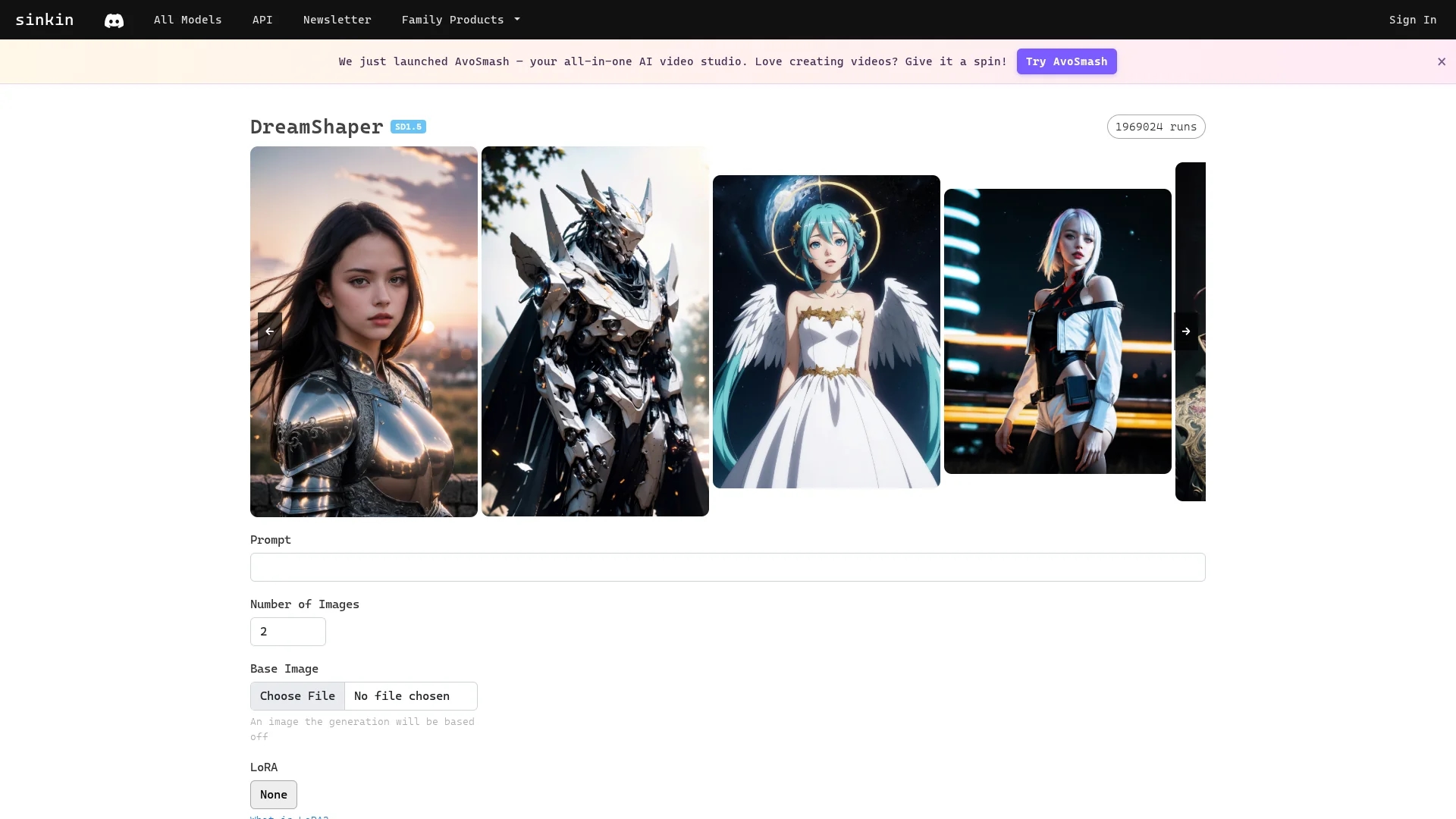
Key Features
Image Upscaling
Enhances resolution and detail of low-quality images.
Technique Options
Supports Sinkin and ESRGAN AI upscaling methods.
Custom Prompts
Allows user-defined prompts and image dimensions.
Credit Payment
Uses credits to pay for each image upscale.
Get Started
Share & Save
Share on Social Media
Why Choose DreamShaper (Sinkin)
Dual Techniques:
Choose between high-detail Sinkin or smooth ESRGAN upscaling methods.Custom Settings:
Adjust prompts, dimensions, and model versions for tailored results.Fast Processing:
Image enhancement completes within 10-20 seconds per request.
Pricing
The service operates on a credit-based system, with each upscale costing 1 credit. Detailed pricing and credit purchase options are available on the official site.
About DreamShaper (Sinkin)
DreamShaper (Sinkin) provides AI-powered image upscaling using Sinkin and ESRGAN techniques with customizable prompts, dimensions, and model options, delivering enhanced images in 10-20 seconds via a credit-based system.
What DreamShaper (Sinkin) Does
DreamShaper (Sinkin) upscales images by applying AI models that increase resolution and detail, improving image quality for printing, social media, and restoration purposes.
It offers two AI techniques: Sinkin upscale for highly detailed 2x upscaling and ESRGAN for smoother details with 2-4x scaling. Users can select start images, input prompts, adjust inference steps (up to 50), and guidance scales (up to 20) to tailor results.
This tool suits creative professionals like digital artists and photographers who need fast, customizable image enhancement with credit-based payment for each upscale operation.
Pros & Cons
Versatile AI Models
Offers two distinct AI upscaling techniques for varied needs.
User Control
Provides extensive customization of prompts and settings.
Credit System
Requires purchasing credits, which may limit casual users.
No Signup Link
No direct registration URL found for user onboarding.
Frequently Asked Questions
It uses Sinkin upscale for high detail and ESRGAN for smooth detail image upscaling.
Each image upscale costs 1 credit; credits must be purchased on the official site.
Yes, you can adjust prompts, image dimensions, inference steps, and guidance scales.
The upscaling process typically takes between 10 and 20 seconds per image.
No direct signup URL was found; access is likely via the main homepage.
Similar Tools You Might Like
Discover more AI-powered tools that complement your workflow
List Your AI Tool & Reach Thousands of Users
Join 500+ AI innovators already thriving on our platform. Get visibility, feedback, and boost your conversions.
Expand Your Audience
Connect with over 50,000 AI enthusiasts actively looking for tools like yours.
Boost Your Authority
Get verified reviews and ratings to build credibility in the AI marketplace.
Drive Conversions
Our premium placements and targeted audience deliver quality leads and sign-ups.