
SlashDreamer
SlashDreamer integrates Stable Diffusion into Notion, enabling users to generate AI images directly within Notion pages using a simple slash command.
Disclaimer: Visionary Hub is not affiliated with, endorsed by, or the operator of this tool. All trademarks, logos, and content are the property of their respective owners. Full disclaimer available here
Key Features
Slash Command
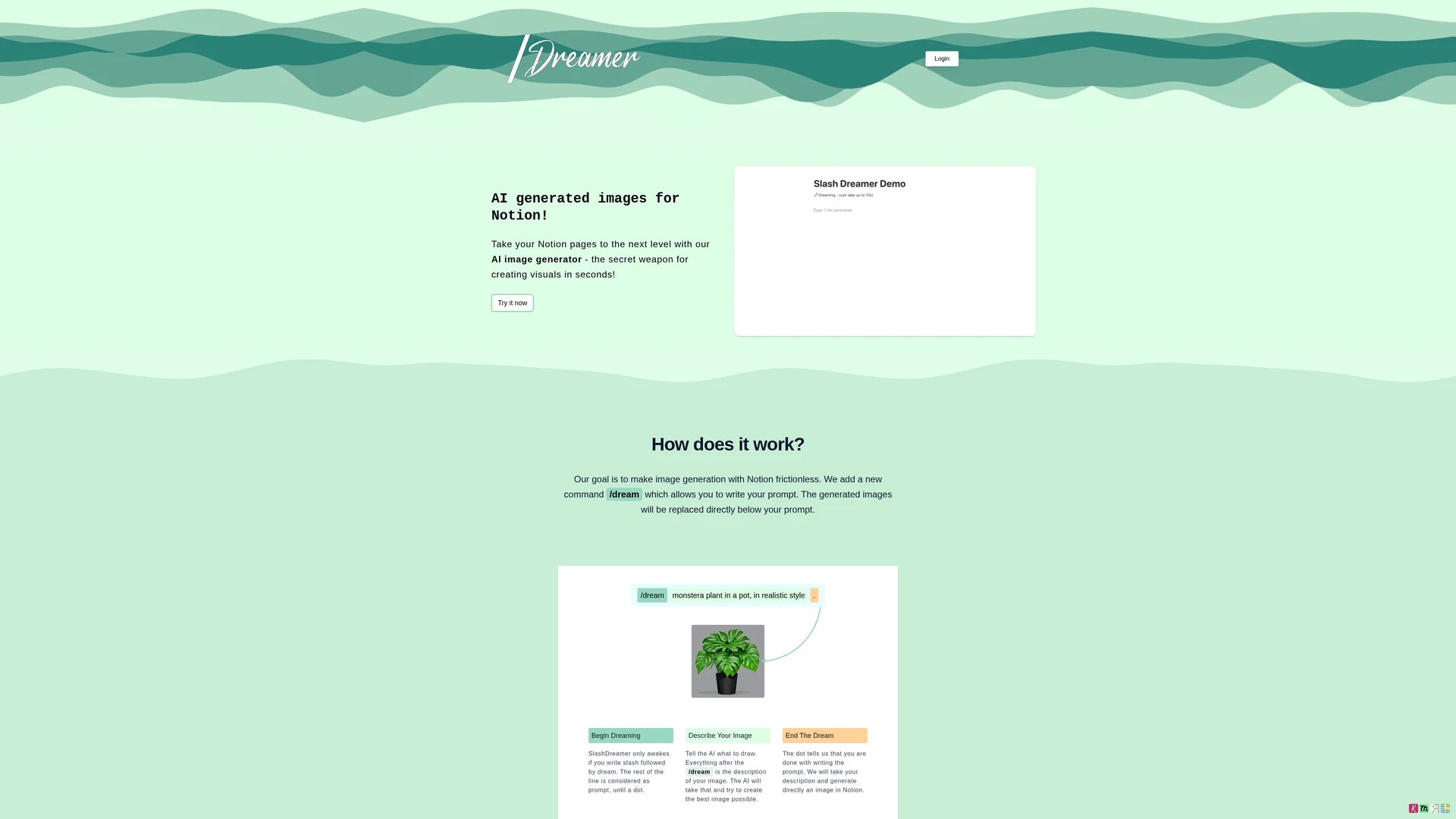
Use '/dream' to generate images instantly within Notion.
Prompt-Based Creation
Create images by describing them in natural language prompts.
Direct Image Replacement
Images appear directly below the prompt for immediate viewing.
Multiple Pricing Plans
Choose from beginner to pro plans with varying image limits.
Get Started
Share & Save
Share on Social Media
Why Choose SlashDreamer
Seamless Integration:
Generates images directly within Notion pages using a simple slash command.Stable Diffusion:
Utilizes advanced AI models to produce high-quality images from text prompts.Flexible Plans:
Offers multiple subscription tiers with trial periods to fit user needs.
Pricing
SlashDreamer offers three subscription plans: AI Artist Beginner at $0.99/month with 7-day trial and 15 images/month; AI Artist at $4.99/month with 7-day trial and 100 images/month; AI Artist Pro at $9.99/month with 7-day trial, 300 images/month, and priority support.
About SlashDreamer
SlashDreamer integrates Stable Diffusion into Notion, enabling users to generate AI images directly within Notion pages using a simple slash command.
What SlashDreamer Does
SlashDreamer enables users to generate AI images directly inside Notion by typing the '/dream' command followed by a descriptive prompt. This functionality benefits users by streamlining visual content creation without switching apps.
The tool uses Stable Diffusion, a state-of-the-art machine learning model, to interpret text prompts and produce corresponding images. The generated image automatically replaces the prompt line, making the process seamless and efficient.
This integration is ideal for content creators, professionals, and students who rely on Notion for notes, documents, and presentations, allowing quick generation of custom visuals within their workflows.
Pros & Cons
Easy to Use
Simple slash command interface embedded in Notion.
Efficient Workflow
Eliminates need to switch apps for image generation.
Paid Service
Requires subscription after 7-day free trial.
Write Permissions
Needs write access to Notion pages to insert images.
Frequently Asked Questions
AI image generation requires significant resources, so the service is paid to cover costs.
Subscriptions can be canceled monthly; a 7-day free trial is provided before charges begin.
No refunds; charges occur after the 7-day trial, and canceling within trial avoids charges.
It requires write access to replace your prompt with the generated image in your Notion page.
Users own the images under Stable Diffusion’s terms; SlashDreamer does not claim ownership.
Similar Tools You Might Like
Discover more AI-powered tools that complement your workflow


List Your AI Tool & Reach Thousands of Users
Join 500+ AI innovators already thriving on our platform. Get visibility, feedback, and boost your conversions.
Expand Your Audience
Connect with over 50,000 AI enthusiasts actively looking for tools like yours.
Boost Your Authority
Get verified reviews and ratings to build credibility in the AI marketplace.
Drive Conversions
Our premium placements and targeted audience deliver quality leads and sign-ups.