Draw3D
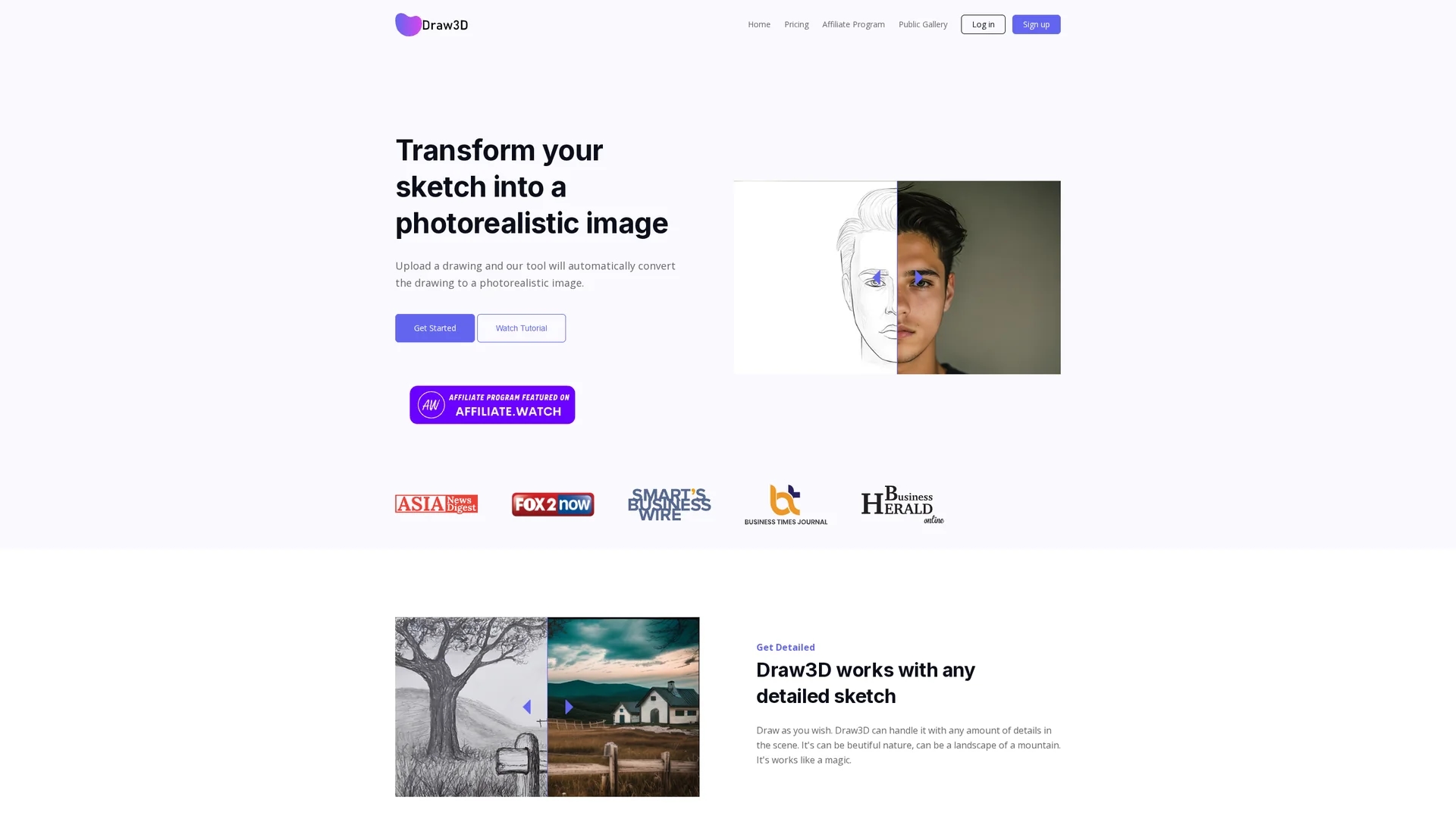
Draw3d AI tool transforms sketches into photorealistic images with advanced upscaling and editing features for detailed artistic creations.
Disclaimer: Visionary Hub is not affiliated with, endorsed by, or the operator of this tool. All trademarks, logos, and content are the property of their respective owners. Full disclaimer available here
Key Features
Sketch Conversion
Automatically converts sketches into photorealistic images.
Detail Handling
Preserves intricate details like landscapes and animal faces.
Image Upscaling
Upscales images up to 4x without losing quality.
Sculpture Transformation
Transforms photos into sculptures and sculptures into photos.
Get Started
Share & Save
Share on Social Media
Why Choose Draw3D
Photorealistic Output:
Transforms sketches into highly detailed, realistic images.Versatile Conversion:
Supports both sketch-to-image and sculpture-to-photo transformations.Integrated Editing:
Includes powerful image editor with filters and resizing.
Pricing
Draw3D offers a freemium pricing model with a free plan and paid plans starting at $9/month. The Basic plan costs $15/month, with a 20% discount for annual billing. Pricing details are subject to change; visit the official pricing page for updates.
About Draw3D
Draw3d AI tool transforms sketches into photorealistic images with advanced upscaling and editing features for detailed artistic creations.
What Draw3D Does
Draw3d transforms user-uploaded sketches into photorealistic images, enhancing creative projects with realistic details. It also converts sculptures into photos and vice versa, expanding artistic possibilities.
The tool features a simple three-step workflow: generate images from sketches, upscale images up to 4x without quality degradation, and edit images using built-in filters and resizing tools. Its AI technology preserves intricate details such as landscapes and animal facial structures.
Draw3d is suitable for industries like digital art, product design, 3D modeling, and visualization, enabling professionals to create lifelike images from hand-drawn sketches and sculptures.
Pros & Cons
User-Friendly
Simple three-step process for image generation and editing.
Flexible Use
Supports various drawing types and detailed scenes.
Upscale Limit
Currently supports up to 4x upscaling; 8x is upcoming.
Pricing Details
Pricing plans may change; users should verify current rates.
Frequently Asked Questions
Draw3d converts sketches into photorealistic images and can transform sculptures into photos and vice versa.
Yes, Draw3d offers a free plan with limitations and paid plans starting at $9 per month.
Yes, images can be upscaled up to 4x without quality loss, with 8x upscaling coming soon.
Yes, it has a built-in editor for applying filters, resizing, and other adjustments.
Draw3d was developed by Kites.Dev.
Similar Tools You Might Like
Discover more AI-powered tools that complement your workflow

List Your AI Tool & Reach Thousands of Users
Join 500+ AI innovators already thriving on our platform. Get visibility, feedback, and boost your conversions.
Expand Your Audience
Connect with over 50,000 AI enthusiasts actively looking for tools like yours.
Boost Your Authority
Get verified reviews and ratings to build credibility in the AI marketplace.
Drive Conversions
Our premium placements and targeted audience deliver quality leads and sign-ups.