
DraftAid
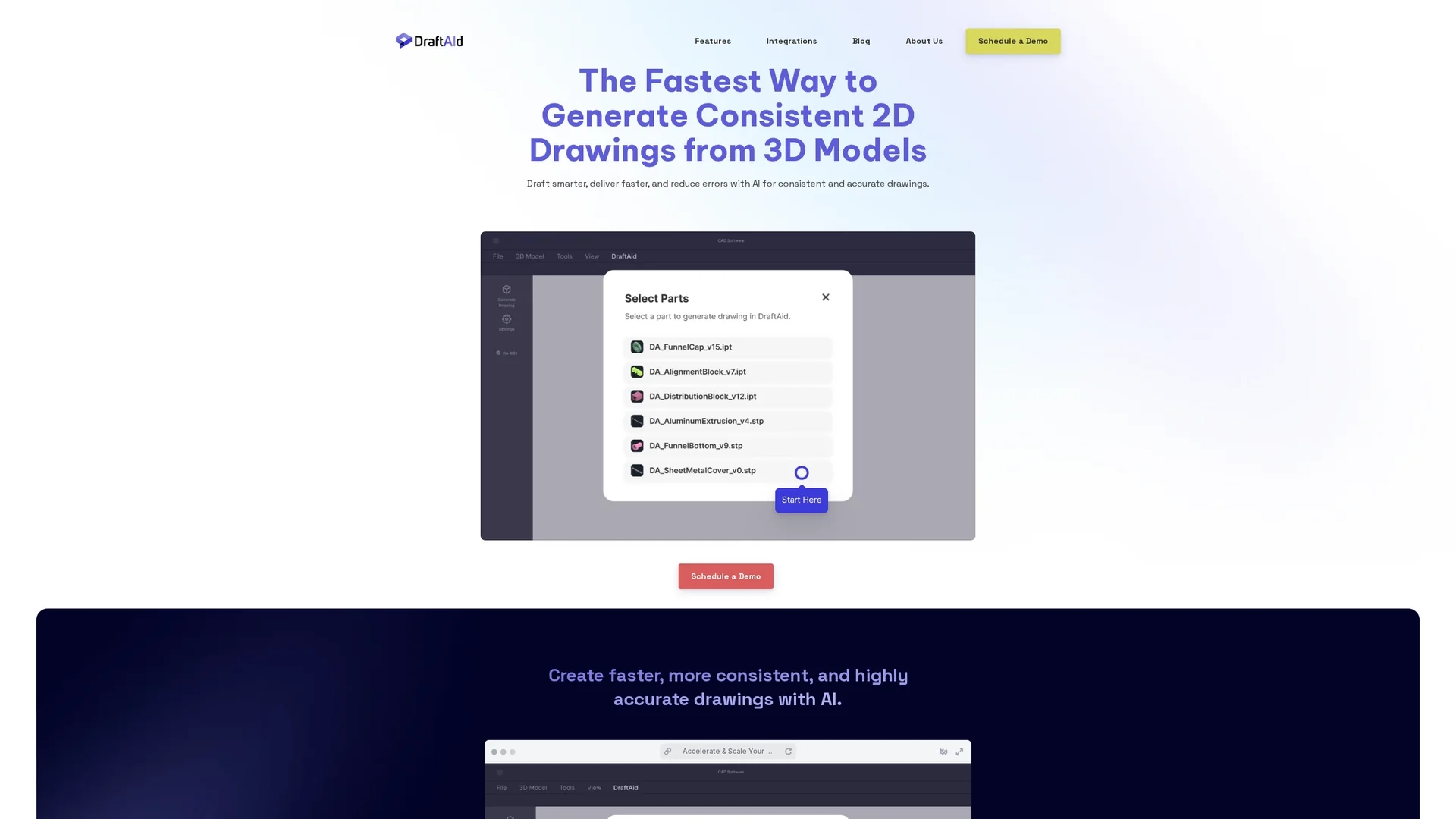
DraftAid automates 2D fabrication drawing creation from 3D models, saving weeks of work in minutes while ensuring precision and reducing errors.
Disclaimer: Visionary Hub is not affiliated with, endorsed by, or the operator of this tool. All trademarks, logos, and content are the property of their respective owners. Full disclaimer available here
Key Features
2D Drawing Automation
Automatically generates detailed 2D fabrication drawings from 3D models.
CAD Integration
Integrates with major CAD software for seamless workflow.
Customizable Templates
Adapts drawings to company standards and project requirements.
Intelligent Annotations
Automates dimensioning and annotations for manufacturing accuracy.
Get Started
Share & Save
Share on Social Media
Why Choose DraftAid
Time Savings:
Reduces drafting time from weeks to minutes with AI automation.Seamless Integration:
Works smoothly with major 3D modeling and CAD software.Precision:
Ensures accurate, production-ready drawings with intelligent detailing.
Pricing
For current prices, visit the official DraftAid website. Pricing details and plan options are available upon scheduling a demo.
About DraftAid
DraftAid automates 2D fabrication drawing creation from 3D models, saving weeks of work in minutes while ensuring precision and reducing errors.
What DraftAid Does
DraftAid automates the generation of detailed 2D fabrication drawings from 3D CAD models, significantly reducing the time and effort required for manual drafting. This automation benefits users by accelerating project timelines and improving drawing accuracy.
The tool integrates with major 3D modeling software, adapting to company templates and standards to produce consistent, production-ready drawings. It features intelligent annotations, automated dimensioning, and customizable settings to align with specific project requirements.
DraftAid is suitable for industries such as manufacturing, automotive, construction, and engineering, where precise and efficient drafting is critical to avoid production delays and errors.
Pros & Cons
Efficiency
Significantly accelerates the drafting process, saving time.
Error Reduction
Minimizes human errors in fabrication drawings.
Learning Curve
Initial setup and customization require user adaptation.
Demo Required
No direct sign-up; users must schedule a demo to access pricing and features.
Frequently Asked Questions
DraftAid integrates seamlessly with major 3D modeling and CAD software platforms.
Pricing details are available upon scheduling a demo on the official website.
No trial is mentioned; interested users can schedule a demo to learn more.
Yes, it adapts automatically to company templates and project-specific requirements.
It is designed for engineers, designers, and manufacturers needing efficient drafting automation.
Similar Tools You Might Like
Discover more AI-powered tools that complement your workflow
List Your AI Tool & Reach Thousands of Users
Join 500+ AI innovators already thriving on our platform. Get visibility, feedback, and boost your conversions.
Expand Your Audience
Connect with over 50,000 AI enthusiasts actively looking for tools like yours.
Boost Your Authority
Get verified reviews and ratings to build credibility in the AI marketplace.
Drive Conversions
Our premium placements and targeted audience deliver quality leads and sign-ups.