
Doodly
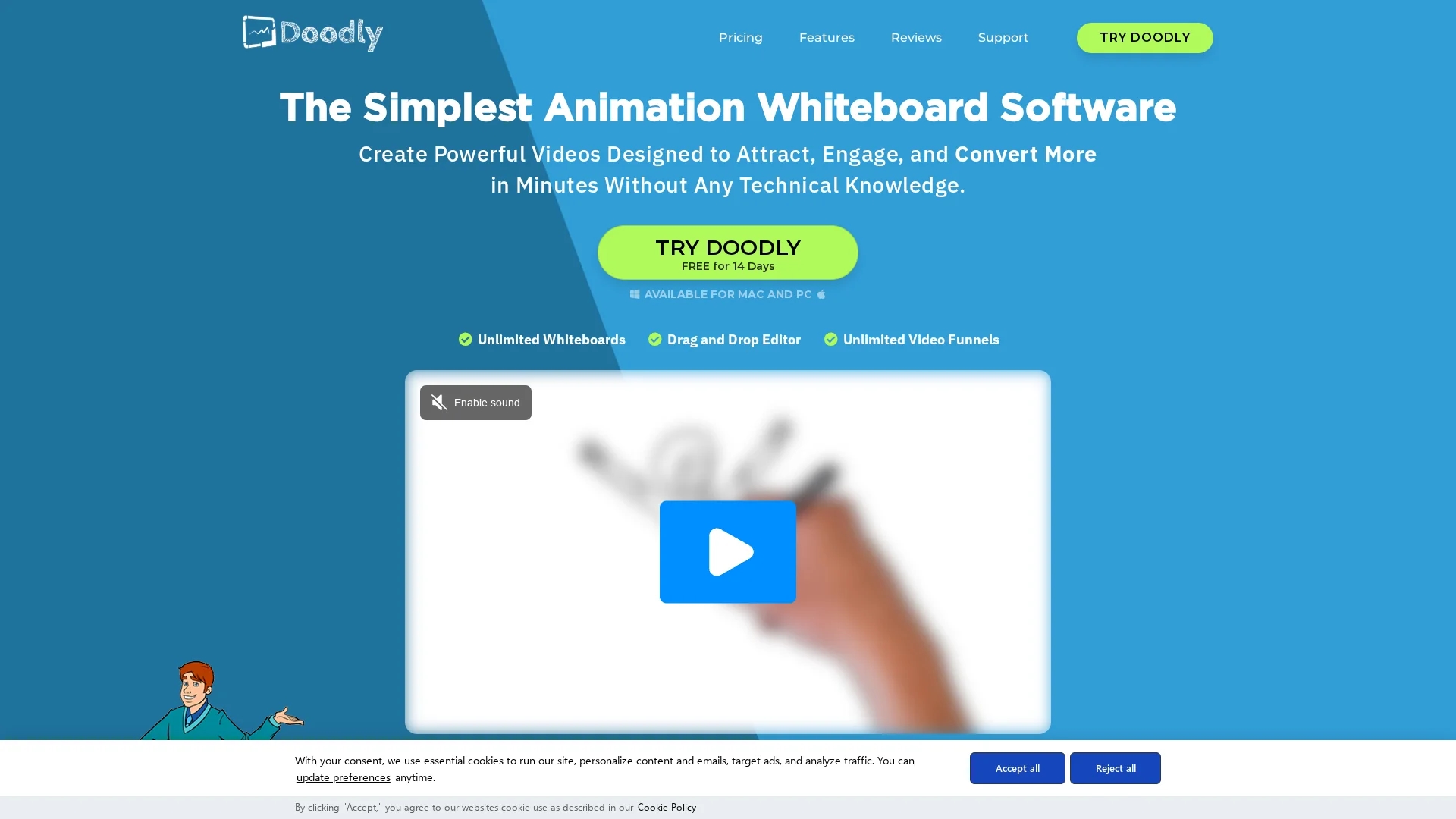
Doodly is user-friendly whiteboard animation software that creates professional doodle videos quickly, featuring a vast library of custom images and multiple canvas styles for marketing, education, and entertainment.
Disclaimer: Visionary Hub is not affiliated with, endorsed by, or the operator of this tool. All trademarks, logos, and content are the property of their respective owners. Full disclaimer available here
Key Features
Smart Draw
Import images and create custom draw paths for unique animations.
Voiceover Support
Record or upload audio and sync easily with doodle animations.
Multiple Export Options
Export videos in resolutions up to 1080p HD with customizable settings.
Unlimited Installs
Install Doodly on unlimited computers, compatible with Mac and PC.
Get Started
Share & Save
Share on Social Media
Why Choose Doodly
Ease of Use:
Intuitive drag-and-drop interface requires no design or technical skills.Asset Library:
Extensive custom-drawn images, characters, and props for diverse videos.Flexible Canvases:
Supports whiteboard, blackboard, glassboard, and green screen animations.
Pricing
Doodly offers two main plans: Standard at $39/month (billed monthly) or $20/month (billed annually), and Enterprise at $69/month (monthly) or $40/month (annual). Plans include varying numbers of character images, props, music tracks, and video templates. A 14-day free trial and 30-day money-back guarantee are available.
About Doodly
Doodly is user-friendly whiteboard animation software that creates professional doodle videos quickly, featuring a vast library of custom images and multiple canvas styles for marketing, education, and entertainment.
What Doodly Does
Doodly allows users to create whiteboard, blackboard, glassboard, and green screen doodle videos easily. It benefits users by enabling quick production of engaging, professional videos without design expertise.
The software features a drag-and-drop editor, a vast library of custom-drawn characters, props, and backgrounds, and Smart Draw technology for importing and animating custom images. Users can record or upload voiceovers and add royalty-free music tracks to enhance their videos.
Doodly is used in marketing, education, social media advertising, sales videos, and creative projects, helping businesses and educators increase engagement and retention through visually appealing content.
Pros & Cons
User-Friendly
Allows video creation with zero design knowledge.
Versatile Animation
Multiple canvas types enhance creative possibilities.
Pricing
Advanced features and plans can become expensive beyond the basic version.
Learning Curve
Some users may need time to master advanced features.
Frequently Asked Questions
You can create whiteboard, blackboard, glassboard, and green screen doodle videos.
Yes, there is a 14-day free trial and a 30-day money-back guarantee.
Yes, you can record custom voiceovers or upload audio files to sync with videos.
Yes, Doodly supports installation on unlimited Mac and PC computers.
Yes, Standard and Enterprise plans offer varying features and pricing options.
Similar Tools You Might Like
Discover more AI-powered tools that complement your workflow

List Your AI Tool & Reach Thousands of Users
Join 500+ AI innovators already thriving on our platform. Get visibility, feedback, and boost your conversions.
Expand Your Audience
Connect with over 50,000 AI enthusiasts actively looking for tools like yours.
Boost Your Authority
Get verified reviews and ratings to build credibility in the AI marketplace.
Drive Conversions
Our premium placements and targeted audience deliver quality leads and sign-ups.