Document CoPilot
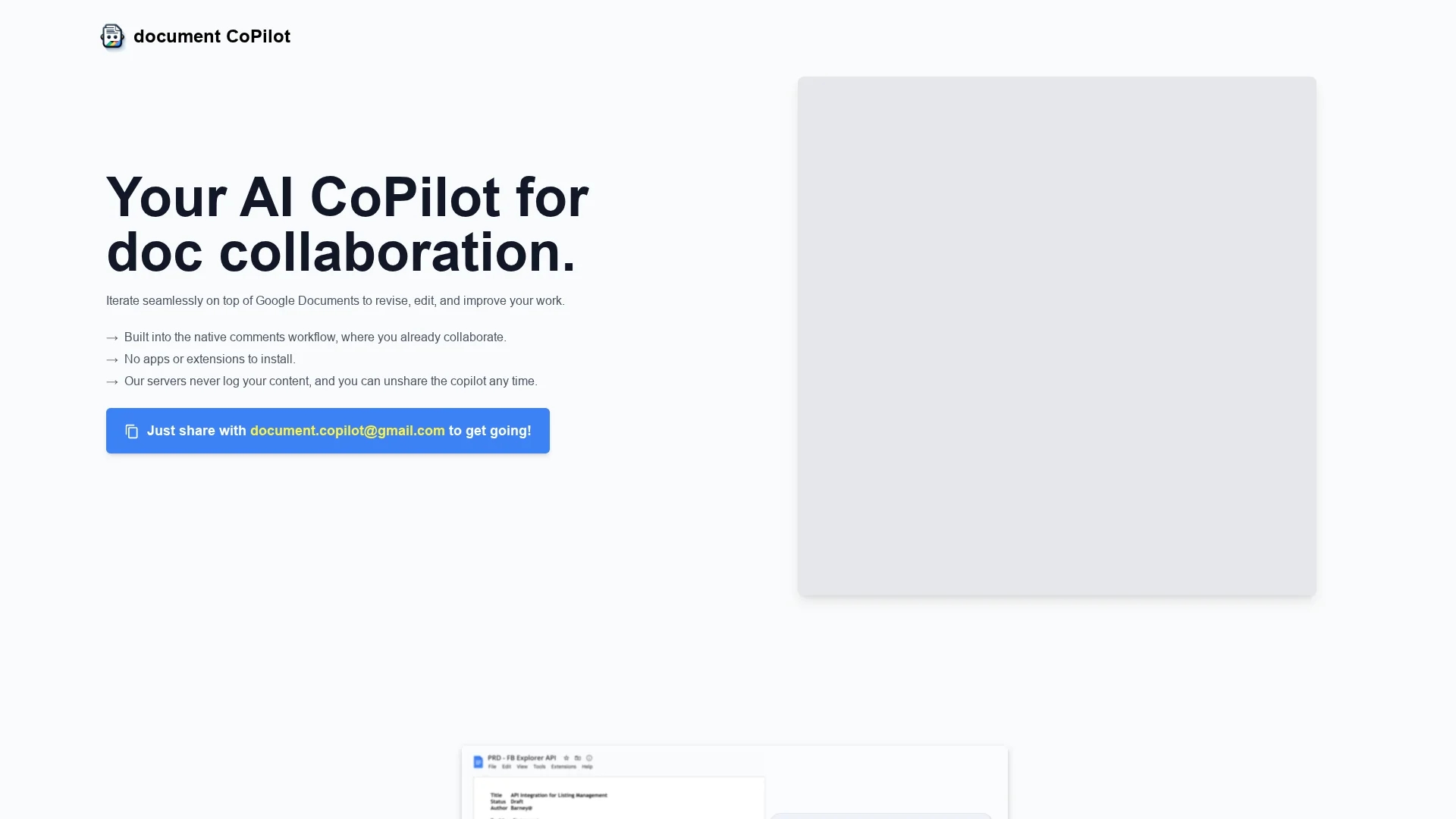
Document CoPilot enhances collaboration in Google Docs with real-time comments and feedback, supporting various document types while prioritizing user privacy and seamless editing workflows.
Disclaimer: Visionary Hub is not affiliated with, endorsed by, or the operator of this tool. All trademarks, logos, and content are the property of their respective owners. Full disclaimer available here
Key Features
Real-Time Feedback
Provides immediate comments and suggestions during document editing.
Native Workflow
Integrates with Google Docs’ comment system without extra apps or extensions.
Document Support
Compatible with multiple document types including essays and marketing materials.
Privacy Assurance
Automatically removes itself after sessions and does not store data permanently.
Get Started
Share & Save
Share on Social Media
Why Choose Document CoPilot
Native Integration:
Works directly within Google Docs’ existing commenting system for seamless collaboration.Privacy Focused:
Does not store or log content permanently, ensuring document confidentiality.Flexible Use:
Supports various document types and adapts to different collaborative workflows.
Pricing
Document CoPilot offers a free demo with an initial set of comments. Afterward, users pay a small fee per additional comments via a secure Stripe link, without subscriptions or hidden fees.
About Document CoPilot
Document CoPilot enhances collaboration in Google Docs with real-time comments and feedback, supporting various document types while prioritizing user privacy and seamless editing workflows.
What Document CoPilot Does
Document CoPilot facilitates collaborative document editing by joining Google Docs as a commenting AI that provides real-time feedback and suggestions. It helps users revise and improve their documents interactively within the native Google Docs environment.
The tool operates through Google Docs’ native comments workflow, responding to user comments and suggestions with focused in-line edits. It supports various document types such as student papers, marketing content, and manuscripts, ensuring privacy by not logging or permanently storing content.
Document CoPilot is useful across education, marketing, and writing industries, enabling efficient group assignments, content creation, and manuscript development with secure, privacy-focused collaboration.
Pros & Cons
Easy Setup
No installation required; just share your document with the Copilot’s email.
Adaptive Collaboration
Responds to comments dynamically, enabling interactive editing sessions.
Limited Document Types
Currently supports only Google Docs, excluding spreadsheets and slides.
Session Timeout
Copilot exits after 30 minutes of inactivity requiring re-sharing to resume.
Frequently Asked Questions
Share your Google Doc with [email protected] with edit access and notify people.
It offers a free demo; additional comments require a small fee via Stripe, no subscription.
Supports Google Documents only; spreadsheets, slides, and .docx files are not supported.
Yes, it does not log or store content permanently and removes itself after sessions.
No installation or extensions are needed; it works through Google Docs’ native comments.
Similar Tools You Might Like
Discover more AI-powered tools that complement your workflow



List Your AI Tool & Reach Thousands of Users
Join 500+ AI innovators already thriving on our platform. Get visibility, feedback, and boost your conversions.
Expand Your Audience
Connect with over 50,000 AI enthusiasts actively looking for tools like yours.
Boost Your Authority
Get verified reviews and ratings to build credibility in the AI marketplace.
Drive Conversions
Our premium placements and targeted audience deliver quality leads and sign-ups.