
Docugram
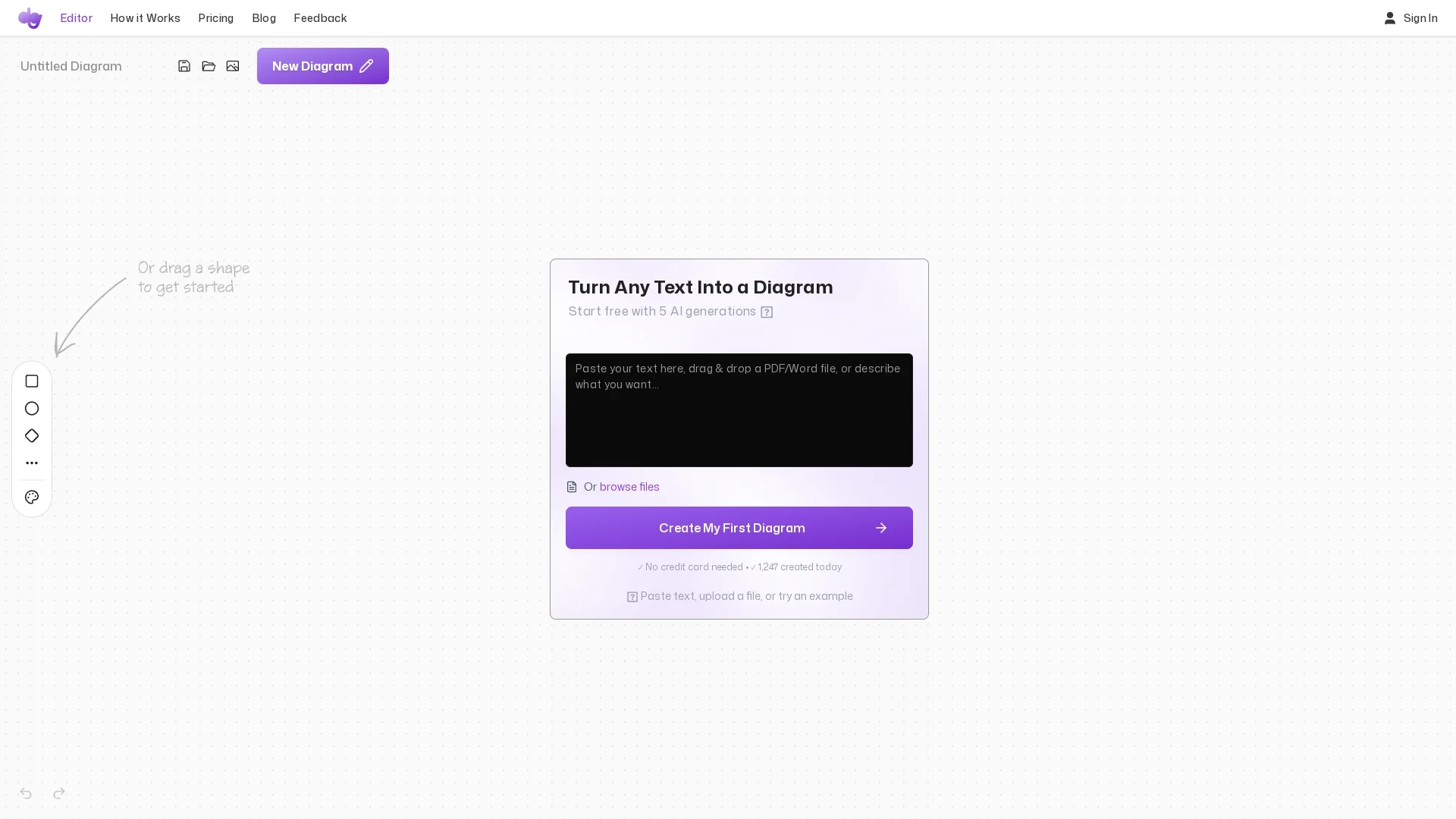
Docugram converts text into clear visual diagrams such as decision trees and flowcharts, featuring editable nodes, auto layout, and saving options for effective communication of complex information.
Disclaimer: Visionary Hub is not affiliated with, endorsed by, or the operator of this tool. All trademarks, logos, and content are the property of their respective owners. Full disclaimer available here
Key Features
Text Conversion
Converts text into decision trees and flowcharts.
Editable Nodes
Users can move nodes to customize diagram layout.
Auto Layout
Automatically organizes diagram elements neatly.
Save Documents
Supports saving work for future editing.
Get Started
Share & Save
Share on Social Media
Why Choose Docugram
Visual Clarity:
Transforms complex text into easy-to-understand diagrams.Editable Nodes:
Allows repositioning of diagram elements for better layout.Auto Layout:
Automatically arranges diagrams for professional appearance.
Pricing
Pricing details are available on the official Docugram pricing page at https://docugram.app/pricing.
About Docugram
Docugram converts text into clear visual diagrams such as decision trees and flowcharts, featuring editable nodes, auto layout, and saving options for effective communication of complex information.
What Docugram Does
Docugram transforms plain text into structured visual diagrams, helping users clarify complex information and workflows. This improves communication and understanding across teams and stakeholders.
It features editable nodes that users can reposition for clarity, an auto layout function that arranges elements professionally, and supports diagram types like decision trees and flowcharts.
Common use cases include project workflow visualization, educational diagrams, and converting reports into decision trees, benefiting industries such as education, business analysis, and product design.
Pros & Cons
User Control
Editable nodes provide flexible diagram customization.
Professional Layout
Auto layout ensures clear, polished visuals.
Limited Pricing Info
Pricing details require visiting the official site.
Developer Unknown
No developer information is publicly available.
Frequently Asked Questions
Docugram creates decision trees and flowcharts from text input.
Pricing and trial details are available on Docugram's pricing page.
Yes, nodes are editable and can be repositioned for clarity.
Yes, it supports saving documents for future edits.
Developer information is not publicly disclosed.
Similar Tools You Might Like
Discover more AI-powered tools that complement your workflow

List Your AI Tool & Reach Thousands of Users
Join 500+ AI innovators already thriving on our platform. Get visibility, feedback, and boost your conversions.
Expand Your Audience
Connect with over 50,000 AI enthusiasts actively looking for tools like yours.
Boost Your Authority
Get verified reviews and ratings to build credibility in the AI marketplace.
Drive Conversions
Our premium placements and targeted audience deliver quality leads and sign-ups.