
DocsLoop
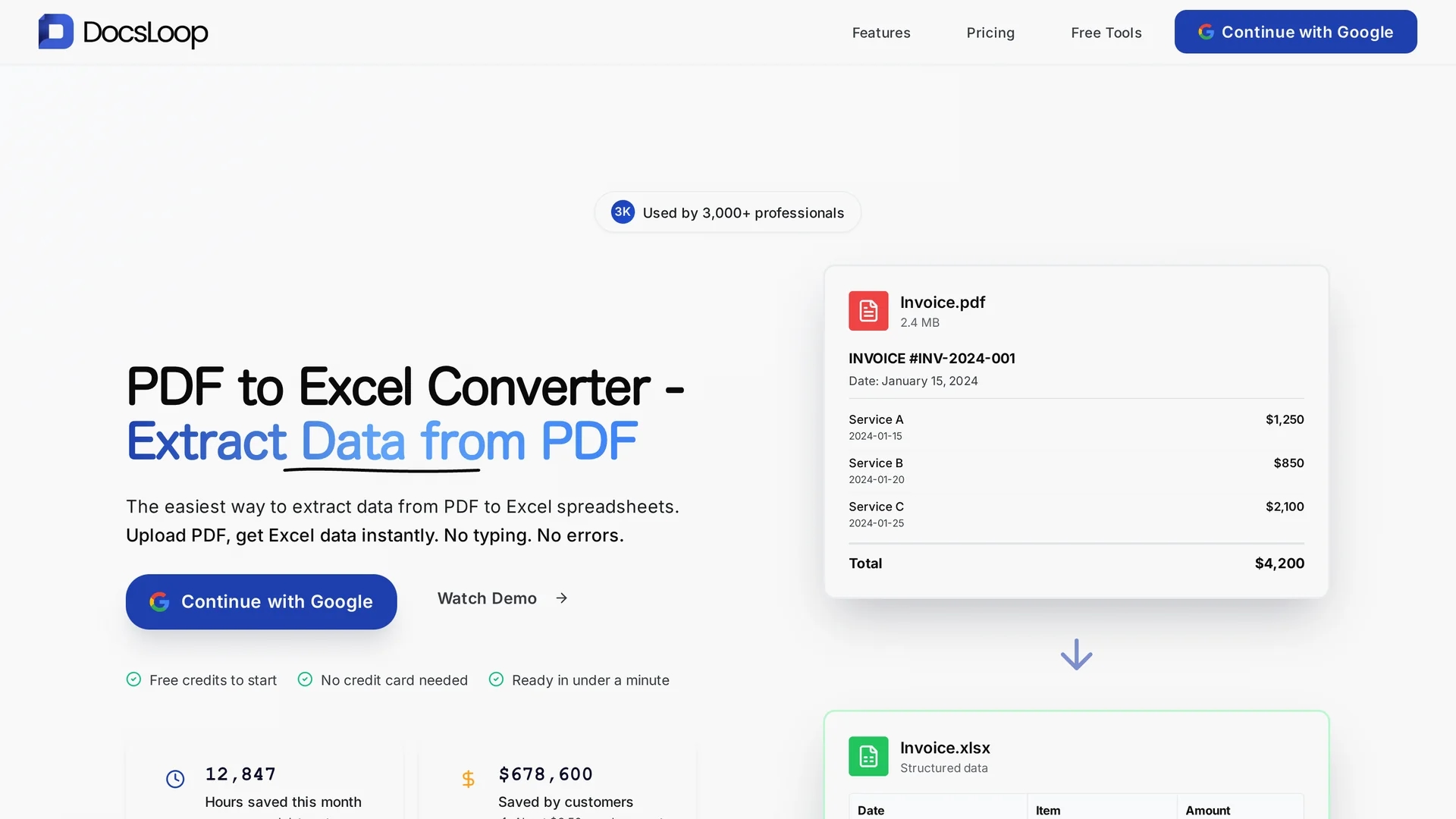
Docsloop is an AI-powered document extraction tool that converts PDFs into organized Excel spreadsheets, streamlining data processing and reducing manual entry for small businesses and teams.
Disclaimer: Visionary Hub is not affiliated with, endorsed by, or the operator of this tool. All trademarks, logos, and content are the property of their respective owners. Full disclaimer available here
Key Features
PDF to Excel
Converts PDFs into organized Excel spreadsheets automatically.
Drag and Drop
Users upload documents easily via drag-and-drop interface.
Multi-Document Support
Processes invoices, bank statements, receipts, and more.
Credit-Based Pricing
Flexible plans based on credits with options for individuals and teams.
Get Started
Share & Save
Share on Social Media
Why Choose DocsLoop
High Accuracy:
AI extracts data precisely, minimizing manual errors in spreadsheets.Easy Workflow:
Simple three-step process requires no setup or training.Versatile Support:
Handles various document types including invoices and bank statements.
Pricing
Docsloop offers credit-based pricing: Individual plan at $19 for 300 credits (3 months expiry), Small Team at $49 for 900 credits (6 months expiry), and Agency at $99 for 3,000 credits with no expiry. Free credits and trials are available.
About DocsLoop
Docsloop is an AI-powered document extraction tool that converts PDFs into organized Excel spreadsheets, streamlining data processing and reducing manual entry for small businesses and teams.
What DocsLoop Does
Docsloop extracts tables and text from PDFs and converts them into structured Excel spreadsheets, enabling users to quickly process financial and personnel documents. This automation reduces manual data entry and accelerates data analysis.
The tool features drag-and-drop upload, supports multiple document types such as invoices and bank statements, and uses AI to ensure high extraction accuracy. Its straightforward three-step workflow simplifies document processing without requiring setup or training.
Docsloop is widely used by small businesses, accounting teams, and HR departments to streamline financial reporting, invoice processing, and employee data management, improving operational efficiency.
Pros & Cons
Time Saving
Significantly reduces hours spent on manual data entry.
User Friendly
Intuitive interface accessible to non-technical users.
Credit Expiry
Some plans have credits that expire after a few months.
Complex Tables
May require manual review for highly complex table structures.
Frequently Asked Questions
It supports PDFs including invoices, bank statements, receipts, and other financial documents.
Pricing is credit-based with plans from $19 to $99, offering various credit amounts and expiry terms.
Yes, users can start with free credits without providing credit card details.
No installation is needed; it operates via a web-based drag-and-drop interface.
Yes, users can upload multiple PDFs for batch processing.
Similar Tools You Might Like
Discover more AI-powered tools that complement your workflow


List Your AI Tool & Reach Thousands of Users
Join 500+ AI innovators already thriving on our platform. Get visibility, feedback, and boost your conversions.
Expand Your Audience
Connect with over 50,000 AI enthusiasts actively looking for tools like yours.
Boost Your Authority
Get verified reviews and ratings to build credibility in the AI marketplace.
Drive Conversions
Our premium placements and targeted audience deliver quality leads and sign-ups.