
DocGPT
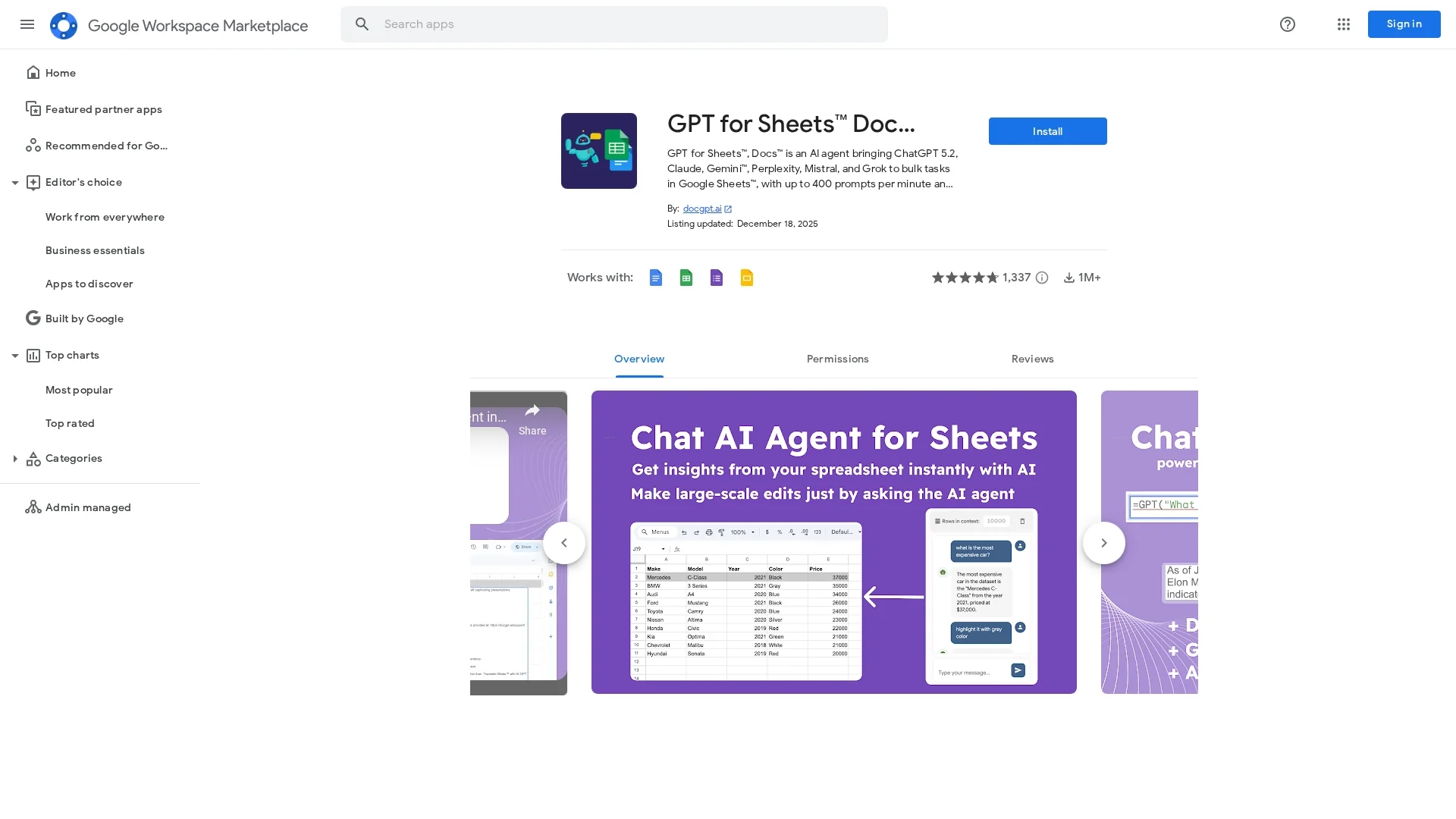
DocGPT is an AI-powered writing assistant integrated with Google Workspace to generate high-quality, error-free content efficiently across Docs, Sheets, Forms, and Slides.
Disclaimer: Visionary Hub is not affiliated with, endorsed by, or the operator of this tool. All trademarks, logos, and content are the property of their respective owners. Full disclaimer available here
Key Features
AI Content Generation
Creates high-quality, error-free text quickly within Google Workspace.
Summarization & Translation
Offers tools to summarize and translate content efficiently.
SEO Optimization
Generates SEO keywords and metadata to improve content visibility.
Multi-App Integration
Works across Docs, Sheets, Forms, and Slides for versatile use.
Get Started
Share & Save
Share on Social Media
Why Choose DocGPT
Google Workspace Integration:
Seamlessly works within Docs, Sheets, Forms, and Slides for efficient workflow.Multilingual Support:
Supports many languages for global content creation and translation.Advanced AI Models:
Utilizes ChatGPT, Gemini, and others for high-quality content generation.
Pricing
DocGPT offers a freemium pricing model with free access and optional paid features. For detailed pricing, visit the official Google Workspace Marketplace page.
About DocGPT
DocGPT is an AI-powered writing assistant integrated with Google Workspace to generate high-quality, error-free content efficiently across Docs, Sheets, Forms, and Slides.
What DocGPT Does
DocGPT functions as an AI writing assistant within Google Workspace, enabling users to generate high-quality, error-free content quickly. It benefits professionals by streamlining writing tasks and improving SEO optimization.
Key features include integration with Google Docs, Sheets, Forms, and Slides, AI-powered content generation, summarization, translation, rephrasing, and SEO keyword generation. It supports multiple languages and advanced AI models such as ChatGPT4 and Gemini.
Use cases range from creating blog posts, ad copy, and product descriptions to managing data lists, analyzing sentiment, and translating content, serving industries like marketing, e-commerce, education, and business.
Pros & Cons
Easy Integration
Directly integrates with Google Workspace apps without extra setup.
Free Access
Offers a freemium model allowing users to start without cost.
Limited Support
Some users report lack of responsive customer service.
Performance Variability
Response times may vary depending on task complexity and model.
Frequently Asked Questions
DocGPT generates content, summarizes text, translates, classifies reviews, and integrates with Google Workspace apps.
Yes, it supports English, Spanish, French, German, Chinese, Arabic, Russian, and many more.
Install the add-on from Google Workspace Marketplace, then launch it via Extensions in Docs or Sheets.
No API key is needed to start; users can add keys for unlimited usage if desired.
Support is available at https://docgpt.ai/support/ with tutorials and troubleshooting guides.
Similar Tools You Might Like
Discover more AI-powered tools that complement your workflow


List Your AI Tool & Reach Thousands of Users
Join 500+ AI innovators already thriving on our platform. Get visibility, feedback, and boost your conversions.
Expand Your Audience
Connect with over 50,000 AI enthusiasts actively looking for tools like yours.
Boost Your Authority
Get verified reviews and ratings to build credibility in the AI marketplace.
Drive Conversions
Our premium placements and targeted audience deliver quality leads and sign-ups.