
Diverseshot
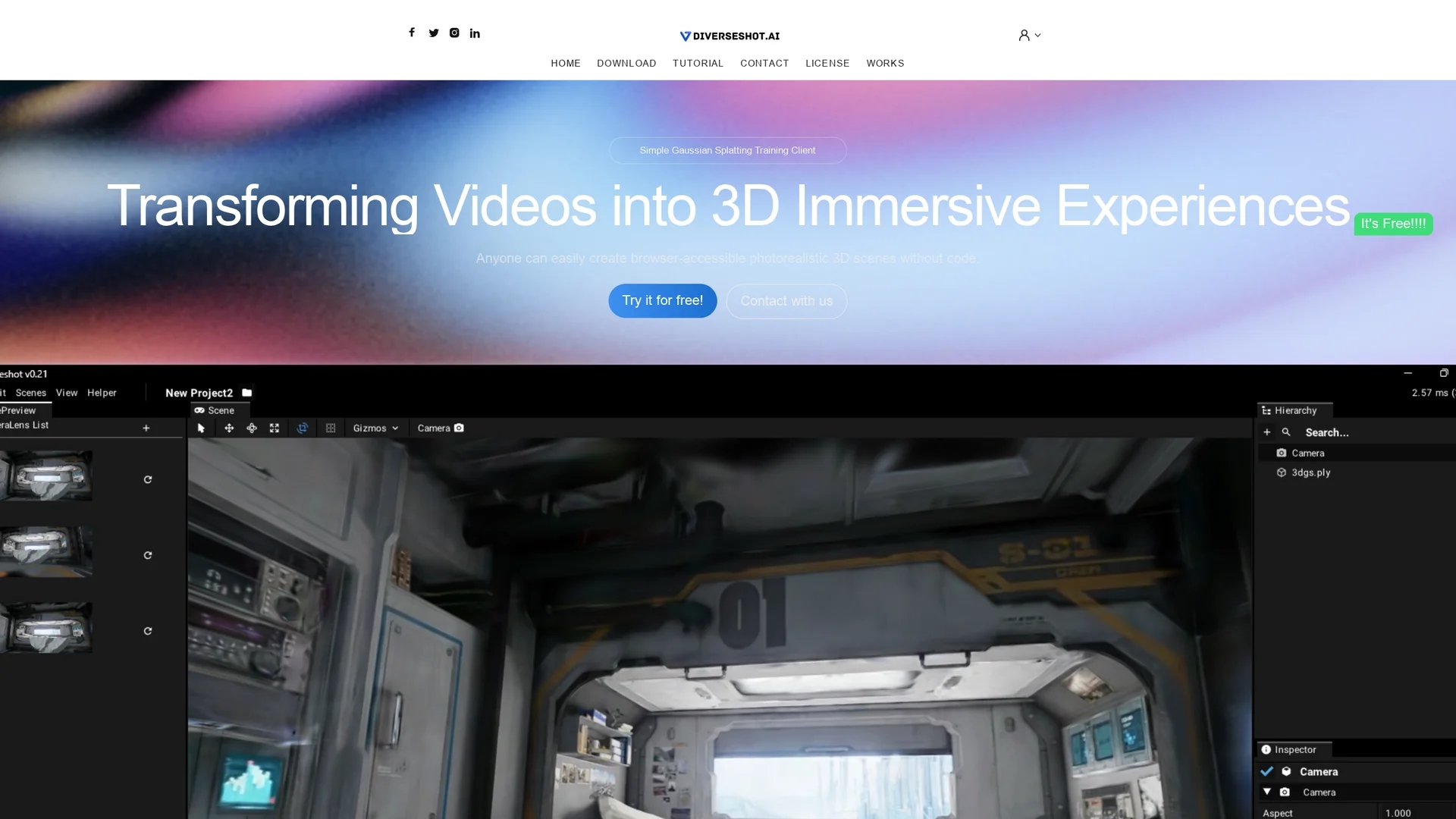
Diverseshot AI enables photorealistic 3D scene creation from video footage using Gaussian splatting, with real-time processing and .ply export for seamless integration and editing.
Disclaimer: Visionary Hub is not affiliated with, endorsed by, or the operator of this tool. All trademarks, logos, and content are the property of their respective owners. Full disclaimer available here
Key Features
Photorealistic Scenes
Generates high-quality 3D models from video footage.
Gaussian Splatting
Uses advanced training techniques for accurate 3D reconstruction.
Multi-Angle Video Input
Supports 360-degree video capture from smartphones or cameras.
Secondary Editing
Compatible with software like Spline for further project refinement.
Get Started
Share & Save
Share on Social Media
Why Choose Diverseshot
No Coding Needed:
Create photorealistic 3D scenes without programming skills.Real-Time Processing:
Observe 3D reconstruction effects live during training.Flexible Export:
Export .ply files for easy integration and further editing.
Pricing
Diverseshot AI offers a free usage option. For detailed pricing and plans, visit the official website.
About Diverseshot
Diverseshot AI enables photorealistic 3D scene creation from video footage using Gaussian splatting, with real-time processing and .ply export for seamless integration and editing.
What Diverseshot Does
Diverseshot AI converts videos captured from multiple angles into photorealistic 3D scenes, enabling users to create immersive 3D presentations and product showcases without coding. This process benefits educators, e-commerce professionals, and creatives by enhancing engagement and interactivity.
The tool employs Gaussian splatting training to process video frames in real time, allowing users to observe and refine 3D reconstructions dynamically. Users can export the results in .ply format, which is widely supported by 3D rendering and editing software.
Industries such as education, e-commerce, animation, gaming, and virtual reality can utilize Diverseshot AI to transform physical objects and environments into interactive 3D content.
Pros & Cons
User-Friendly
Accessible to users without technical or coding expertise.
Web Integration
Exports in .ply format compatible with various web platforms.
Limited Pricing Info
Detailed pricing plans are not publicly specified.
Requires Multi-Angle Capture
Optimal results depend on capturing videos from multiple angles.
Frequently Asked Questions
It requires video footage captured from multiple angles around the object.
No, the tool is designed for users without any coding skills.
You can export models in .ply format for use in web platforms or editing software.
A free usage option is available; visit the official site for detailed pricing.
Yes, exported files can be edited with compatible software like Spline.
Similar Tools You Might Like
Discover more AI-powered tools that complement your workflow
List Your AI Tool & Reach Thousands of Users
Join 500+ AI innovators already thriving on our platform. Get visibility, feedback, and boost your conversions.
Expand Your Audience
Connect with over 50,000 AI enthusiasts actively looking for tools like yours.
Boost Your Authority
Get verified reviews and ratings to build credibility in the AI marketplace.
Drive Conversions
Our premium placements and targeted audience deliver quality leads and sign-ups.