
DiagramGPT by Eraser
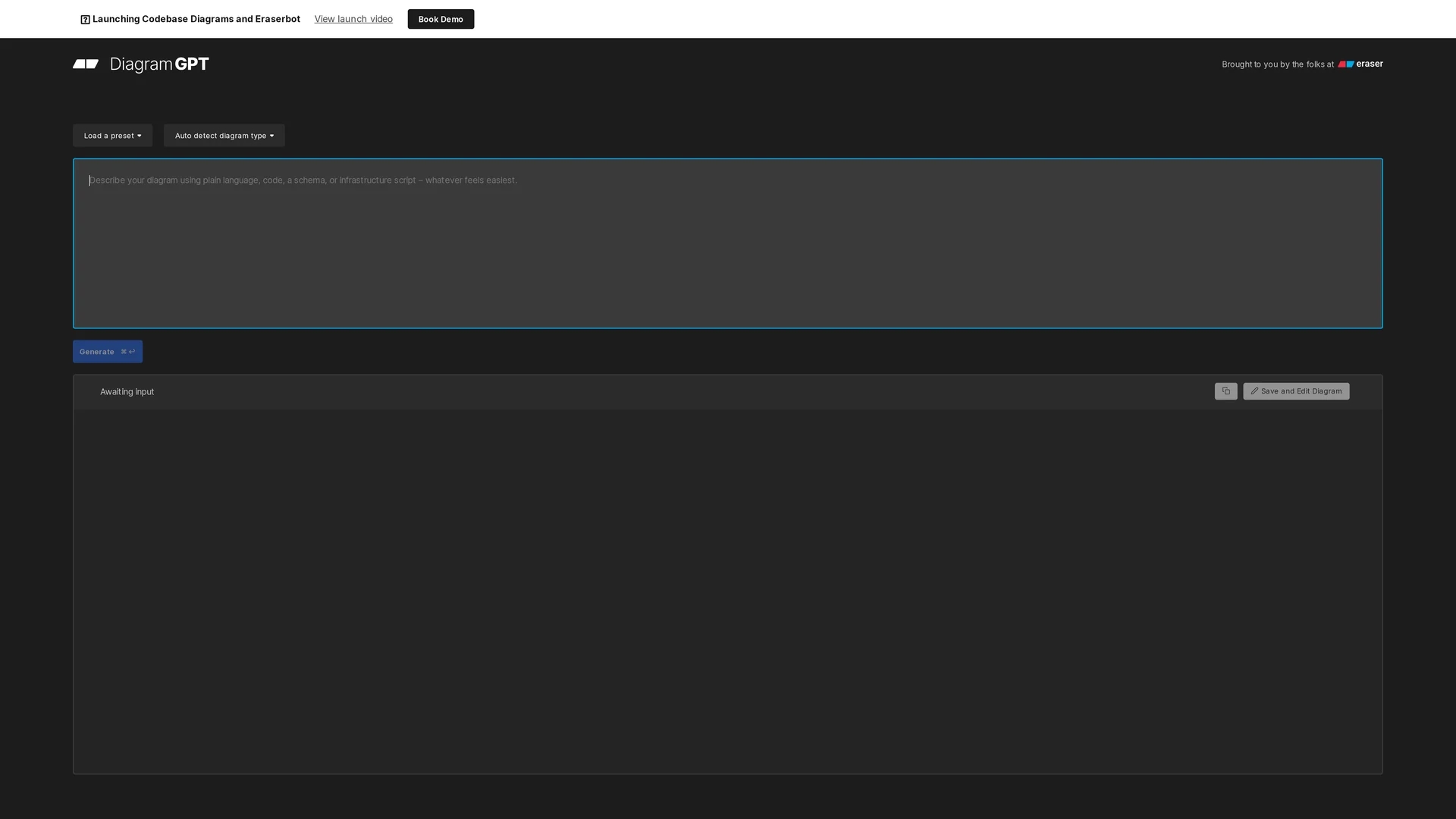
DiagramGPT by Eraser is a GPT-4 powered tool for creating and editing flow charts, ER diagrams, cloud architecture, and sequence diagrams with an intuitive diagram-as-code interface.
Disclaimer: Visionary Hub is not affiliated with, endorsed by, or the operator of this tool. All trademarks, logos, and content are the property of their respective owners. Full disclaimer available here
Key Features
Multiple Diagram Types
Supports flow charts, ER diagrams, cloud architecture, and sequence diagrams.
Preset Templates
Offers ready-made presets for quick diagram generation.
Diagram Editing
Includes an eraser tool for detailed diagram modifications.
Collaborative Use
Facilitates teamwork in brainstorming and technical documentation.
Get Started
Share & Save
Share on Social Media
Why Choose DiagramGPT by Eraser
GPT-4 Powered:
Utilizes OpenAI's GPT-4 for intelligent diagram generation.Diagram-as-Code:
Enables editing diagrams using code syntax for precision.API Integration:
Supports API access for workflow customization and automation.
Pricing
DiagramGPT offers a Free plan at $0 per member/month and a Professional plan at $10 per member/month billed annually or $12 monthly. No credit card is required for the free tier. Pricing is subject to change; verify on the official site.
About DiagramGPT by Eraser
DiagramGPT by Eraser is a GPT-4 powered tool for creating and editing flow charts, ER diagrams, cloud architecture, and sequence diagrams with an intuitive diagram-as-code interface.
What DiagramGPT by Eraser Does
DiagramGPT allows users to generate and edit diagrams directly in the browser using a diagram-as-code syntax powered by GPT-4. It supports creating flow charts, entity relationship diagrams, cloud architecture diagrams, and sequence diagrams, streamlining technical diagram workflows.
The tool features a user-friendly interface with presets and the ability to load custom templates. Diagrams can be edited using Eraser's dedicated diagram editing tool, which is designed for engineering teams. An API is available for integration and automation within development workflows.
Industries such as software engineering, architecture design, and technical documentation benefit from DiagramGPT for whiteboard interviews, brainstorming sessions, and collaborative diagramming tasks.
Pros & Cons
Ease of Use
Intuitive interface simplifies diagram creation and editing.
Flexible Integration
API enables seamless incorporation into developer workflows.
Limited Diagram Types
Currently supports only four main diagram categories.
No Direct Signup
No clear user registration link found on homepage.
Frequently Asked Questions
It supports flow charts, entity relationship diagrams, cloud architecture diagrams, and sequence diagrams.
Yes, DiagramGPT offers a free plan with no credit card required.
Yes, an API is available for integration and workflow customization.
DiagramGPT was developed by Eraser Labs, Inc.
Yes, diagrams can be edited using Eraser's diagram-as-code editing tool.
Similar Tools You Might Like
Discover more AI-powered tools that complement your workflow
List Your AI Tool & Reach Thousands of Users
Join 500+ AI innovators already thriving on our platform. Get visibility, feedback, and boost your conversions.
Expand Your Audience
Connect with over 50,000 AI enthusiasts actively looking for tools like yours.
Boost Your Authority
Get verified reviews and ratings to build credibility in the AI marketplace.
Drive Conversions
Our premium placements and targeted audience deliver quality leads and sign-ups.