
AI Diagram Generator
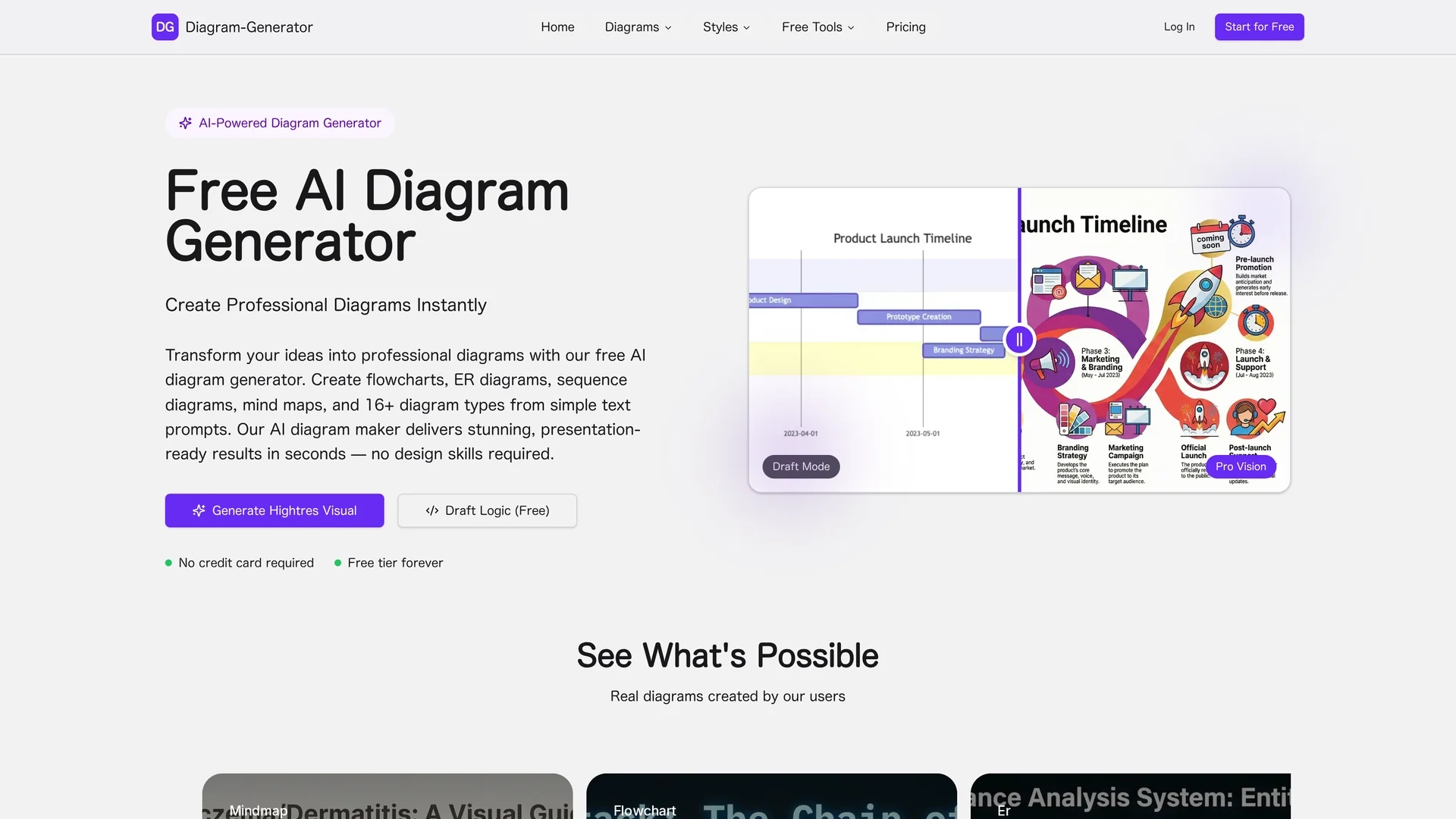
DG Diagram Generator transforms text prompts into structured diagrams including flowcharts, UML, ER, network, and Gantt charts with 4K renders, editable Mermaid export, style templates, and Pro web grounding.
Disclaimer: Visionary Hub is not affiliated with, endorsed by, or the operator of this tool. All trademarks, logos, and content are the property of their respective owners. Full disclaimer available here
Key Features
Multiple Diagram Types
Supports 16+ diagrams including flowchart, UML, ER, network, and Gantt charts.
Draft & Render Modes
Provides quick ASCII drafts and high-resolution rendering up to 4K.
Editable Mermaid Export
Exports diagrams as editable Mermaid code for developer handoff.
Style Templates
Includes diverse templates like corporate, cyberpunk, hand-drawn, and 3D isometric.
Get Started
Share & Save
Share on Social Media
Why Choose AI Diagram Generator
Text-to-Diagram:
Converts natural language prompts into structured, professional diagrams automatically.High Resolution:
Produces presentation-ready 4K renders suitable for slides and reports.Pro Mode:
Offers web grounding and layout-aware rendering for accurate, up-to-date visuals.
Pricing
Offers a free Developer plan with 5 one-time Pro credits and 2K max resolution. Starter plan costs $9/month with 100 Pro credits and no watermark. Professional plan is $35/month with 400 Pro credits, 4K rendering, and priority support.
About AI Diagram Generator
DG Diagram Generator transforms text prompts into structured diagrams including flowcharts, UML, ER, network, and Gantt charts with 4K renders, editable Mermaid export, style templates, and Pro web grounding.
What AI Diagram Generator Does
DG Diagram Generator transforms plain-text descriptions into structured diagrams like flowcharts, UML, ER, and network diagrams, enabling users to create professional visuals quickly. It benefits users by automating diagram creation from natural language inputs.
The tool features a draft mode for quick ASCII sketches and a render mode for high-resolution 4K outputs. It supports 16+ diagram types and exports editable Mermaid code. A style picker offers multiple templates, while Pro mode adds web grounding and layout-aware rendering for precise, current data visualization.
Typical users include software developers, system architects, and product managers who use it for product documentation, technical architecture, marketing infographics, and project planning across industries.
Pros & Cons
Ease of Use
Transforms text prompts into diagrams without requiring design skills.
Versatility
Supports a wide range of diagram types and visual styles.
Credit System
Pro rendering requires credits, which may limit free usage.
Watermark on Free
Free plan includes watermarks on Pro mode outputs.
Frequently Asked Questions
It creates flowcharts, UML, ER, network, Gantt charts, mind maps, and more than 16 diagram types.
Yes, the Developer plan is free with limited Pro credits and 2K max resolution.
Pro rendering consumes credits; free users get 5 one-time credits, paid plans include monthly credits.
Yes, diagrams can be exported as editable Mermaid code for integration and editing.
Commercial licenses are included in paid plans, allowing use in professional projects.
Similar Tools You Might Like
Discover more AI-powered tools that complement your workflow
List Your AI Tool & Reach Thousands of Users
Join 500+ AI innovators already thriving on our platform. Get visibility, feedback, and boost your conversions.
Expand Your Audience
Connect with over 50,000 AI enthusiasts actively looking for tools like yours.
Boost Your Authority
Get verified reviews and ratings to build credibility in the AI marketplace.
Drive Conversions
Our premium placements and targeted audience deliver quality leads and sign-ups.