
Dewatermark AI
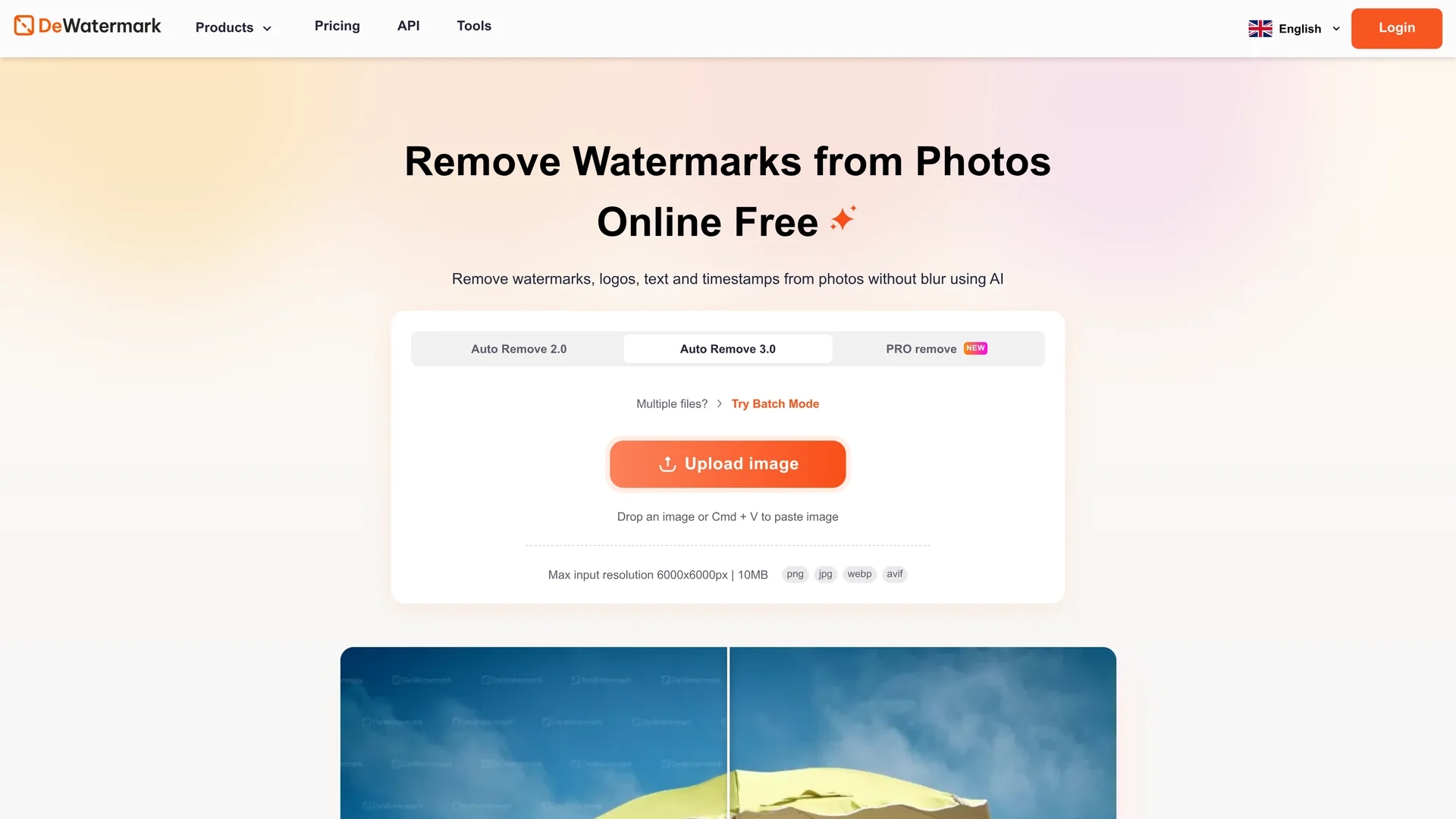
Dewatermark AI efficiently removes watermarks from images using AI detection and removal, with a manual brush for complex cases, preserving image quality and supporting upscaling across devices.
Disclaimer: Visionary Hub is not affiliated with, endorsed by, or the operator of this tool. All trademarks, logos, and content are the property of their respective owners. Full disclaimer available here
Key Features
Automatic Removal
AI algorithms detect and erase watermarks without blurring images.
Manual Editing
Brush tool allows users to clean remaining watermark artifacts.
Batch Processing
Removes watermarks from up to 50 images simultaneously.
Image Upscaling
Enhances image resolution while preserving quality after removal.
Get Started
Share & Save
Share on Social Media
Why Choose Dewatermark AI
AI Detection:
Automatically identifies and removes various watermark types accurately.Manual Brush:
Enables precise editing for complex or stubborn watermark removal.Multi-Device:
Compatible with iOS, Android, Windows, and macOS platforms.
Pricing
Dewatermark AI offers a free tier allowing removal of watermarks from the first 3 images daily. Beyond that, users must subscribe to paid plans for unlimited use and higher quality downloads. Pricing details are available on the official website.
About Dewatermark AI
Dewatermark AI efficiently removes watermarks from images using AI detection and removal, with a manual brush for complex cases, preserving image quality and supporting upscaling across devices.
What Dewatermark AI Does
Dewatermark AI automatically detects and removes watermarks, logos, text, and timestamps from images, enhancing photo aesthetics and usability. It benefits users by providing a quick, blur-free watermark removal process.
The tool uses advanced AI vision models and inpainting algorithms to separate watermark layers from original images. For stubborn watermarks, a manual brush allows users to refine results. It supports multiple file types and offers batch processing for up to 50 images.
Ideal for e-commerce, content creation, and digital marketing, Dewatermark AI streamlines preparing images for online stores, social media, and publications by delivering clean, high-quality visuals.
Pros & Cons
Ease of Use
Simple upload and automatic processing with optional manual refinement.
Quality Preservation
Maintains photo details and sharpness during watermark removal.
Limited Free Use
Free removal capped at 3 images per day before subscription required.
File Type Support
Currently supports JPG, PNG, WEBP, and AVIF only.
Frequently Asked Questions
Upload your image, let AI detect and remove watermarks, use manual brush if needed, then download the cleaned photo.
Dewatermark AI supports JPG, PNG, WEBP, and AVIF image formats for watermark removal.
Yes, a manual brush tool is available to refine watermark removal for complex cases.
The tool is free for the first 3 images daily; further use requires a subscription.
Yes, it supports iOS and Android devices via web browsers and offers desktop apps for Windows and macOS.
Similar Tools You Might Like
Discover more AI-powered tools that complement your workflow
List Your AI Tool & Reach Thousands of Users
Join 500+ AI innovators already thriving on our platform. Get visibility, feedback, and boost your conversions.
Expand Your Audience
Connect with over 50,000 AI enthusiasts actively looking for tools like yours.
Boost Your Authority
Get verified reviews and ratings to build credibility in the AI marketplace.
Drive Conversions
Our premium placements and targeted audience deliver quality leads and sign-ups.