
DesignCode UI
DesignCode UI is a comprehensive Figma design system with extensive UI components and templates, seamlessly integrated with Framer for flexible, modern, and efficient design projects.
Disclaimer: Visionary Hub is not affiliated with, endorsed by, or the operator of this tool. All trademarks, logos, and content are the property of their respective owners. Full disclaimer available here
Key Features
Figma Components
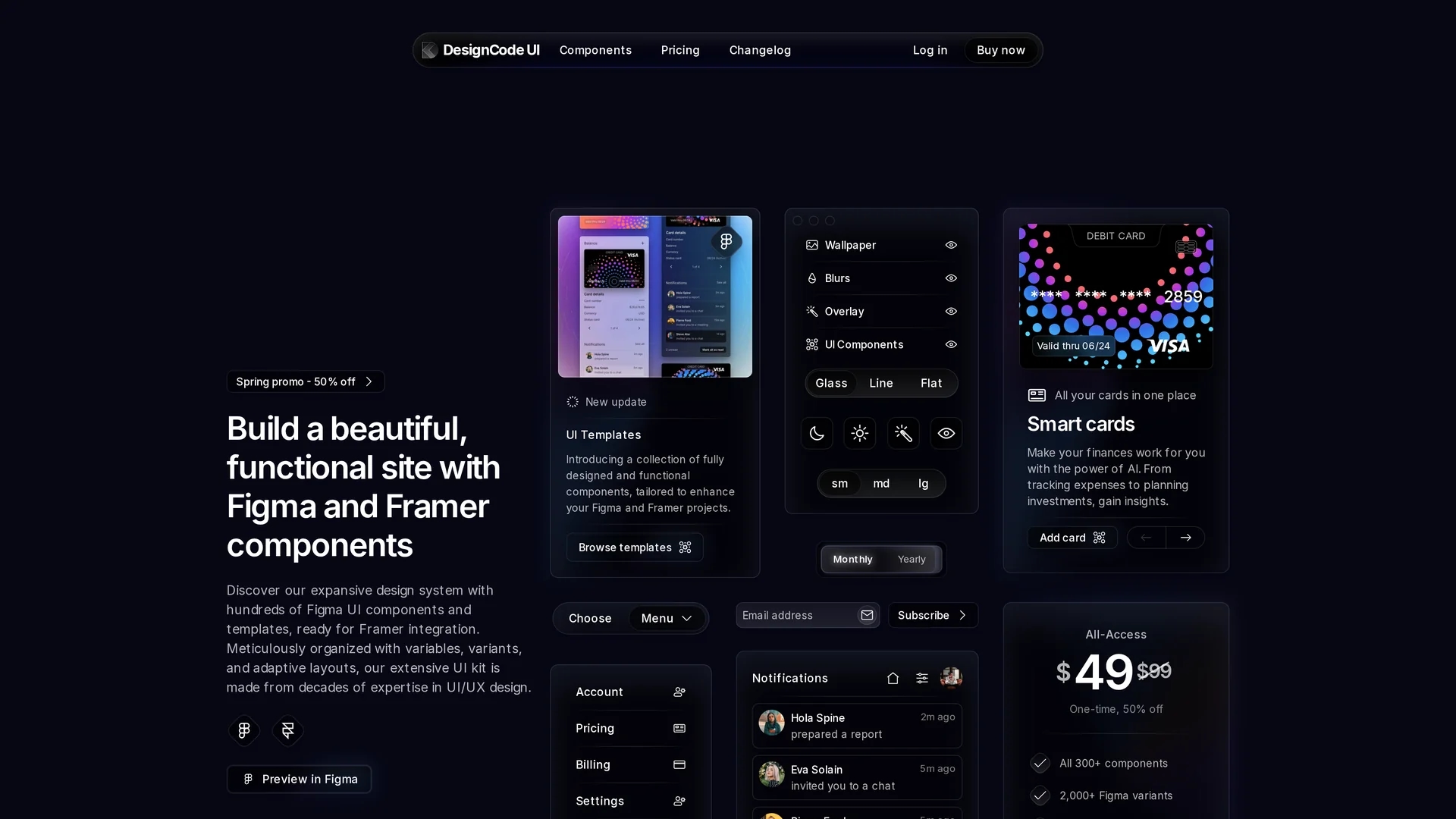
Over 300 UI components with 2,000+ variants for design consistency.
Customizable Theming
Modify layouts, styles, patterns, and icons to fit project aesthetics.
Multiple Styles
Includes glass, line, and flat styles with light and dark modes.
Team Licensing
Supports licenses for teams up to 5 users with collaboration features.
Get Started
Share & Save
Share on Social Media
Why Choose DesignCode UI
Extensive Library:
Offers hundreds of customizable Figma components and templates.Framer Integration:
Seamlessly integrates with Framer for interactive design workflows.Adaptive Layouts:
Supports flexible layouts and theming for diverse design needs.
Pricing
DesignCode UI offers a freemium pricing model with a free plan featuring limited components. Paid plans include All-Access ($49 one-time with 50% off), Pro ($120 yearly billed annually), and Team ($149 one-time with 50% off for up to 5 users). Pricing is subject to change.
About DesignCode UI
DesignCode UI is a comprehensive Figma design system with extensive UI components and templates, seamlessly integrated with Framer for flexible, modern, and efficient design projects.
What DesignCode UI Does
DesignCode UI delivers a vast collection of fully designed Figma UI components and templates that integrate directly with Framer, enabling designers to build beautiful, functional sites and prototypes efficiently.
It features meticulously organized variables, adaptive layouts, and customizable elements such as layouts, styles, patterns, and icons, allowing users to create distinct and flexible designs. The system supports multiple styles including glass, line, and flat, and provides light/dark modes and various component sizes.
This tool is ideal for UI/UX designers, product designers, and frontend developers working in industries like software development, digital product design, and creative agencies, enhancing collaboration and speeding up design iterations.
Pros & Cons
Comprehensive Design System
Provides a wide range of components and templates for UI/UX projects.
Flexible Pricing
Offers freemium and multiple paid plans including one-time and subscription.
Limited Free Plan
Free tier includes restricted components and features.
No Auto-Renew PayPal
PayPal payments do not auto-renew yearly subscriptions.
Frequently Asked Questions
Payments are accepted via Stripe through LemonSqueezy, including major credit and debit cards.
Yes, a 30-day satisfaction guarantee allows full refunds if unsatisfied within 30 days.
Dedicated customer support is available via email and a support portal for all users.
Access Figma and Framer files and licenses on LemonSqueezy under 'My Orders' and 'Files'.
Components are updated daily with notifications sent to subscribers for immediate access.
Similar Tools You Might Like
Discover more AI-powered tools that complement your workflow
List Your AI Tool & Reach Thousands of Users
Join 500+ AI innovators already thriving on our platform. Get visibility, feedback, and boost your conversions.
Expand Your Audience
Connect with over 50,000 AI enthusiasts actively looking for tools like yours.
Boost Your Authority
Get verified reviews and ratings to build credibility in the AI marketplace.
Drive Conversions
Our premium placements and targeted audience deliver quality leads and sign-ups.