Briefly
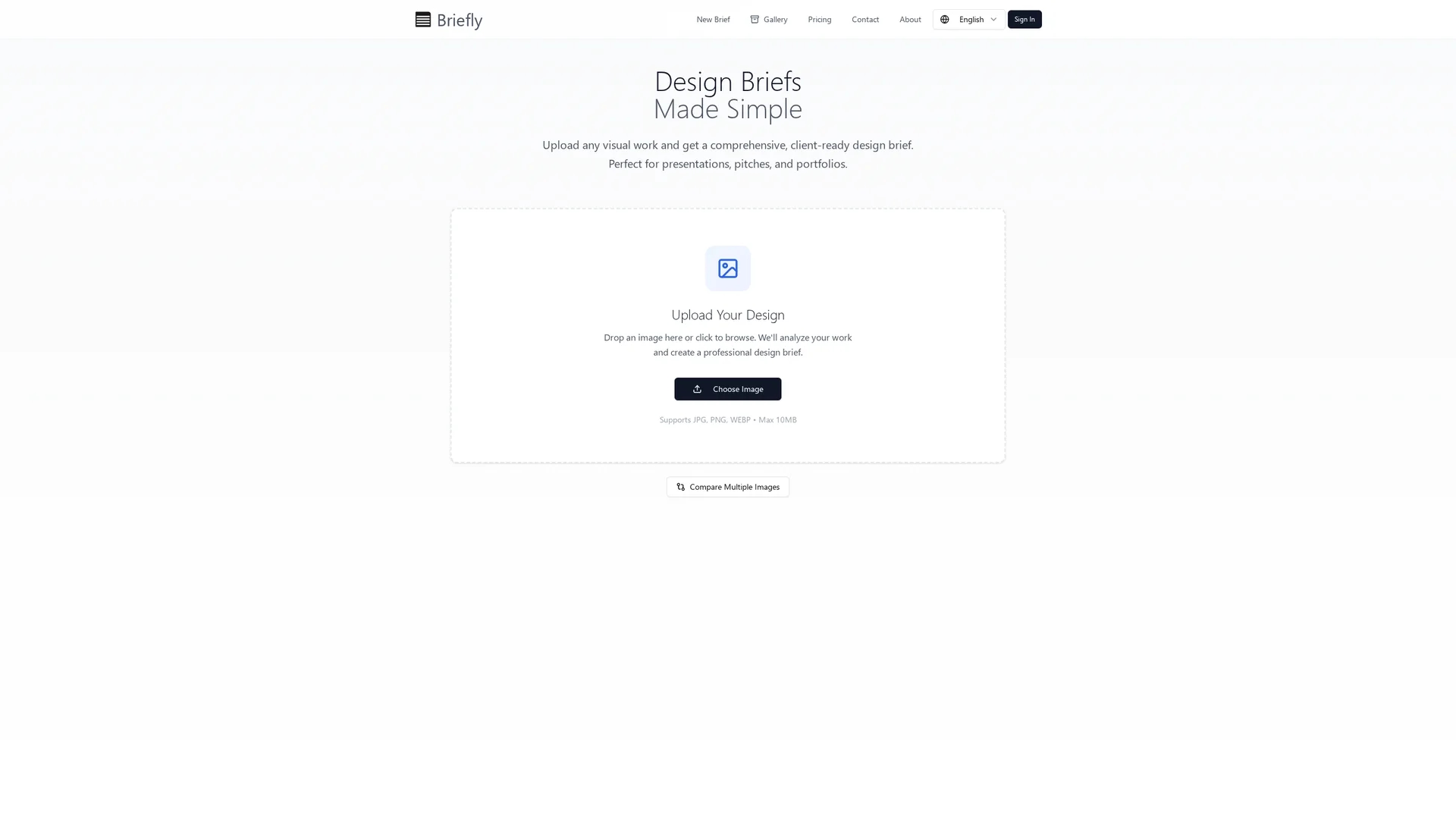
Converts JPG, PNG, and WEBP images (up to 10 MB) into structured, client-ready design briefs with key visual elements, layout guidance, and multilingual export options.
Disclaimer: Visionary Hub is not affiliated with, endorsed by, or the operator of this tool. All trademarks, logos, and content are the property of their respective owners. Full disclaimer available here
Key Features
Image Upload
Supports JPG, PNG, and WEBP files up to 10 MB for brief generation.
Visual Analysis
Extracts color palettes, typography, spacing, and layout guidance from images.
Side-by-Side Comparison
Highlights differences between multiple design images for informed decisions.
Multilingual Reports
Produces export-ready summaries in English, Español, and Français.
Get Started
Share & Save
Share on Social Media
Why Choose Briefly
Multilingual Export:
Exports design briefs in English, Español, and Français for diverse client needs.Image Comparison:
Compares multiple images side-by-side to highlight design variations clearly.Structured Briefs:
Generates organized briefs with key visual elements and actionable design notes.
Pricing
For current prices, visit the official page at https://designbrief.app/
About Briefly
Converts JPG, PNG, and WEBP images (up to 10 MB) into structured, client-ready design briefs with key visual elements, layout guidance, and multilingual export options.
What Briefly Does
Briefly converts uploaded JPG, PNG, and WEBP images into detailed design briefs that outline key visual elements, layout guidance, and project specifications. This helps designers create client-ready documents quickly and efficiently.
The tool analyzes images to extract color palettes, typography suggestions, spacing, and export specifications. It supports side-by-side comparisons of multiple images to highlight variations and recommend refinements. Outputs are export-ready and available in English, Español, and Français.
Briefly is useful for freelance designers, design agencies, creative teams, and marketing specialists who need to produce consistent, production-ready visual briefs for presentations, pitch decks, and portfolio curation.
Pros & Cons
Ease of Use
Simplifies converting images into detailed, client-ready design briefs.
Multilingual Support
Supports three languages enhancing communication with diverse clients.
Limited File Types
Accepts only JPG, PNG, and WEBP image formats up to 10 MB.
No Signup Link
No direct registration URL found on the homepage.
Frequently Asked Questions
Briefly supports JPG, PNG, and WEBP image files up to 10 MB in size.
Yes, exports are available in English, Español, and Français.
Yes, it supports side-by-side comparison to highlight design variations.
No direct signup link was found on the homepage.
For current pricing details, visit the official website at https://designbrief.app/.
Similar Tools You Might Like
Discover more AI-powered tools that complement your workflow
List Your AI Tool & Reach Thousands of Users
Join 500+ AI innovators already thriving on our platform. Get visibility, feedback, and boost your conversions.
Expand Your Audience
Connect with over 50,000 AI enthusiasts actively looking for tools like yours.
Boost Your Authority
Get verified reviews and ratings to build credibility in the AI marketplace.
Drive Conversions
Our premium placements and targeted audience deliver quality leads and sign-ups.