DeepPDF
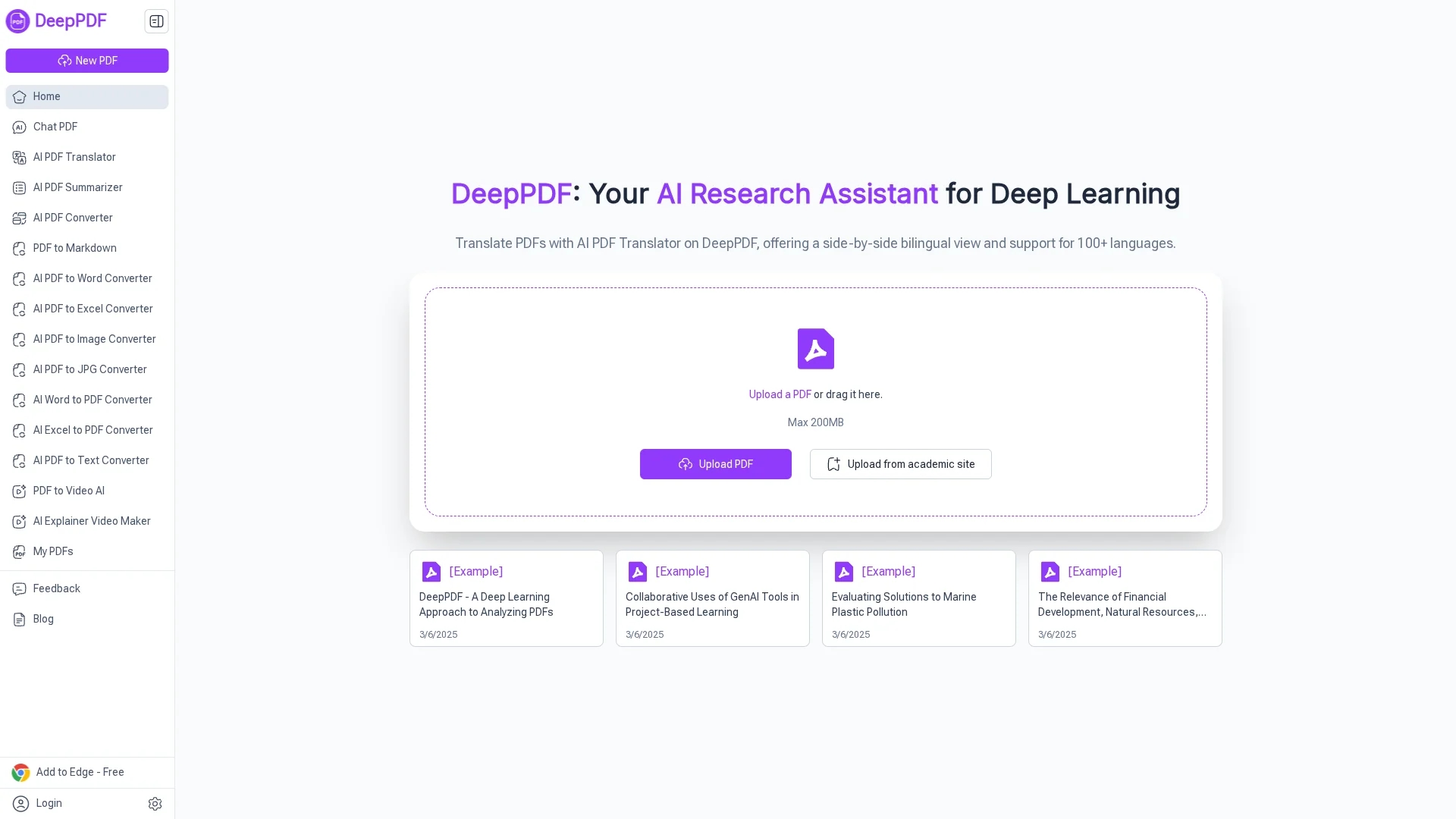
DeepPDF is an AI-powered PDF tool offering conversational queries, summaries, translations, OCR, and multi-format conversions for efficient document interaction and analysis.
Disclaimer: Visionary Hub is not affiliated with, endorsed by, or the operator of this tool. All trademarks, logos, and content are the property of their respective owners. Full disclaimer available here
Key Features
Chat Interface
Ask questions and get explanations directly from PDF content.
PDF Translation
Translate and compare documents in multiple languages side-by-side.
OCR Capability
Convert scanned PDFs into searchable, editable text documents.
File Conversion
Convert PDFs to Word, Excel, images, and other formats efficiently.
Get Started
Share & Save
Share on Social Media
Why Choose DeepPDF
Conversational AI:
Interact naturally with PDFs through AI-powered chat for precise answers.Multi-language Support:
Translate PDFs accurately across 100+ languages with bilingual comparison.Comprehensive Tools:
Includes OCR, summarization, annotation, and multi-format conversions.
Pricing
For current prices, visit the official pricing page at https://deeppdf.ai/pricing. The site offers various plans, including free and paid tiers.
About DeepPDF
DeepPDF is an AI-powered PDF tool offering conversational queries, summaries, translations, OCR, and multi-format conversions for efficient document interaction and analysis.
What DeepPDF Does
DeepPDF allows users to upload PDFs and interact with them using AI-powered chat, enabling question answering, content summarization, and jargon explanation. This enhances user comprehension and speeds up document review.
Key features include multi-language PDF translation with side-by-side comparison, OCR for converting scanned documents into editable text, and AI-based analysis of images and formulas within PDFs. It also supports multi-format file conversions such as Word, Excel, and image formats.
DeepPDF is useful across industries including academia, legal, business, and education, helping researchers, lawyers, and students efficiently process complex documents and extract relevant information.
Pros & Cons
User-Friendly
Intuitive chat interface simplifies complex PDF interactions.
Versatile
Supports diverse PDF tasks including translation, summarization, and editing.
Limited Editing
Not a full PDF editor; advanced editing requires other software.
Pricing Details
Specific pricing plans require visiting the official pricing page.
Frequently Asked Questions
Click the Upload button on the homepage and select your PDF file to start interacting.
Yes, it generates concise summaries highlighting key points from lengthy PDFs.
Yes, its OCR feature converts scanned image-based PDFs into editable text.
It supports over 100 languages with accurate side-by-side bilingual comparison.
Yes, it processes files securely and does not store documents after sessions.
Similar Tools You Might Like
Discover more AI-powered tools that complement your workflow
List Your AI Tool & Reach Thousands of Users
Join 500+ AI innovators already thriving on our platform. Get visibility, feedback, and boost your conversions.
Expand Your Audience
Connect with over 50,000 AI enthusiasts actively looking for tools like yours.
Boost Your Authority
Get verified reviews and ratings to build credibility in the AI marketplace.
Drive Conversions
Our premium placements and targeted audience deliver quality leads and sign-ups.