
DeckAssistant
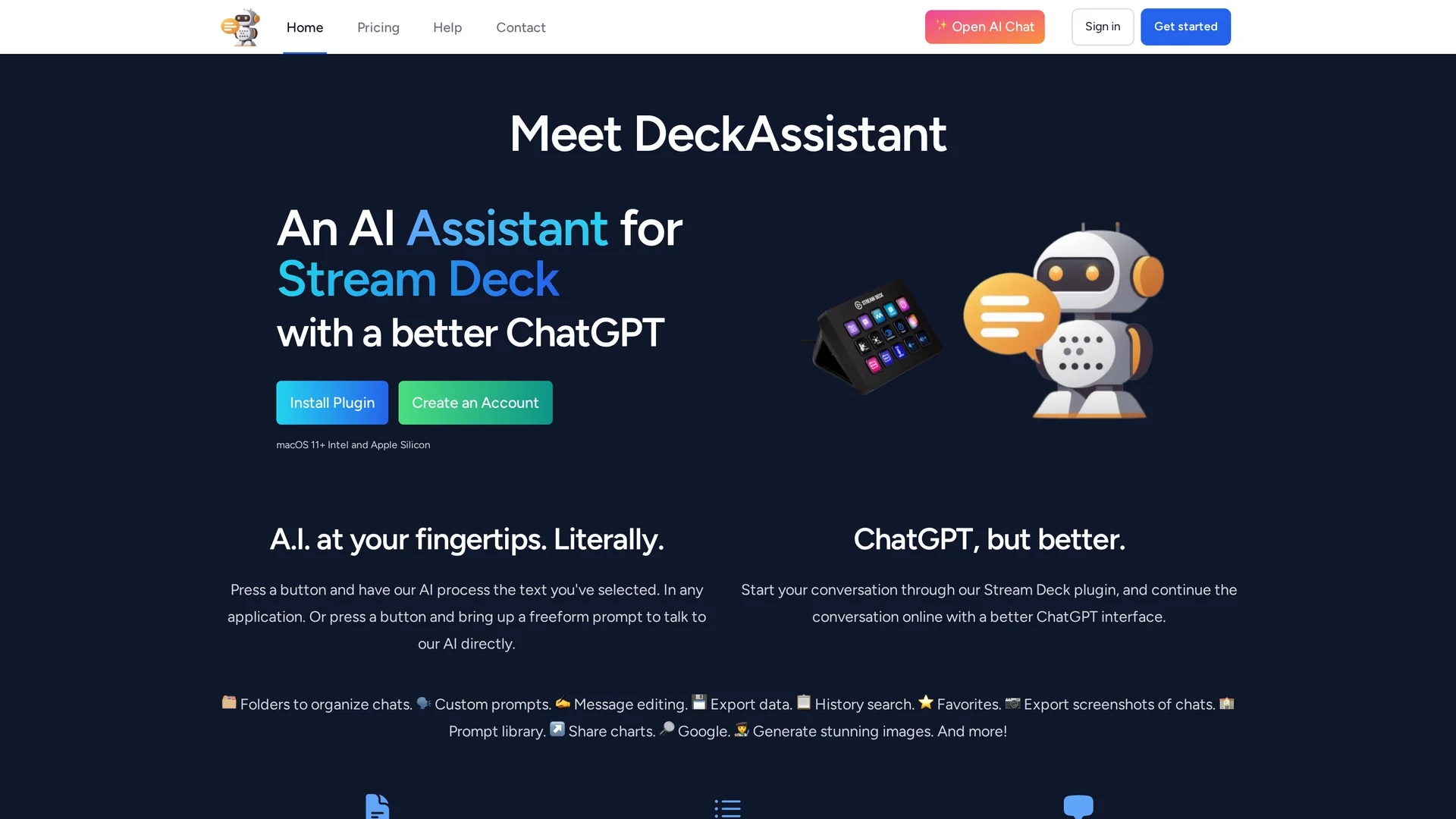
DeckAssistant is a Stream Deck plugin integrating OpenAI's GPT-3 for seamless AI text processing, chat management, custom prompts, and image generation directly from your device.
Disclaimer: Visionary Hub is not affiliated with, endorsed by, or the operator of this tool. All trademarks, logos, and content are the property of their respective owners. Full disclaimer available here
Key Features
Selected Text Processing
Process any selected text in applications with AI via a button press.
Freeform Prompts
Engage in direct AI conversations using customizable freeform prompts.
Chat Organization
Organize chats into folders for efficient management and retrieval.
Data Export
Export chat data and screenshots for record-keeping and sharing.
Get Started
Share & Save
Share on Social Media
Why Choose DeckAssistant
Stream Deck Integration:
Direct AI access via Stream Deck hardware buttons for efficient workflow.Custom Prompts:
Configure and save personalized prompts to tailor AI responses.Comprehensive Features:
Includes chat folders, message editing, data export, and image generation.
Pricing
DeckAssistant offers a Basic plan at SGD 14.52/month or SGD 145.24/year. A free trial is available with some limitations. Pricing details are subject to change; visit the official pricing page for updates.
About DeckAssistant
DeckAssistant is a Stream Deck plugin integrating OpenAI's GPT-3 for seamless AI text processing, chat management, custom prompts, and image generation directly from your device.
What DeckAssistant Does
DeckAssistant enables users to process selected text in any application or engage in freeform conversations with AI through a Stream Deck plugin. It simplifies AI interactions by allowing prompt customization and direct AI access with a button press.
Key features include chat organization with folders, custom prompts, message editing, data export, history search, favorites, screenshot export, a prompt library, Google search integration, and image generation. It leverages OpenAI's GPT-3 for natural language processing and AI responses.
This tool is useful for content creation, customer support, research, and workflow automation, providing seamless AI assistance across various industries and user roles.
Pros & Cons
Ease of Use
Simplifies AI interaction through hardware integration and intuitive controls.
Feature-Rich
Offers extensive tools including prompt libraries and Google integration.
Platform Dependency
Requires Elgato Stream Deck hardware to use the plugin.
Subscription Cost
Paid plan required for full access beyond free trial limitations.
Frequently Asked Questions
Create an account, copy your API token, install the Stream Deck plugin, add a button, and paste the token.
Process selected text, use freeform AI prompts, organize chats, edit messages, and generate images.
Payments are processed via Paddle, supporting PayPal and major credit cards.
Refunds are available with no questions asked if you are unhappy with your purchase.
The API token authenticates your account in the Stream Deck plugin for AI access.
Similar Tools You Might Like
Discover more AI-powered tools that complement your workflow

List Your AI Tool & Reach Thousands of Users
Join 500+ AI innovators already thriving on our platform. Get visibility, feedback, and boost your conversions.
Expand Your Audience
Connect with over 50,000 AI enthusiasts actively looking for tools like yours.
Boost Your Authority
Get verified reviews and ratings to build credibility in the AI marketplace.
Drive Conversions
Our premium placements and targeted audience deliver quality leads and sign-ups.