
Cutout Pro
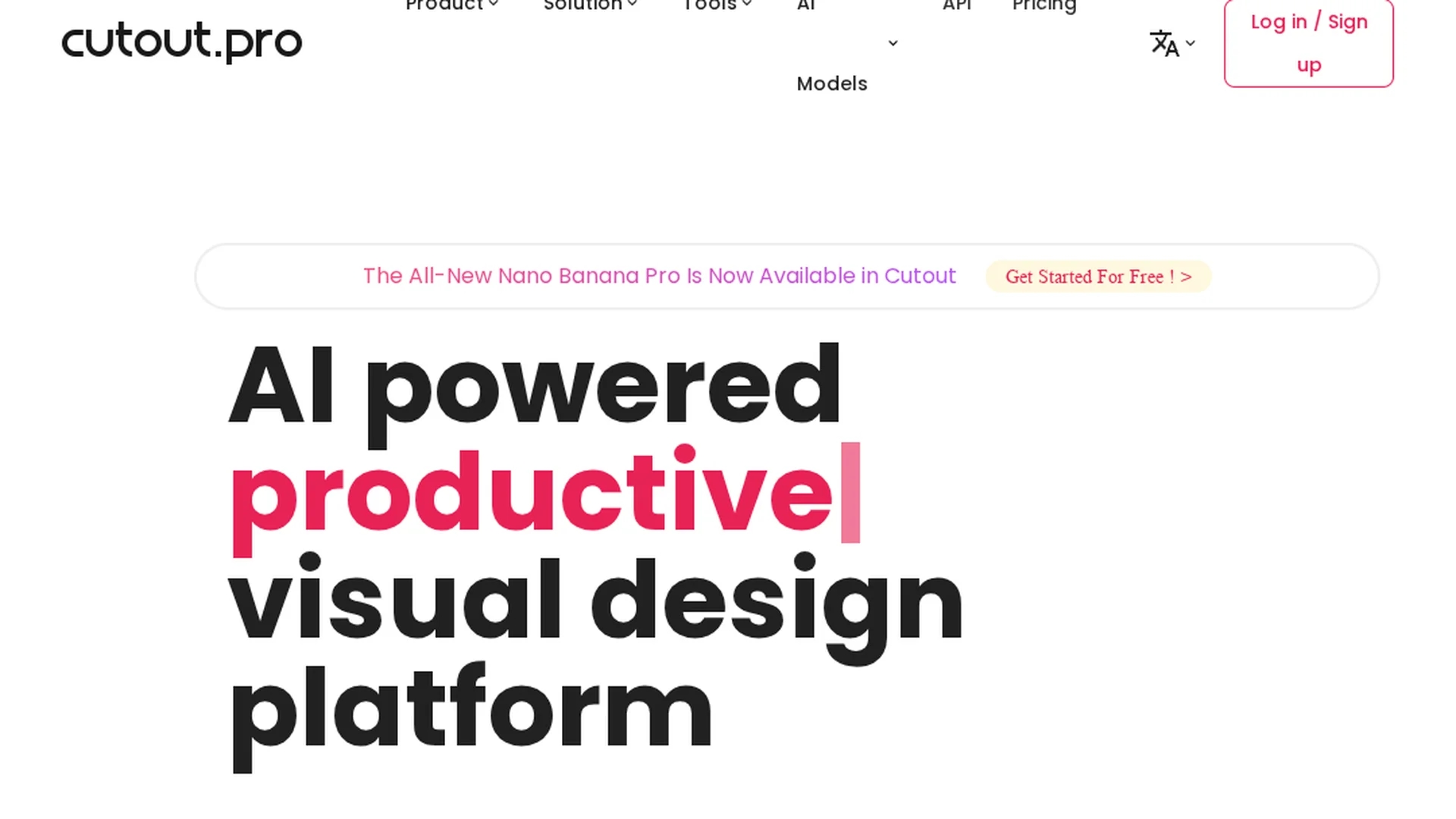
AI background removal and visual editing platform Cutout.Pro offers 20+ AI tools for background removal, photo enhancement, 4K video upscaling, batch processing, and a developer API to streamline e-commerce and marketing visuals.
Disclaimer: Visionary Hub is not affiliated with, endorsed by, or the operator of this tool. All trademarks, logos, and content are the property of their respective owners. Full disclaimer available here
Key Features
AI Background Removal
Removes backgrounds precisely, preserving hair, fur and complex edges for clean composites.
Photo Enhancer & Upscaler
Automatically sharpens, reduces noise and upscales images up to 4x for higher-resolution output.
Video Enhancement
Upscales and enhances video to 4K, improving clarity and color on a frame-by-frame basis.
Batch Processing
Processes multiple files concurrently to speed high-volume workflows, averaging around 4.2 seconds per image.
Developer API
Scalable REST API supports integration of removal, enhancement and segmentation into applications.
Get Started
Share & Save
Share on Social Media
Why Choose Cutout Pro
All-in-One Suite:
20+ AI tools consolidate removal, enhancement, upscaling, animation and retouching in one platform.E-Commerce Focus:
Purpose-built product-photo tools, shadow/reflection options and batch processing for catalog workflows.Scalable API:
Developer-friendly REST API with 98%+ uptime enables automated, large-scale visual processing.
Pricing
Cutout.Pro has a Free account with 5 credits and low-resolution previews. Pay-as-you-go image packages range from $2.99 (3 credits) to $79 (300 credits). Subscriptions start at $5/month (40 credits) up to $29/month (400 credits). Video minutes and bulk discounts available.
About Cutout Pro
AI background removal and visual editing platform Cutout.Pro offers 20+ AI tools for background removal, photo enhancement, 4K video upscaling, batch processing, and a developer API to streamline e-commerce and marketing visuals.
What Cutout Pro Does
Cutout.Pro automates AI background removal and visual editing to speed production of product photos and marketing visuals. It handles complex edges like hair and fur, and delivers high-quality results for image and video assets.
Features include precise background removal, photo enhancement and upscaling up to 4x, 4K video enhancement, object removal, face and hair segmentation, Photo Animer, and batch processing. A scalable REST API enables integration into apps and workflows.
Use cases include e-commerce catalog editing, social media content creation, marketing collateral production, and developer integrations for automated visual pipelines.
Pros & Cons
Time Efficiency
Automated edits and batch processing reduce manual work and accelerate production.
High Quality
Professional-grade results with strong edge handling and realistic enhancements.
Wide Toolset
Comprehensive suite of 20+ image and video tools for varied editing needs.
Limited Free
Free tier includes 5 credits and only low-resolution previews; paid credits needed for full downloads.
Cloud Required
Web-based operations require internet access; no full offline editing available.
Manual Touchups
Some complex images may still need minor manual cleanup after automation.
Frequently Asked Questions
Cutout.Pro offers a free account with 5 credits and unlimited low-resolution previews; full-quality downloads require paid credits. Pay-as-you-go and subscription plans are available for higher-resolution images and additional video minutes.
AI background removal, photo enhancement, upscaling, video enhancement, face and hair segmentation, object removal and Photo Animer are among the 20+ tools available for image and video workflows.
Cutout.Pro provides a REST API with 98%+ uptime for integrating background removal, enhancement and segmentation into applications, supporting scalable automated visual processing.
Cutout.Pro supports batch processing for premium and subscription users, allowing multiple files to be processed automatically—averaging about 4.2 seconds per image for high-volume workflows.
Cutout.Pro runs in web browsers and via desktop and mobile apps, and offers a Shopify plugin for e-commerce integration, enabling cross-platform visual editing.
Similar Tools You Might Like
Discover more AI-powered tools that complement your workflow

List Your AI Tool & Reach Thousands of Users
Join 500+ AI innovators already thriving on our platform. Get visibility, feedback, and boost your conversions.
Expand Your Audience
Connect with over 50,000 AI enthusiasts actively looking for tools like yours.
Boost Your Authority
Get verified reviews and ratings to build credibility in the AI marketplace.
Drive Conversions
Our premium placements and targeted audience deliver quality leads and sign-ups.