
Cursecut
Cursecut is an AI-powered profanity removal tool for audio and video files, supporting batch processing, multi-language filtering, and customizable censoring options with local content privacy.
Disclaimer: Visionary Hub is not affiliated with, endorsed by, or the operator of this tool. All trademarks, logos, and content are the property of their respective owners. Full disclaimer available here
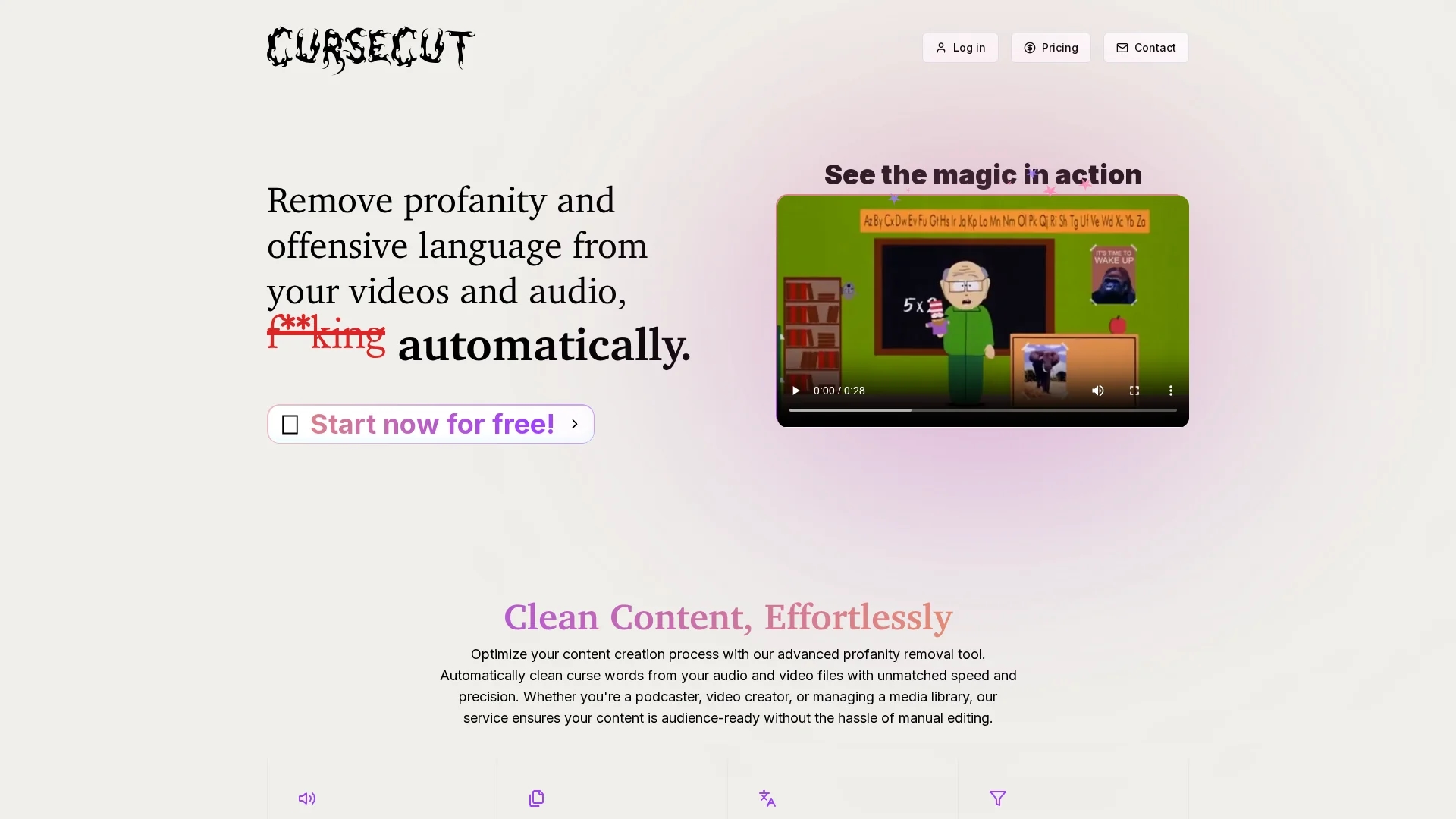
Key Features
Automatic Removal
Detects and removes offensive language without manual editing.
Format Support
Compatible with MP3, WAV, MP4, AVI, and MOV file types.
Custom Filters
Allows users to customize which words are censored.
Censor Options
Includes beep sounds and audio reversal for seamless censorship.
Get Started
Share & Save
Share on Social Media
Why Choose Cursecut
Multi-language:
Detects profanity in 30 different languages for broad content coverage.Batch Processing:
Enables simultaneous cleaning of multiple audio and video files.Local Privacy:
Processes files locally to ensure user content remains private.
Pricing
For current prices, visit the official page at https://cursecut.com/
About Cursecut
Cursecut is an AI-powered profanity removal tool for audio and video files, supporting batch processing, multi-language filtering, and customizable censoring options with local content privacy.
What Cursecut Does
Cursecut automatically identifies and removes explicit language from audio and video files, helping users maintain professional and compliant content. It supports formats such as MP3, WAV, MP4, AVI, and MOV, and handles files up to 2GB.
The tool offers batch processing to clean multiple files simultaneously, supports profanity detection in 30 languages, and allows users to customize word filters. It provides versatile censoring options like beep sounds and audio reversal to ensure a natural listening experience.
Cursecut is ideal for podcasters, video creators, and educators who need to produce clean content across diverse languages and formats while preserving original quality and privacy.
Pros & Cons
Efficient
Batch processing saves time on large file sets.
Privacy
Local processing protects sensitive content from external access.
Limited Pricing Info
No detailed pricing plans publicly available.
No Signup Link
No direct user registration link found on homepage.
Frequently Asked Questions
Cursecut supports MP3, WAV, MP4, AVI, and MOV audio and video file formats.
Yes, it offers batch processing to clean multiple files simultaneously.
Yes, it detects profanity in 30 different languages.
Cursecut processes files locally to ensure your content privacy.
Pricing details are not publicly listed; visit the official website for updates.
Similar Tools You Might Like
Discover more AI-powered tools that complement your workflow

List Your AI Tool & Reach Thousands of Users
Join 500+ AI innovators already thriving on our platform. Get visibility, feedback, and boost your conversions.
Expand Your Audience
Connect with over 50,000 AI enthusiasts actively looking for tools like yours.
Boost Your Authority
Get verified reviews and ratings to build credibility in the AI marketplace.
Drive Conversions
Our premium placements and targeted audience deliver quality leads and sign-ups.