
Cuecam presenter
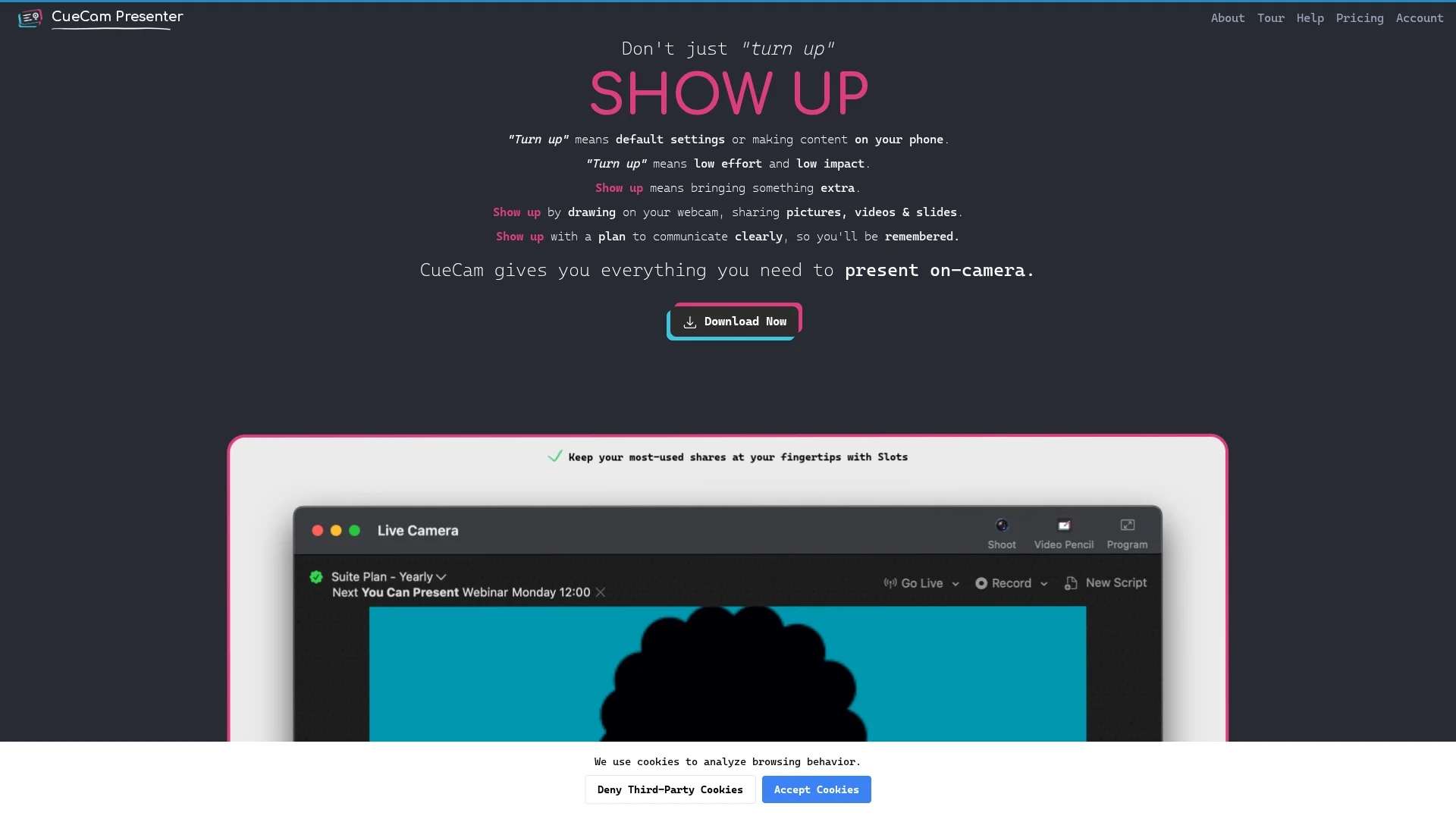
Cuecam Presenter is an AI-powered video presentation tool for Mac and iOS, featuring teleprompter support, AI-driven text and image generation, and multi-format media sharing for dynamic remote communication.
Disclaimer: Visionary Hub is not affiliated with, endorsed by, or the operator of this tool. All trademarks, logos, and content are the property of their respective owners. Full disclaimer available here
Key Features
Teleprompter Function
Enables script reading while maintaining natural eye contact on camera.
Multi-Media Support
Incorporates images, videos, audio, and slides into live presentations.
Multiple Camera Inputs
Allows switching between webcams and iOS device cameras effortlessly.
AI Text & Image Generation
Creates presentation content using AI-driven tools for enhanced engagement.
Get Started
Share & Save
Share on Social Media
Why Choose Cuecam presenter
Multi-Device Integration:
Seamlessly connects Mac, iPhone, and iPad for flexible presentation control.Built-in Teleprompter:
Helps maintain eye contact and deliver smooth scripted presentations.AI Content Generation:
Generates text and images to enrich presentations dynamically.
Pricing
Cuecam Presenter offers a free basic version with essential features. Paid plans include Essentials at $4.99/month and Suite at $9.99/month, with monthly, annual, and lifetime options. A 30-day money-back guarantee and education discounts are available.
About Cuecam presenter
Cuecam Presenter is an AI-powered video presentation tool for Mac and iOS, featuring teleprompter support, AI-driven text and image generation, and multi-format media sharing for dynamic remote communication.
What Cuecam presenter Does
Cuecam Presenter enables users to create engaging video presentations by integrating webcam video with slides, images, videos, and audio. It supports live sharing during remote calls and recordings, enhancing communication clarity and audience engagement.
Key features include a built-in teleprompter to maintain eye contact, AI-driven text and image generation for content creation, multiple camera input support, and flexible slide layouts. The tool allows drawing and highlighting on screen using an iPad, and seamless switching between media sources.
It is suitable for educators delivering online lectures, sales professionals conducting demos, content creators producing tutorial videos, and anyone needing polished remote presentations across industries.
Pros & Cons
User-Friendly
Easy setup with intuitive dashboard and multi-device control.
Versatile
Supports diverse media types and presentation styles for various use cases.
Platform Limitation
Available only for Mac and iOS devices, limiting cross-platform use.
Solo Development
Potential for occasional bugs due to single-developer maintenance.
Frequently Asked Questions
It supports Mac computers and iOS devices including iPhone and iPad.
Yes, there is a free basic version and paid monthly, annual, and lifetime plans.
Yes, it has a built-in teleprompter to help maintain eye contact during presentations.
Yes, it supports multiple camera inputs including webcams and iOS device cameras.
Yes, the developer offers direct support and there is a Discord community and YouTube channel.
Similar Tools You Might Like
Discover more AI-powered tools that complement your workflow

List Your AI Tool & Reach Thousands of Users
Join 500+ AI innovators already thriving on our platform. Get visibility, feedback, and boost your conversions.
Expand Your Audience
Connect with over 50,000 AI enthusiasts actively looking for tools like yours.
Boost Your Authority
Get verified reviews and ratings to build credibility in the AI marketplace.
Drive Conversions
Our premium placements and targeted audience deliver quality leads and sign-ups.