Ctrly.co
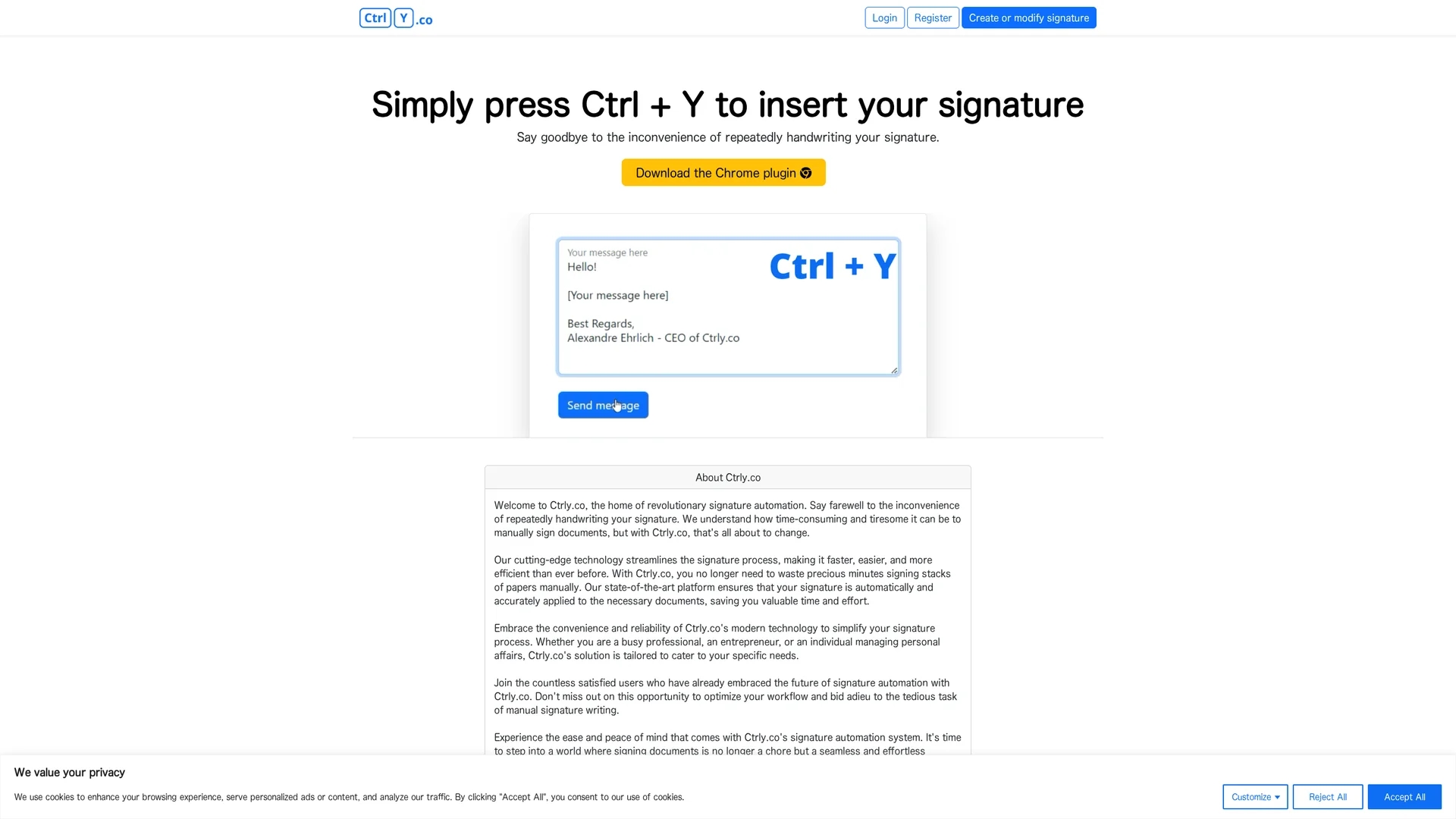
Ctrly.co automates email signature insertion across platforms with a simple Ctrl + Y shortcut, enhancing efficiency and maintaining branding consistency.
Disclaimer: Visionary Hub is not affiliated with, endorsed by, or the operator of this tool. All trademarks, logos, and content are the property of their respective owners. Full disclaimer available here
Key Features
Signature automation
Automatically inserts signatures with a simple keyboard shortcut.
Chrome plugin
Seamlessly integrates with Chrome for easy access and use.
Cross-platform support
Compatible with multiple email services for broad usability.
User privacy
Prioritizes secure handling of user data during signature insertion.
Get Started
Share & Save
Share on Social Media
Why Choose Ctrly.co
Time-saving:
Automates signature insertion to reduce manual effort and speed up workflows.Easy integration:
Works via a Chrome plugin compatible with various email platforms.Privacy-focused:
Ensures secure signature management without compromising sensitive information.
Pricing
Ctrly.co offers a free plan accessible via its Chrome plugin. For detailed pricing or upgrades, visit the official website.
About Ctrly.co
Ctrly.co automates email signature insertion across platforms with a simple Ctrl + Y shortcut, enhancing efficiency and maintaining branding consistency.
What Ctrly.co Does
Ctrly.co automates the insertion of digital signatures into emails and documents, saving users time and effort by eliminating manual signing. It enhances communication efficiency and maintains consistent branding.
The tool works via a Chrome plugin that inserts the user's signature when pressing Ctrl + Y. It supports multiple email platforms and ensures secure handling of user data to protect privacy.
Ideal for professionals, entrepreneurs, and individuals, Ctrly.co is useful across industries requiring frequent document signing or branded email correspondence.
Pros & Cons
Efficiency
Speeds up email and document signing processes.
Simplicity
Easy to use with a straightforward keyboard shortcut.
Browser limitation
Requires Chrome browser to function via its plugin.
Limited pricing info
Only free plan details are publicly available.
Frequently Asked Questions
After installing the Chrome plugin, press Ctrl + Y to automatically insert your signature.
It supports various email platforms compatible with the Chrome browser.
Ctrly.co offers a free plan accessible through its Chrome plugin.
Yes, it prioritizes secure handling of user data during signature insertion.
Users can create or modify their signature via the platform before using the plugin.
Similar Tools You Might Like
Discover more AI-powered tools that complement your workflow
List Your AI Tool & Reach Thousands of Users
Join 500+ AI innovators already thriving on our platform. Get visibility, feedback, and boost your conversions.
Expand Your Audience
Connect with over 50,000 AI enthusiasts actively looking for tools like yours.
Boost Your Authority
Get verified reviews and ratings to build credibility in the AI marketplace.
Drive Conversions
Our premium placements and targeted audience deliver quality leads and sign-ups.