
Color Fuse AI
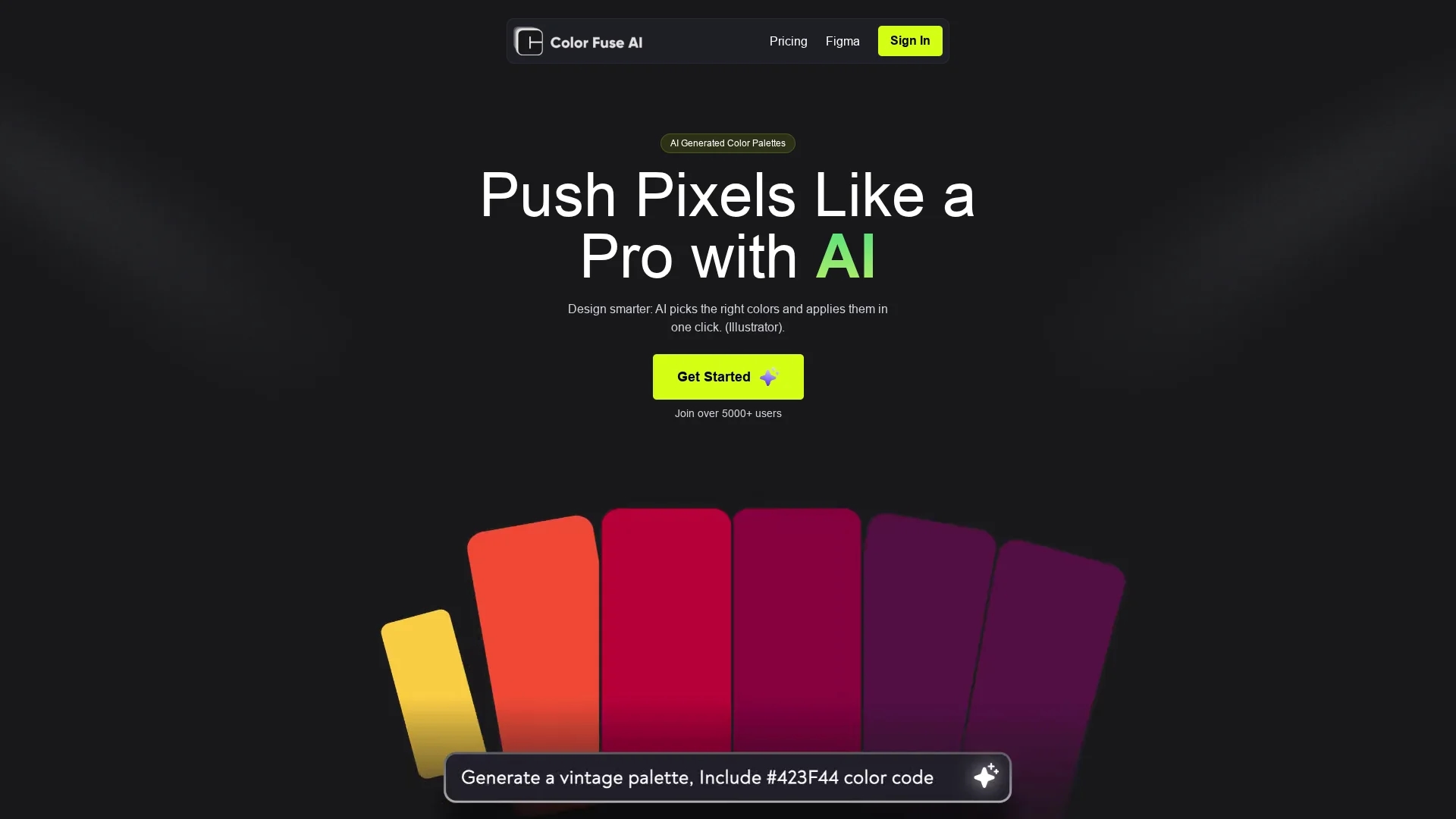
AI chat tool that generates and visualizes customizable color palettes with one-click application in Illustrator, Photoshop, and Figma for design projects.
Disclaimer: Visionary Hub is not affiliated with, endorsed by, or the operator of this tool. All trademarks, logos, and content are the property of their respective owners. Full disclaimer available here
Key Features
AI Palette Generation
Creates color schemes from text prompts or random categories.
One-Click Application
Applies palettes directly in popular design software.
Palette Customization
Users can modify and save color palettes.
Conversational AI
Chat-based interface simplifies color selection.
Get Started
Share & Save
Share on Social Media
Why Choose Color Fuse AI
AI Chat Interface:
Enables intuitive palette creation through conversational prompts.Design Tool Integration:
One-click apply palettes in Illustrator, Photoshop, and Figma.Customizable Palettes:
Allows users to adjust and save preferred color schemes.
Pricing
Color Fuse AI offers a freemium pricing model. The Free plan costs $0/month with no credit card required, including AI chatbot, palette customization, and one-click application in design tools. The Pro plan is $8/month, offering saved palette access from anywhere. Visit the pricing page for details.
About Color Fuse AI
AI chat tool that generates and visualizes customizable color palettes with one-click application in Illustrator, Photoshop, and Figma for design projects.
What Color Fuse AI Does
Color Fuse AI generates harmonious color palettes based on user text prompts or predefined categories, enhancing design workflow efficiency. It benefits users by simplifying color selection and ensuring cohesive schemes.
The tool features an AI chatbot interface for conversational palette creation, random palette generation for styles like Vintage or Futuristic, and direct integration with Illustrator, Photoshop, and Figma for one-click application. Users can customize and save palettes for future use.
It is suitable for branding projects, social media graphics, website redesigns, and other creative industries requiring consistent color schemes.
Pros & Cons
Ease of Use
Simple chat interface for quick palette creation.
Software Compatibility
Supports Illustrator, Photoshop, and Figma integration.
Limited Pricing Details
Subscription cancellation and token details are unclear.
Account Management
No clear instructions for account deletion.
Frequently Asked Questions
The provided content does not specify the number of tokens included in the Pro plan.
The provided content does not specify how to cancel the subscription.
The provided content does not specify installation instructions for these plugins.
The provided content does not specify how to delete the account.
The content does not explicitly confirm visibility of saved colors in these plugins.
Similar Tools You Might Like
Discover more AI-powered tools that complement your workflow

List Your AI Tool & Reach Thousands of Users
Join 500+ AI innovators already thriving on our platform. Get visibility, feedback, and boost your conversions.
Expand Your Audience
Connect with over 50,000 AI enthusiasts actively looking for tools like yours.
Boost Your Authority
Get verified reviews and ratings to build credibility in the AI marketplace.
Drive Conversions
Our premium placements and targeted audience deliver quality leads and sign-ups.