
CoGuide
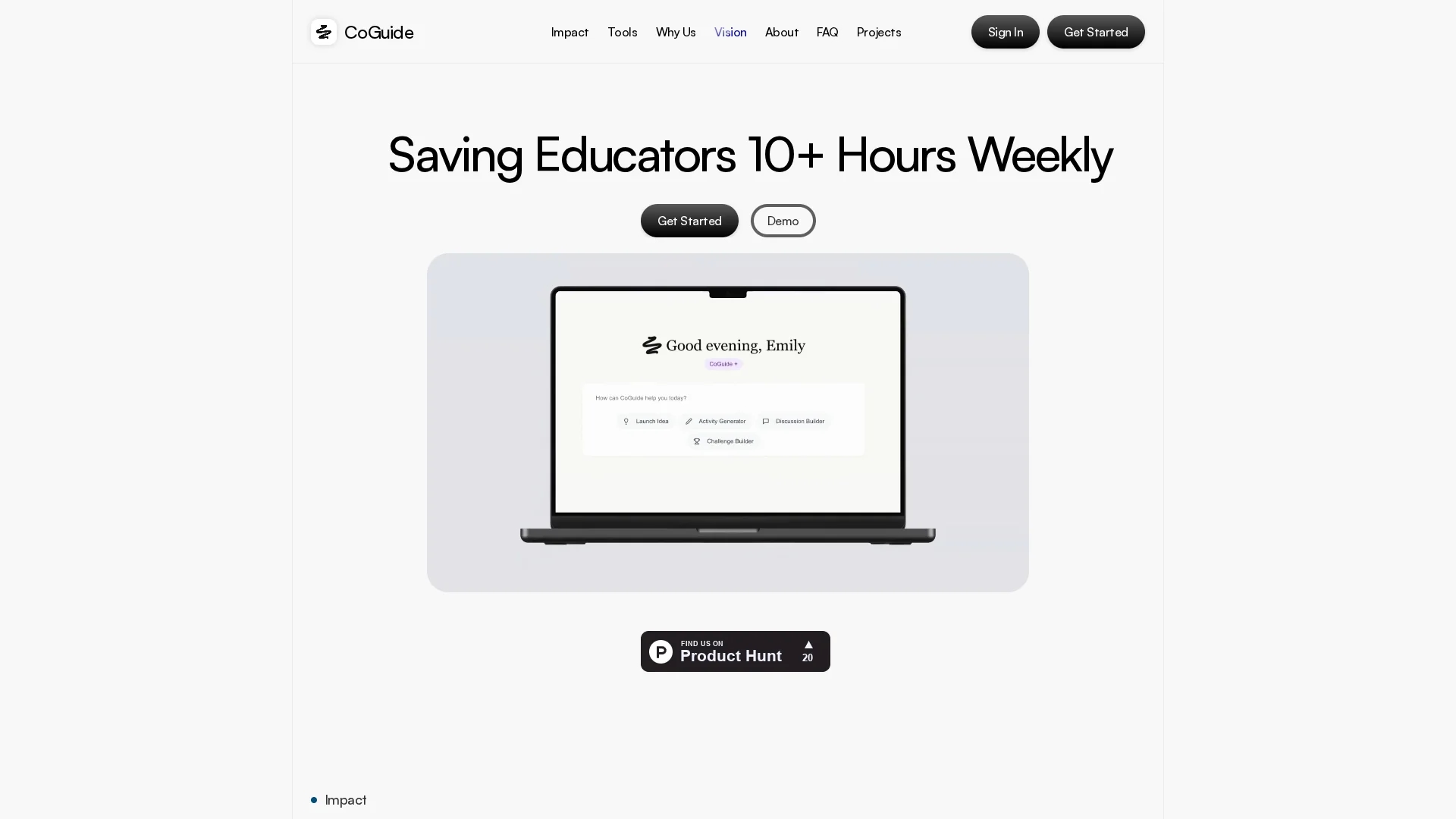
CoGuide is an AI-powered classroom tool that automates discussion facilitation, tracks student participation in real-time, and provides structured resources to enhance educator efficiency and student engagement.
Disclaimer: Visionary Hub is not affiliated with, endorsed by, or the operator of this tool. All trademarks, logos, and content are the property of their respective owners. Full disclaimer available here
Key Features
Real-Time Tracking
Detects hand raises and student participation instantly during discussions.
Discussion Builder
Creates structured, impactful lesson plans quickly and efficiently.
Activity Builder
Generates engaging Socratic activities on demand for any topic.
Platform Integration
Seamlessly exports content to Google Docs and integrates YouTube resources.
Get Started
Share & Save
Share on Social Media
Why Choose CoGuide
Autonomous Leadership:
AI fully manages classroom discussions hands-free, from questions to student calls.Educator-Centered:
Designed with teachers to meet real classroom needs and improve workflow.Patented Vision OS:
Tracks hand raises and contributions in real-time for inclusive participation.
Pricing
Pricing details are not explicitly provided. For current prices and plans, visit the official CoGuide website or contact their team directly.
About CoGuide
CoGuide is an AI-powered classroom tool that automates discussion facilitation, tracks student participation in real-time, and provides structured resources to enhance educator efficiency and student engagement.
What CoGuide Does
CoGuide automates the facilitation of full-class discussions, allowing educators to focus on fostering student engagement rather than managing logistics. It tracks student participation in real-time, ensuring every voice is heard.
Key features include a patented Vision OS for hand raise detection, a discussion builder for structured lesson creation, and an activity builder for Socratic activities. It integrates seamlessly with Google Docs and YouTube for easy content sharing.
CoGuide is suitable for K-12 educators, instructional designers, and learning technologists aiming to improve classroom interaction and streamline lesson planning.
Pros & Cons
Time Saving
Reduces educators' administrative workload by automating discussion management.
Inclusive Engagement
Ensures all students have a voice through real-time participation tracking.
Pricing Transparency
No detailed pricing information publicly available on the homepage.
Limited Public Developer Info
Developer or company details are not explicitly provided.
Frequently Asked Questions
CoGuide automates discussions, tracks hand raises in real-time, and provides builders for discussions and activities.
You can start by scheduling a session via their Calendly link on the homepage.
Yes, it integrates with Google Docs and YouTube for resource sharing and content export.
Pricing details are not publicly listed; contact CoGuide or visit their website for current plans.
CoGuide is designed for educators, facilitators, instructional designers, and curriculum developers.
Similar Tools You Might Like
Discover more AI-powered tools that complement your workflow
List Your AI Tool & Reach Thousands of Users
Join 500+ AI innovators already thriving on our platform. Get visibility, feedback, and boost your conversions.
Expand Your Audience
Connect with over 50,000 AI enthusiasts actively looking for tools like yours.
Boost Your Authority
Get verified reviews and ratings to build credibility in the AI marketplace.
Drive Conversions
Our premium placements and targeted audience deliver quality leads and sign-ups.