
Codia ai
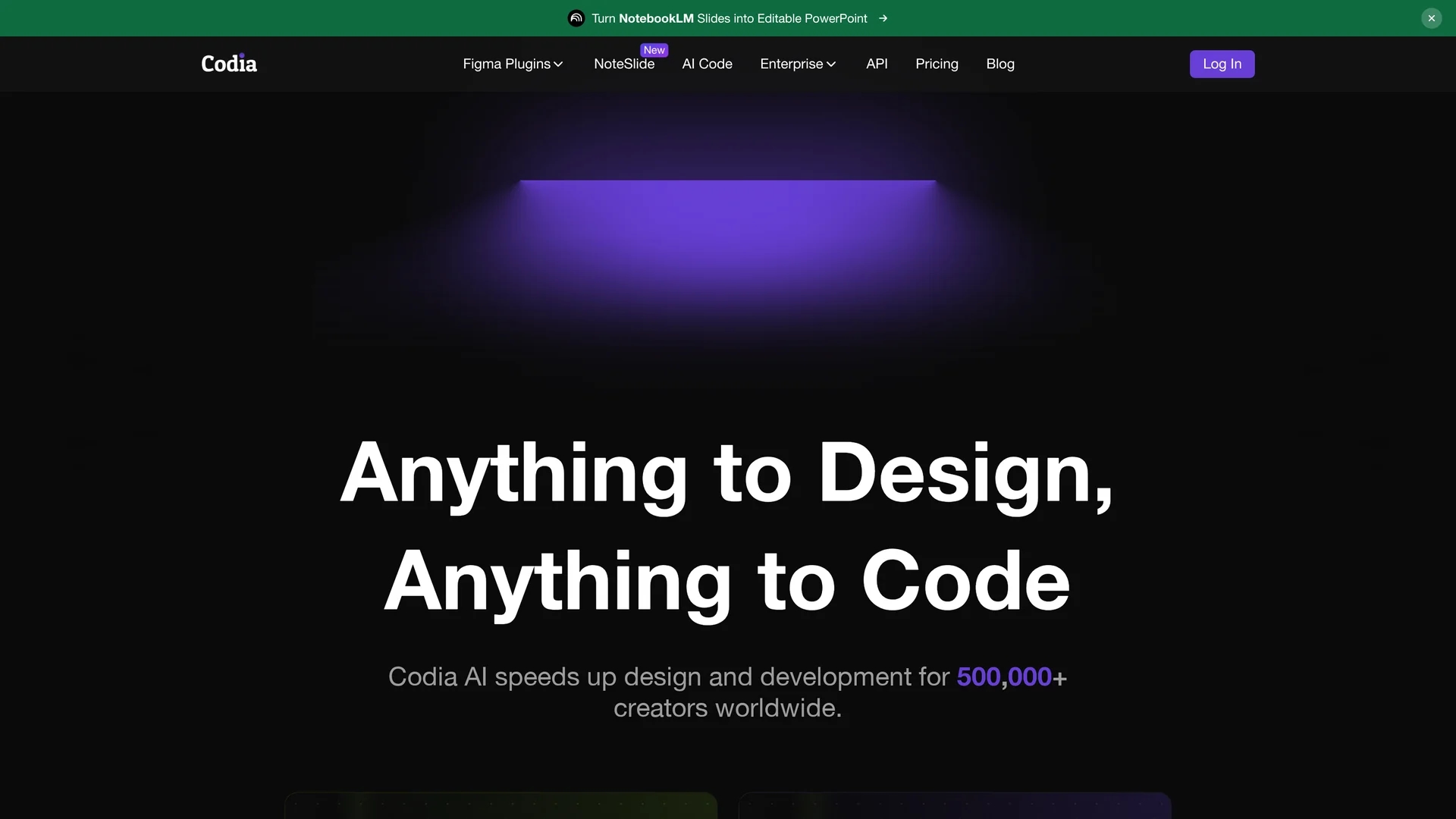
Codia AI is an AI-driven design and development tool that converts screenshots, images, and PDFs into editable Figma designs, generates functional code, and creates responsive web UI components from text prompts.
Disclaimer: Visionary Hub is not affiliated with, endorsed by, or the operator of this tool. All trademarks, logos, and content are the property of their respective owners. Full disclaimer available here
Key Features
Screenshot to Figma
Convert screenshots into fully editable Figma UI designs.
Figma to Code
Transform Figma layouts into production-ready, optimized code.
Text-to-UI Components
Generate responsive web UI components from plain text prompts.
Image to SVG
Convert PNG or JPG images into scalable vector graphics.
Get Started
Share & Save
Share on Social Media
Why Choose Codia ai
Multi-format Conversion:
Supports screenshots, PDFs, images, and web pages for versatile design import.AI-Powered Code:
Generates clean, maintainable code directly from Figma layouts.Responsive UI Generation:
Creates responsive web components from simple text prompts.
Pricing
Codia AI offers a free trial and multiple pricing plans including Free, Manual ($19/developer/month), Starter ($29/developer/month), and Pro ($49/developer/month). Annual billing discounts and enterprise custom pricing are available. Details at the official pricing page.
About Codia ai
Codia AI is an AI-driven design and development tool that converts screenshots, images, and PDFs into editable Figma designs, generates functional code, and creates responsive web UI components from text prompts.
What Codia ai Does
Codia AI converts screenshots, PDFs, images, and other design assets into editable Figma UI designs, enabling rapid prototyping and iteration. It also transforms Figma layouts into clean, maintainable code and generates responsive web UI components from simple text prompts, reducing manual development effort.
The tool uses advanced AI models including visual AI for design recognition and large language models for code generation. It supports various conversions such as PNG/JPG to SVG, Photoshop to Figma, and web pages to editable designs, streamlining cross-platform workflows.
Industries benefiting from Codia AI include product design, web development, frontend engineering, digital marketing, and e-commerce, where fast and accurate design-to-code processes improve efficiency and collaboration.
Pros & Cons
Workflow Efficiency
Speeds up design and development by automating conversions and code generation.
Wide Format Support
Handles multiple file types including PDFs, images, and web pages.
Pricing Complexity
Multiple plans with varying features may require careful selection.
Learning Curve
Advanced features may require time to master for new users.
Frequently Asked Questions
Codia AI converts screenshots, PDFs, PNG/JPG images, Photoshop, Illustrator, Canva, Office files, and web pages into editable Figma designs.
Yes, it transforms Figma layouts into clean, production-ready code for responsive web applications.
Codia AI offers a free trial and a free tier, with paid plans starting at $19 per developer per month.
It uses advanced visual AI for design recognition and large language models for text-to-design and code generation.
Yes, it provides enterprise-grade solutions with custom pricing, high accuracy, and 24/7 support.
Similar Tools You Might Like
Discover more AI-powered tools that complement your workflow


List Your AI Tool & Reach Thousands of Users
Join 500+ AI innovators already thriving on our platform. Get visibility, feedback, and boost your conversions.
Expand Your Audience
Connect with over 50,000 AI enthusiasts actively looking for tools like yours.
Boost Your Authority
Get verified reviews and ratings to build credibility in the AI marketplace.
Drive Conversions
Our premium placements and targeted audience deliver quality leads and sign-ups.