
CodeMate
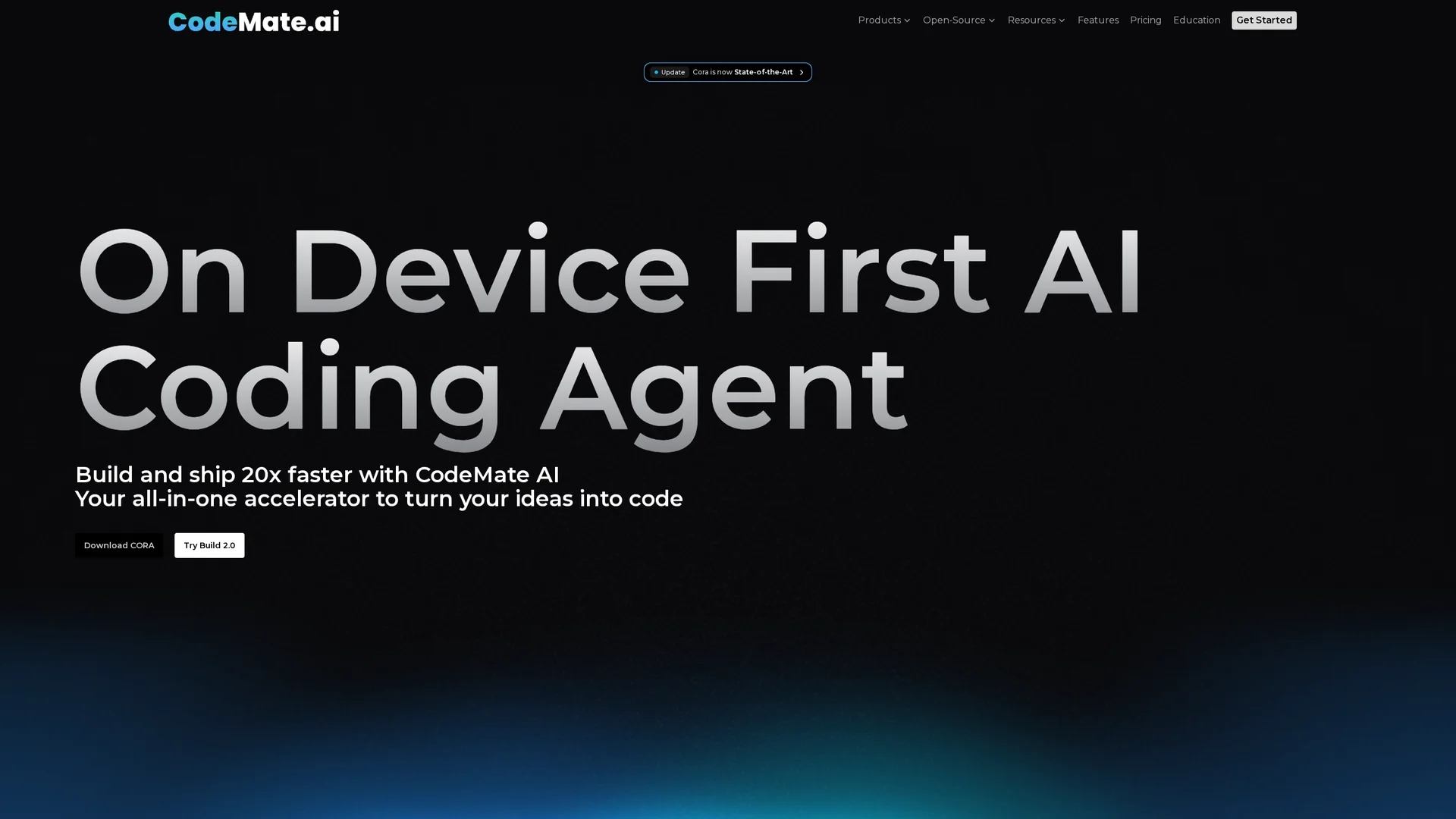
CodeMate is an AI-powered coding assistant that accelerates development by autocorrecting errors, debugging, reviewing, and refactoring code across multiple programming languages.
Disclaimer: Visionary Hub is not affiliated with, endorsed by, or the operator of this tool. All trademarks, logos, and content are the property of their respective owners. Full disclaimer available here
Key Features
AI Autocorrection
Automatically detects and corrects coding errors in real time.
Code Debugging
Identifies and resolves bugs quickly to maintain workflow.
Automated Code Review
Analyzes code quality and adherence to best practices.
Code Refactoring
Optimizes and restructures code for better performance.
Get Started
Share & Save
Share on Social Media
Why Choose CodeMate
Multilingual Support:
Supports over 12 programming languages for versatile coding assistance.Context-Aware Chat:
Offers GPT-4 powered chat tailored to your specific codebase.Seamless Integration:
Integrates smoothly with popular IDEs like Visual Studio Code.
Pricing
CodeMate offers multiple pricing plans: Pro Plan at $8/month for individuals; Teams Plan at $33/month per user for small teams; and custom Organization plans for enterprises. A free trial is available. Details at https://app.codemate.ai/app/pricing.
About CodeMate
CodeMate is an AI-powered coding assistant that accelerates development by autocorrecting errors, debugging, reviewing, and refactoring code across multiple programming languages.
What CodeMate Does
CodeMate functions as an AI coding assistant that accelerates software development by providing real-time autocorrection, debugging, and code review within existing coding environments. It helps developers identify and fix errors quickly, improving code quality and reducing development time.
The tool supports over a dozen programming languages and integrates with IDEs like Visual Studio Code. It offers features such as automated pull request reviews, context-aware chat for codebase-specific questions, documentation generation, and test case creation. CodeMate uses GPT-4 technology and advanced machine learning to analyze code and provide actionable suggestions.
CodeMate is suitable for individual developers, freelancers, and development teams across industries who want to enhance productivity and maintain high coding standards in their projects.
Pros & Cons
Comprehensive Features
Combines debugging, review, refactoring, and chat in one tool.
Security Focused
Uses industry-standard encryption to keep code private and secure.
Pricing Complexity
Multiple plans with varying features may require careful selection.
Learning Curve
Advanced features may require time to fully utilize.
Frequently Asked Questions
CodeMate fixes syntax, logical, performance, and runtime errors using advanced AI algorithms.
It analyzes code against best practices and standards, providing feedback on style, documentation, and bugs.
It supports over 12 languages including Python, JavaScript, Java, C++, and more, with ongoing additions.
Yes, CodeMate uses industry-standard encryption to ensure your code remains private and secure.
Install the CodeMate extension in Visual Studio Code or use the web IDE to access AI-powered features.
Similar Tools You Might Like
Discover more AI-powered tools that complement your workflow
List Your AI Tool & Reach Thousands of Users
Join 500+ AI innovators already thriving on our platform. Get visibility, feedback, and boost your conversions.
Expand Your Audience
Connect with over 50,000 AI enthusiasts actively looking for tools like yours.
Boost Your Authority
Get verified reviews and ratings to build credibility in the AI marketplace.
Drive Conversions
Our premium placements and targeted audience deliver quality leads and sign-ups.