
Codejet
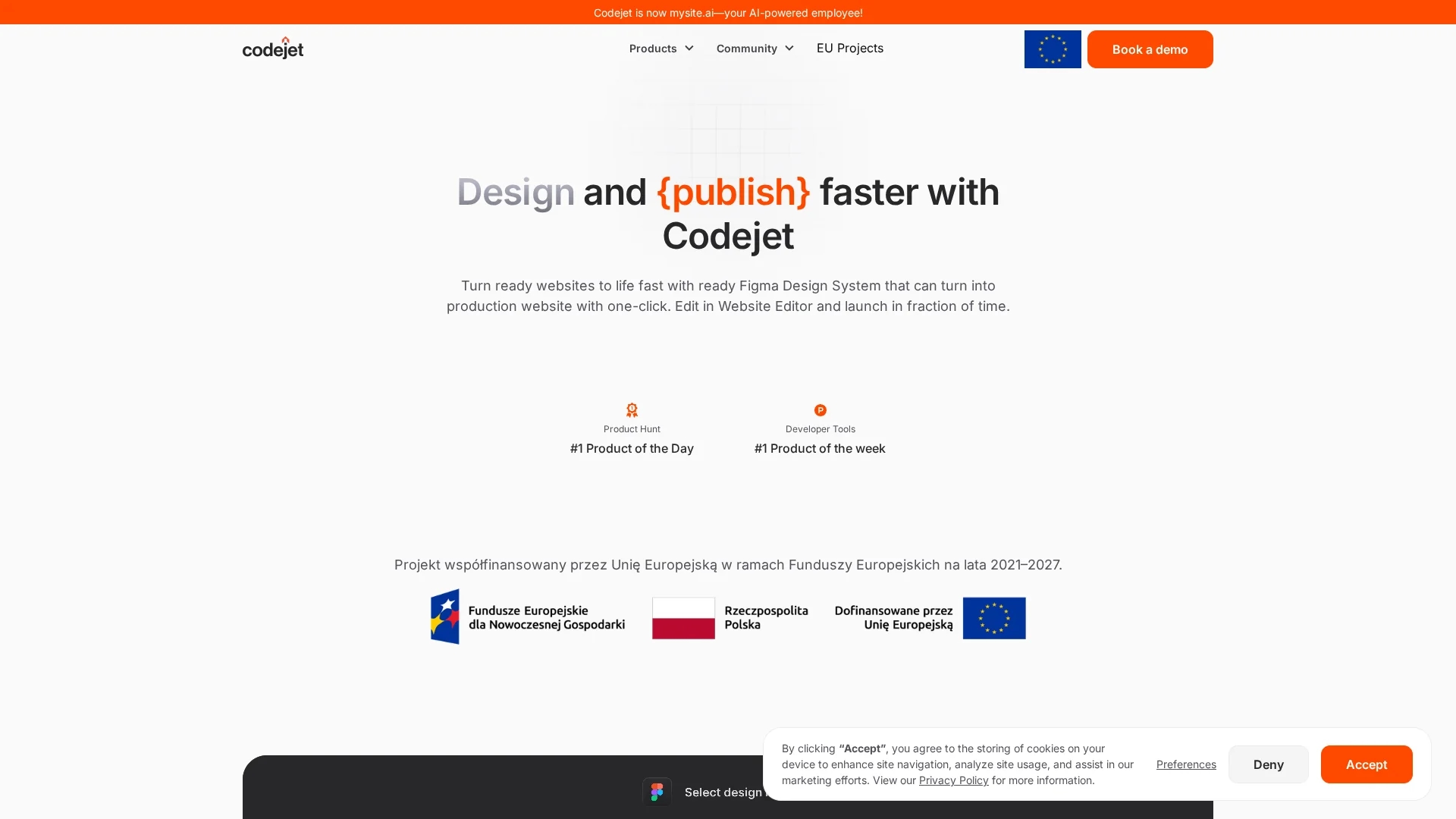
Codejet converts Figma designs into clean, production-ready React and HTML code, accelerating development with responsive, tested, and customizable outputs.
Disclaimer: Visionary Hub is not affiliated with, endorsed by, or the operator of this tool. All trademarks, logos, and content are the property of their respective owners. Full disclaimer available here
Key Features
Figma Integration
Exports designs directly from Figma using a dedicated plugin.
React & HTML Output
Generates production-ready React and HTML code.
Responsive Design
Creates layouts that work on any device without fixed values.
Unit Testing
Includes structured and tested code for reliability.
Get Started
Share & Save
Share on Social Media
Why Choose Codejet
Faster Coding:
Cuts development time by converting designs to code efficiently.Responsive Output:
Generates code that adapts seamlessly to all device sizes.Clean Code:
Produces structured, open-source code with unit testing included.
Pricing
Codejet offers a Freemium plan for simple static sites at no cost. Paid plans include Personal at $39/month with custom domains and premium support, and Business at $11.99/month with expanded features. Visit the pricing page for details.
About Codejet
Codejet converts Figma designs into clean, production-ready React and HTML code, accelerating development with responsive, tested, and customizable outputs.
What Codejet Does
Codejet converts Figma design files into clean, production-ready React and HTML code, enabling developers to accelerate web development and reduce manual coding efforts.
It features a Figma plugin assistant for seamless design export, generates structured and unit-tested code, and produces responsive layouts adaptable to various devices. The tool organizes components, views, and elements systematically for easy customization and integration.
Codejet is ideal for frontend developers, UI/UX engineers, and web designers working on portfolios, business websites, and scalable projects, streamlining workflows in startups, agencies, and enterprises.
Pros & Cons
Efficiency
Significantly speeds up the design-to-code process.
Customization
Allows easy adjustment and editing via a visual editor.
Limited Frameworks
Currently supports only React and HTML; others planned.
Manual Component ID
Interactive components require manual identification for now.
Frequently Asked Questions
Codejet currently supports React and HTML, with plans to add Svelte, Angular, Flutter, and Vue.
Yes, manual identification is needed currently; AI automation is in development.
It avoids fixed element values to generate code adaptable to any device.
It produces clean, open-source, structured, and unit-tested React and HTML code.
Use basic components and autolayout, remove external links, then export via the plugin.
Similar Tools You Might Like
Discover more AI-powered tools that complement your workflow
List Your AI Tool & Reach Thousands of Users
Join 500+ AI innovators already thriving on our platform. Get visibility, feedback, and boost your conversions.
Expand Your Audience
Connect with over 50,000 AI enthusiasts actively looking for tools like yours.
Boost Your Authority
Get verified reviews and ratings to build credibility in the AI marketplace.
Drive Conversions
Our premium placements and targeted audience deliver quality leads and sign-ups.