
CodeGPT
CodeGPT IntelliJ IDE Plugin provides AI-powered coding assistance with chat, custom prompts, text completion, session restoration, and privacy controls for developers.
Disclaimer: Visionary Hub is not affiliated with, endorsed by, or the operator of this tool. All trademarks, logos, and content are the property of their respective owners. Full disclaimer available here
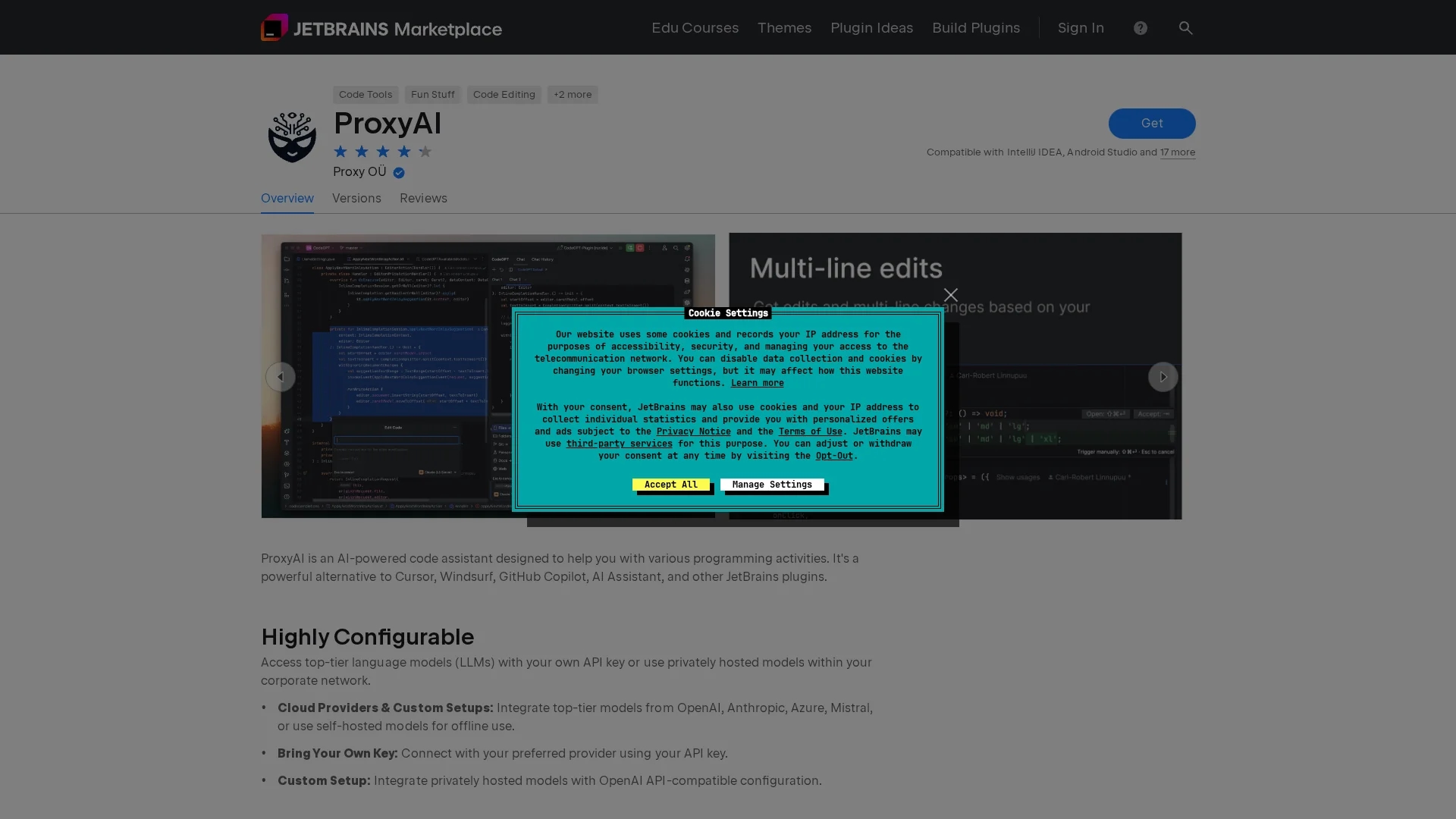
Key Features
Chat Functionality
Ask questions and receive concurrent AI-generated responses.
Custom Prompts
Create and use personalized prompts and code actions.
Multiple Models
Access different AI models for text completion.
Privacy Settings
Adjust privacy preferences for data and sessions.
Get Started
Share & Save
Share on Social Media
Why Choose CodeGPT
AI Assistance:
Offers real-time AI chat and coding help within IntelliJ IDEs.Custom Prompts:
Enables creation of personalized prompts and code actions.Session Management:
Allows reviewing past conversations and restoring sessions.
Pricing
Pricing details are not provided on the homepage. For current prices, visit the official plugin page.
About CodeGPT
CodeGPT IntelliJ IDE Plugin provides AI-powered coding assistance with chat, custom prompts, text completion, session restoration, and privacy controls for developers.
What CodeGPT Does
CodeGPT provides AI-driven coding assistance within IntelliJ IDEs, enabling users to ask coding questions and receive real-time responses to improve efficiency.
It features chat functionality, supports custom prompts and code actions, and allows access to various AI models for text completion, enhancing developer workflows.
This plugin is suitable for developers, software engineers, data scientists, and students seeking to accelerate coding tasks and learn programming more effectively.
Pros & Cons
Integration
Seamlessly integrates AI assistance into IntelliJ IDEs.
Flexibility
Supports custom prompts and multiple AI models.
API Key Required
Users must configure an OpenAI API key to use the plugin.
Pricing Unknown
No clear pricing information is provided on the homepage.
Frequently Asked Questions
It offers AI chat, custom prompts, code actions, and text completion within IntelliJ IDEs.
Yes, users must configure an OpenAI API key to activate the plugin.
Pricing details are not provided; check the official plugin page for updates.
Yes, the plugin allows reviewing past chats and restoring previous sessions.
Yes, users can access different models for text completion.
Similar Tools You Might Like
Discover more AI-powered tools that complement your workflow
List Your AI Tool & Reach Thousands of Users
Join 500+ AI innovators already thriving on our platform. Get visibility, feedback, and boost your conversions.
Expand Your Audience
Connect with over 50,000 AI enthusiasts actively looking for tools like yours.
Boost Your Authority
Get verified reviews and ratings to build credibility in the AI marketplace.
Drive Conversions
Our premium placements and targeted audience deliver quality leads and sign-ups.