Code to Flow
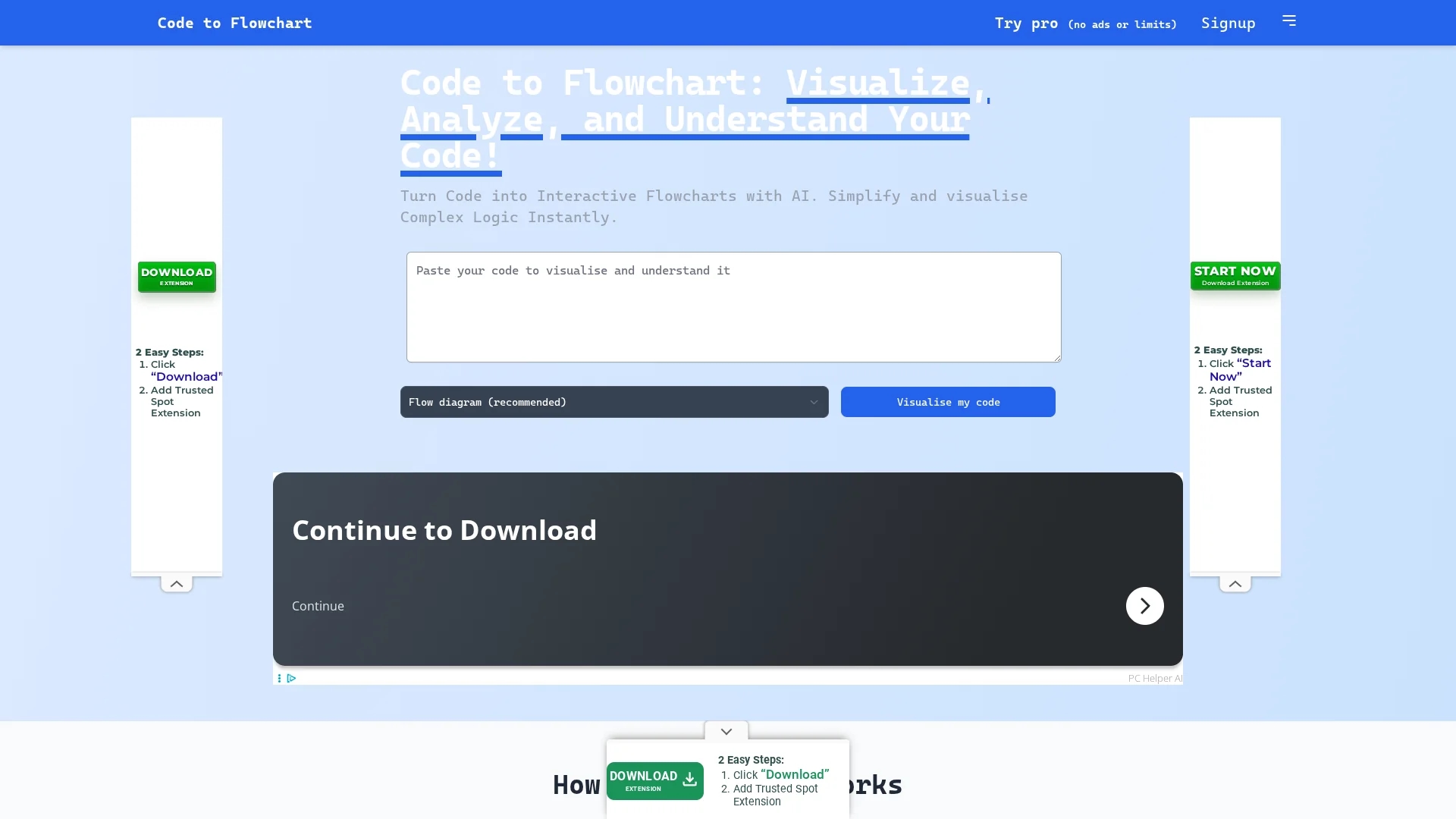
CodeToFlow AI Tool converts complex code into interactive flowcharts, enhancing code comprehension, debugging, and collaboration across multiple programming languages.
Disclaimer: Visionary Hub is not affiliated with, endorsed by, or the operator of this tool. All trademarks, logos, and content are the property of their respective owners. Full disclaimer available here
Key Features
Code Visualization
Converts code into interactive flowcharts for easier understanding.
Language Compatibility
Supports major programming languages including Python and JavaScript.
Export Options
Allows exporting diagrams as SVG, PNG, or PDF files.
Pro Version
Provides unlimited visualizations, longer code support, and custom branding.
Get Started
Share & Save
Share on Social Media
Why Choose Code to Flow
Multi-language Support:
Works with Python, JavaScript, Java, C++, and more for versatile code visualization.Interactive Flowcharts:
Generates editable, shareable diagrams to simplify complex code logic.Pro Features:
Offers unlimited visualizations and custom branding for professional use.
Pricing
CodeToFlow offers a 3-day free trial for its Pro version. Pricing includes a Monthly Pro plan at $9.99/month, a One-Time Starter plan for $26.99, and a One-time Unlimited Pro plan for $66.99, all providing varying levels of access and features.
About Code to Flow
CodeToFlow AI Tool converts complex code into interactive flowcharts, enhancing code comprehension, debugging, and collaboration across multiple programming languages.
What Code to Flow Does
CodeToFlow transforms source code into interactive flowcharts that visualize program logic, helping developers understand and debug complex code structures quickly.
It supports multiple programming languages and uses AI to analyze code components like functions and classes, generating flowcharts, sequence diagrams, and class diagrams. Users can interact with, customize, and export these visualizations in formats such as SVG, PNG, or PDF.
This tool is useful across software development, project management, and education, facilitating clearer communication and efficient code reviews in teams and individual projects.
Pros & Cons
Enhanced Debugging
Visual flowcharts help identify code issues faster.
Improved Collaboration
Shareable diagrams facilitate team communication.
Limited Free Use
Free version restricts daily flowchart generation and code length.
No Developer Info
Developer or company details are not publicly disclosed.
Frequently Asked Questions
It supports Python, JavaScript, TypeScript, Java, C, C++, and other major languages.
Yes, a 3-day free trial is offered to experience full Pro features.
You can sign up via the homepage signup page at https://codetoflow.com/accounts/signup/.
Yes, flowcharts can be exported as SVG, PNG, or PDF files.
No, the platform does not save or share your code for privacy.
Similar Tools You Might Like
Discover more AI-powered tools that complement your workflow



List Your AI Tool & Reach Thousands of Users
Join 500+ AI innovators already thriving on our platform. Get visibility, feedback, and boost your conversions.
Expand Your Audience
Connect with over 50,000 AI enthusiasts actively looking for tools like yours.
Boost Your Authority
Get verified reviews and ratings to build credibility in the AI marketplace.
Drive Conversions
Our premium placements and targeted audience deliver quality leads and sign-ups.