
Code Screenshot
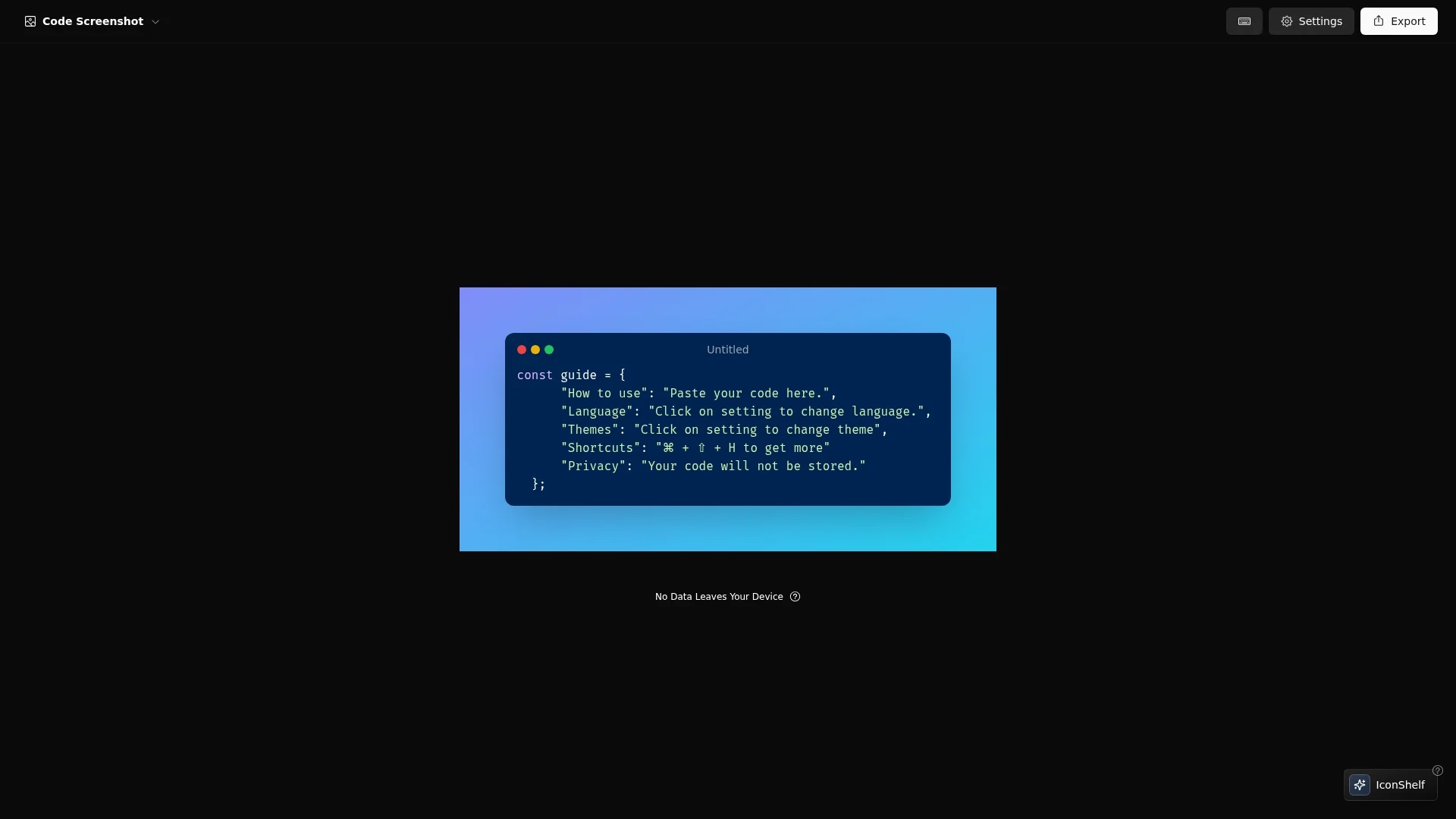
Code Screenshot converts code snippets into visually appealing images with syntax highlighting, customizable themes, and local storage for privacy.
Disclaimer: Visionary Hub is not affiliated with, endorsed by, or the operator of this tool. All trademarks, logos, and content are the property of their respective owners. Full disclaimer available here
Key Features
Code-to-Image
Converts code snippets into clear, styled images.
Multi-language Support
Supports syntax highlighting for various programming languages.
Keyboard Shortcuts
Enables quick access and faster workflow.
Privacy Focus
Stores code locally to protect sensitive information.
Get Started
Share & Save
Share on Social Media
Why Choose Code Screenshot
Syntax Highlighting:
Ensures accurate code coloring for better readability.Local Storage:
Keeps code secure by storing data locally without cloud use.Custom Themes:
Offers multiple presentation styles to match project needs.
Pricing
For current prices, visit the official page.
About Code Screenshot
Code Screenshot converts code snippets into visually appealing images with syntax highlighting, customizable themes, and local storage for privacy.
What Code Screenshot Does
Code Screenshot transforms plain code snippets into high-quality images that maintain accurate syntax highlighting and formatting, improving readability for presentations and tutorials.
It supports various programming languages and offers customizable themes, allowing users to select styles that fit their project needs. Keyboard shortcuts streamline the conversion process, enhancing productivity.
This tool is useful for software developers, technical writers, and designers who want to create engaging visual content featuring code, suitable for documentation and social media posts.
Pros & Cons
Ease of Use
Simple interface with keyboard shortcuts for fast operation.
Privacy
No cloud storage ensures code confidentiality.
Limited Pricing Info
No detailed pricing available on the homepage.
No Signup Link
No direct registration or signup URL found.
Frequently Asked Questions
It supports various programming languages with accurate syntax highlighting.
Pricing details are not specified; visit the official page for current plans.
No, it stores all code locally to ensure privacy and security.
Yes, keyboard shortcuts enhance workflow efficiency.
Yes, multiple customizable themes are available for presentation styles.
Similar Tools You Might Like
Discover more AI-powered tools that complement your workflow
List Your AI Tool & Reach Thousands of Users
Join 500+ AI innovators already thriving on our platform. Get visibility, feedback, and boost your conversions.
Expand Your Audience
Connect with over 50,000 AI enthusiasts actively looking for tools like yours.
Boost Your Authority
Get verified reviews and ratings to build credibility in the AI marketplace.
Drive Conversions
Our premium placements and targeted audience deliver quality leads and sign-ups.