
Coda
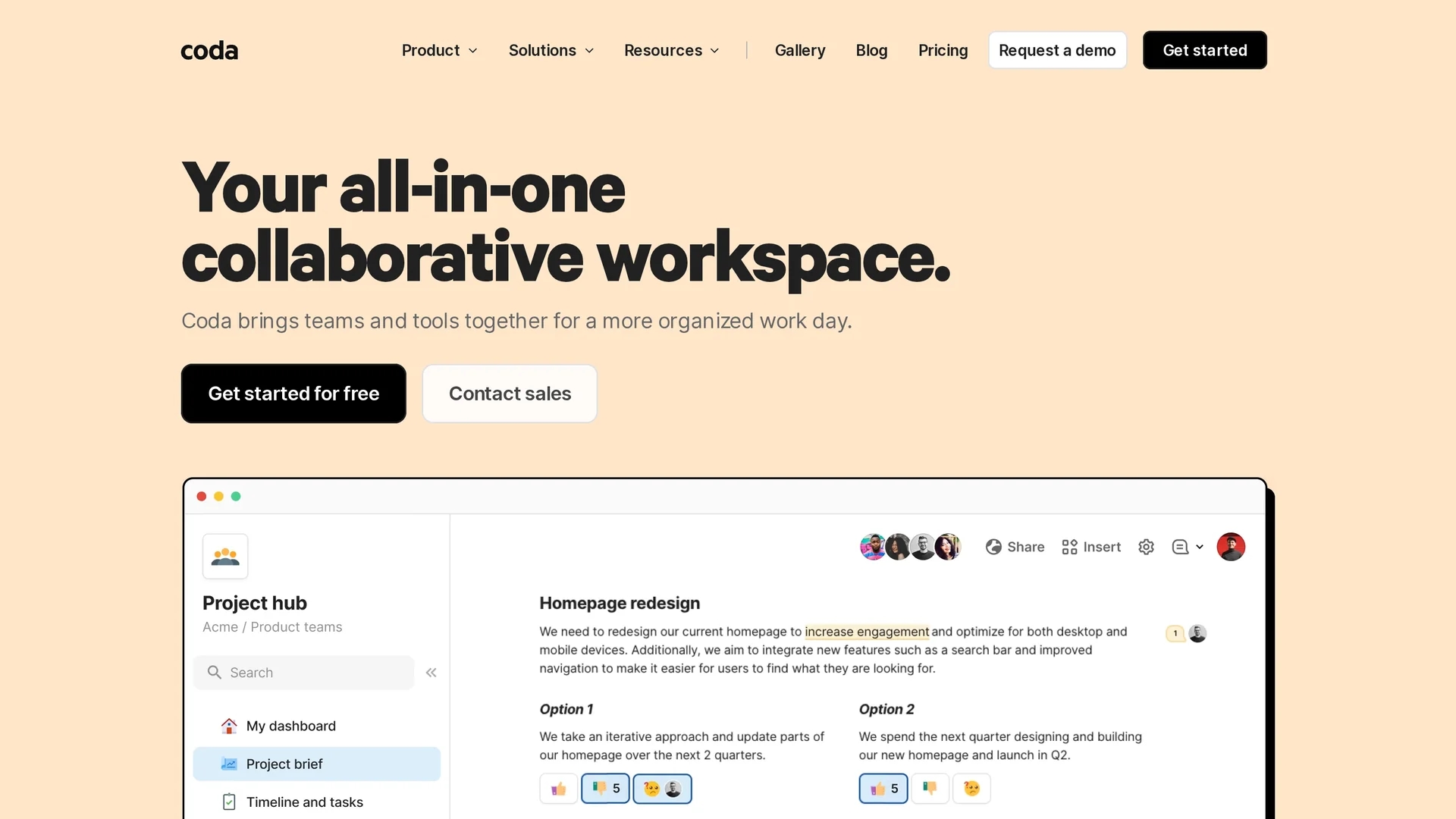
Coda is a customizable workspace that combines docs, databases, and presentations with seamless app integrations for streamlined team collaboration and productivity.
Disclaimer: Visionary Hub is not affiliated with, endorsed by, or the operator of this tool. All trademarks, logos, and content are the property of their respective owners. Full disclaimer available here
Key Features
All-in-One Workspace
Combine docs, databases, and presentations seamlessly.
Templates
Access a variety of customizable templates for quick setup.
App Integrations
Integrate with popular apps to automate workflows.
Document Locking
Lock docs to save changes and prevent unwanted edits.
Get Started
Share & Save
Share on Social Media
Why Choose Coda
Customizable:
Tailor workspaces to fit unique team workflows and project needs.Collaboration:
Facilitates real-time teamwork with powerful shared editing tools.Integration:
Connects easily with other apps to centralize work in one place.
Pricing
Coda offers a generous free plan with essential features. Paid plans include Pro and Team options with advanced capabilities. Visit the official page for detailed pricing.
About Coda
Coda is a customizable workspace that combines docs, databases, and presentations with seamless app integrations for streamlined team collaboration and productivity.
What Coda Does
Coda allows users to create, organize, and collaborate on documents, databases, and presentations within a single platform. It helps teams manage projects and workflows efficiently by centralizing information.
The platform features customizable templates, real-time collaboration tools, and integrations with popular apps and services, enabling seamless data flow and automation. Users can lock documents to save changes and maintain version control.
Coda is used across various industries including startups, enterprises, and remote teams to streamline communication, project management, and data organization.
Pros & Cons
Free Plan
Offers a generous free tier with essential features.
Customization
Highly customizable to adapt to different workflows.
No Desktop App
Lacks a dedicated desktop application for offline use.
Learning Curve
Customization options may require time to master.
Frequently Asked Questions
You can create documents, databases, and presentations all within Coda's platform.
Yes, Coda provides a generous free plan with essential features.
Coda supports integrations with various popular apps to automate workflows.
Currently, Coda does not offer a dedicated desktop application.
Coda offers documentation and tutorials to help users get started.
Similar Tools You Might Like
Discover more AI-powered tools that complement your workflow
List Your AI Tool & Reach Thousands of Users
Join 500+ AI innovators already thriving on our platform. Get visibility, feedback, and boost your conversions.
Expand Your Audience
Connect with over 50,000 AI enthusiasts actively looking for tools like yours.
Boost Your Authority
Get verified reviews and ratings to build credibility in the AI marketplace.
Drive Conversions
Our premium placements and targeted audience deliver quality leads and sign-ups.